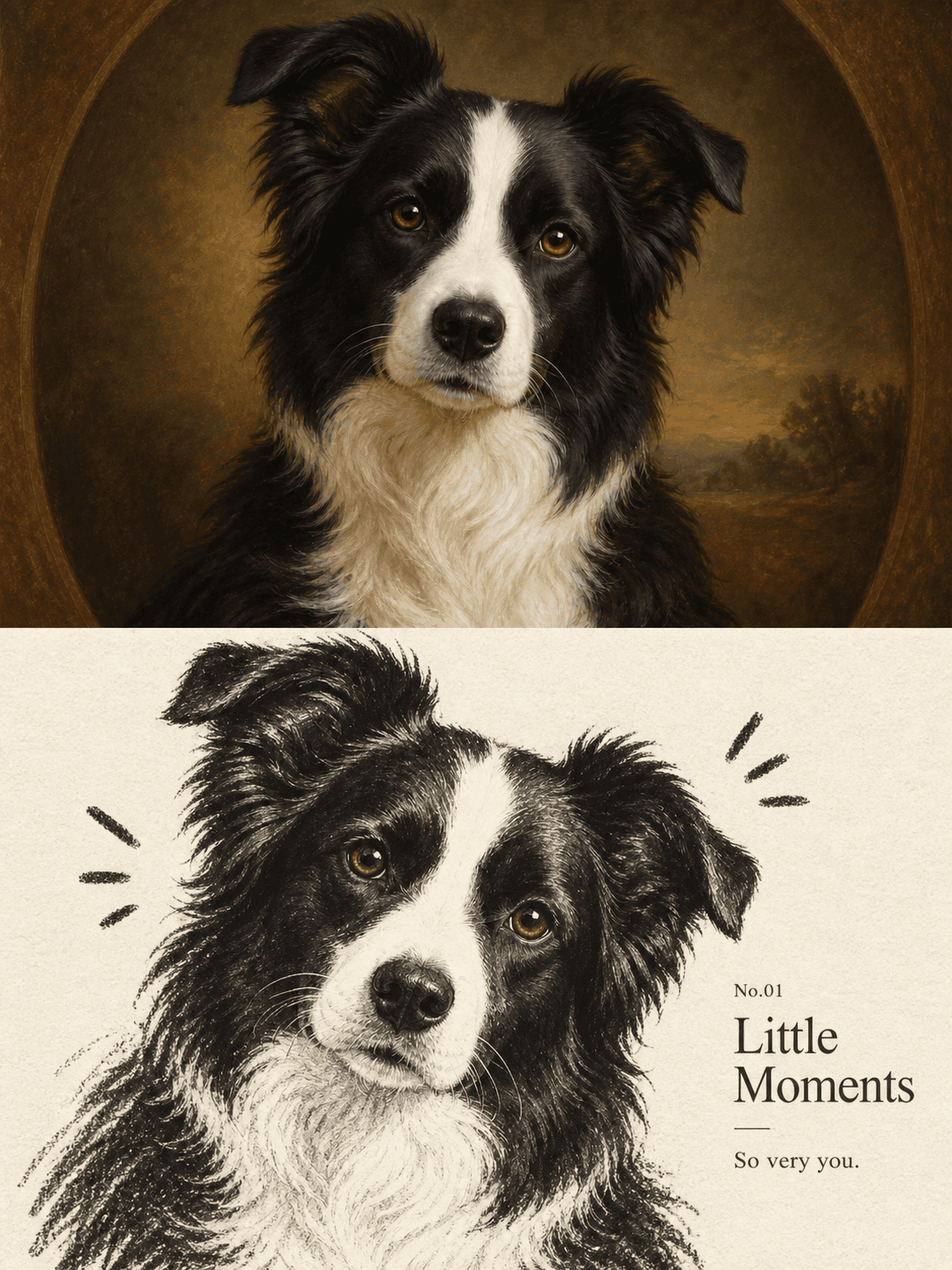
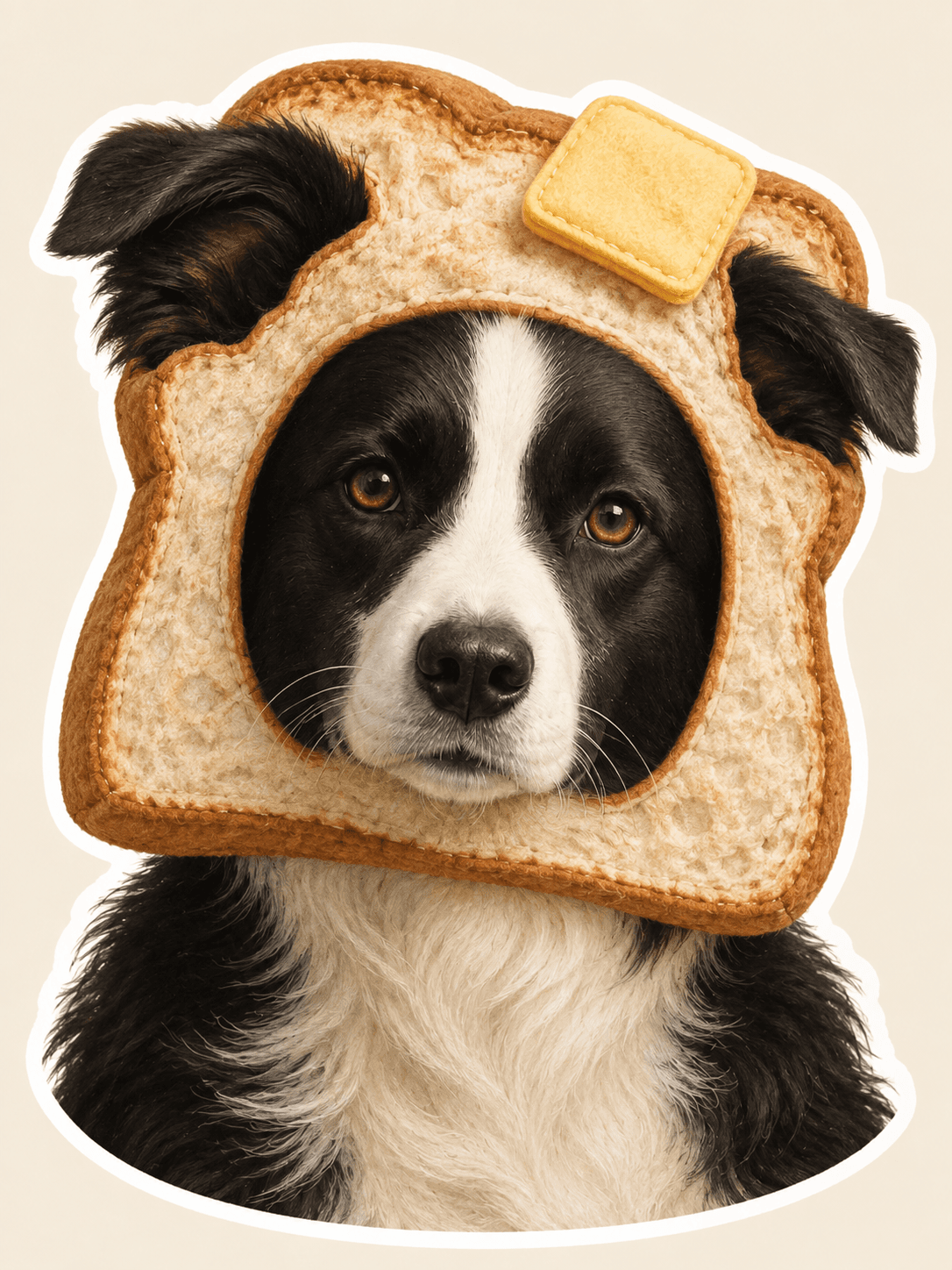
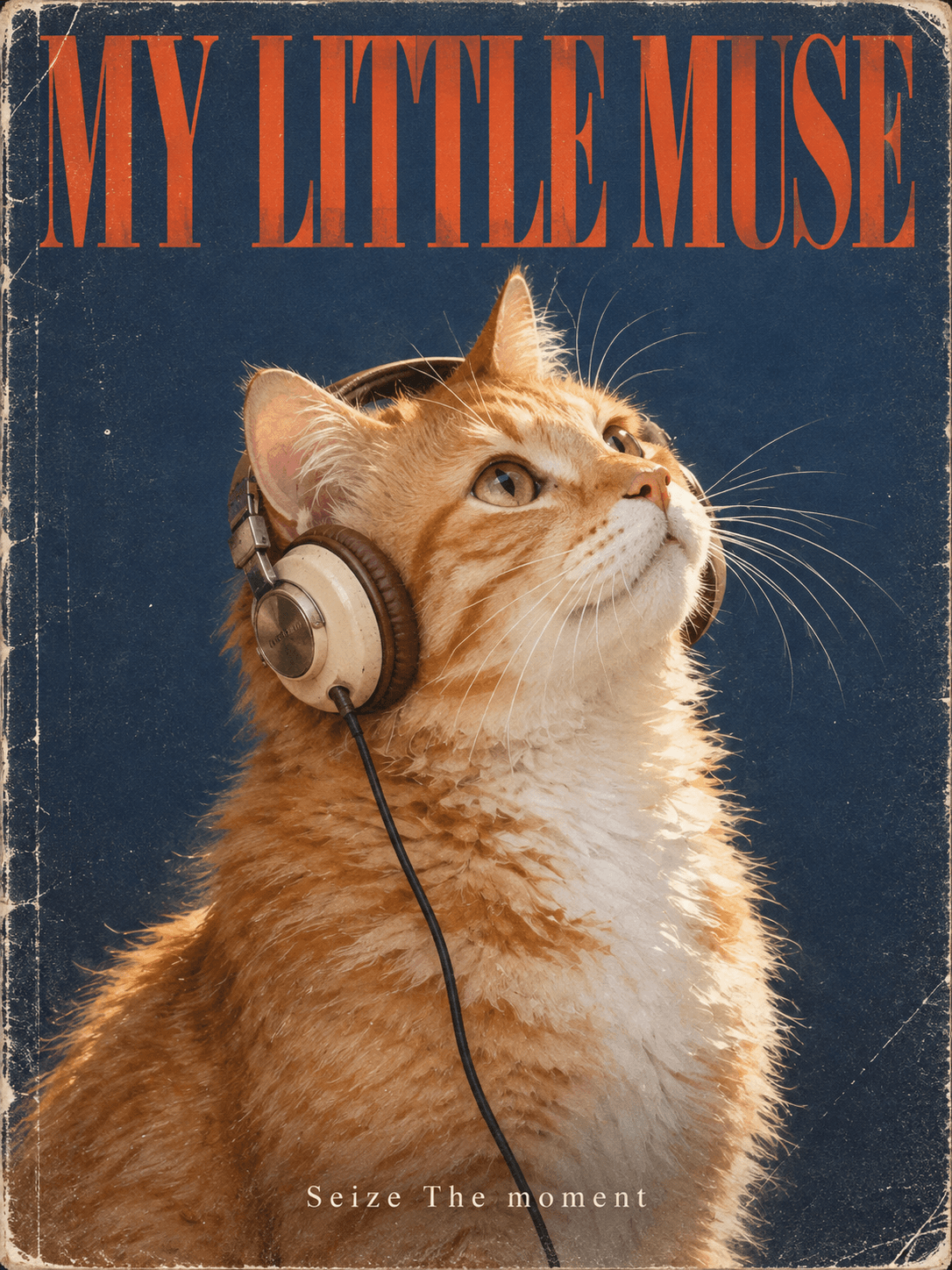
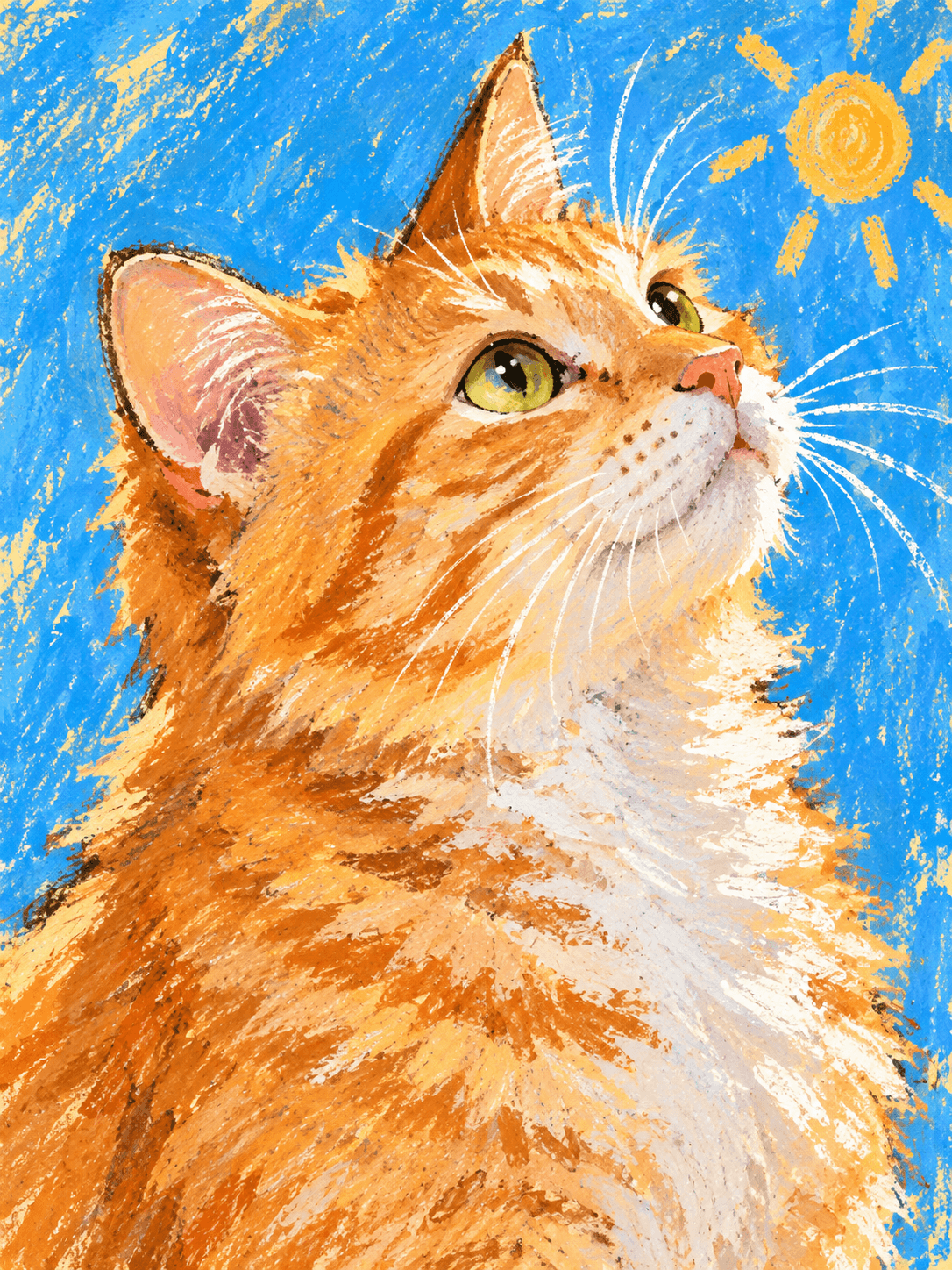
Upload one photo of your dog or cat and Pomly turns it into a pet portrait in about a minute. Your first portrait is free — no sign-up, no artist to book.
Or drop an image here
JPG, PNG or WebP · up to 20 MB
✦ GET INSPIRED · 32 AI EXAMPLES
15 pet portrait styles from watercolor to magazine covers.
Explore every look in one continuous wall. View a style larger or take it back to the studio. Examples show prior trials and do not guarantee an identical result.
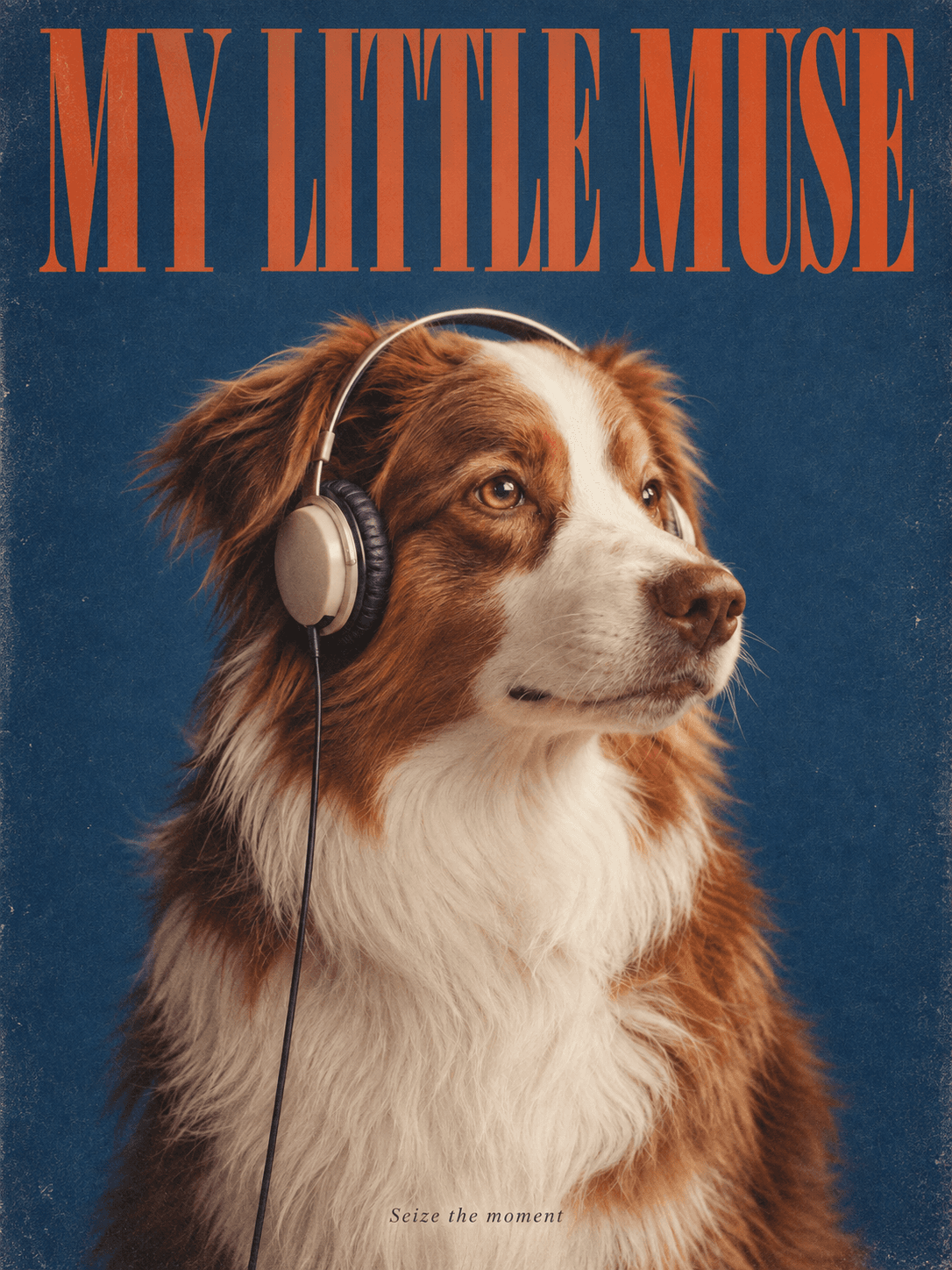
Magazine Muse
A retro magazine cover with headphones and your own headline.
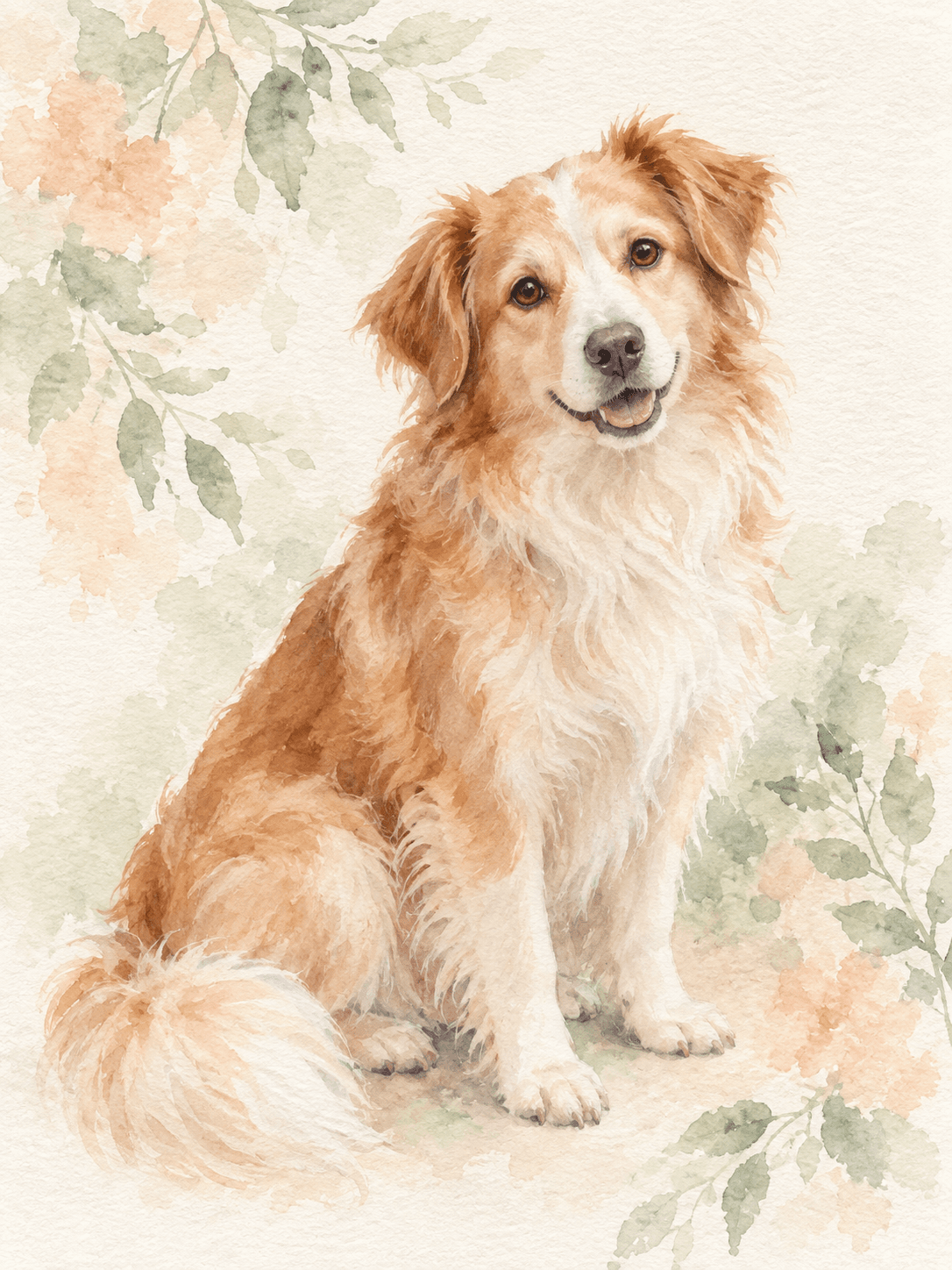
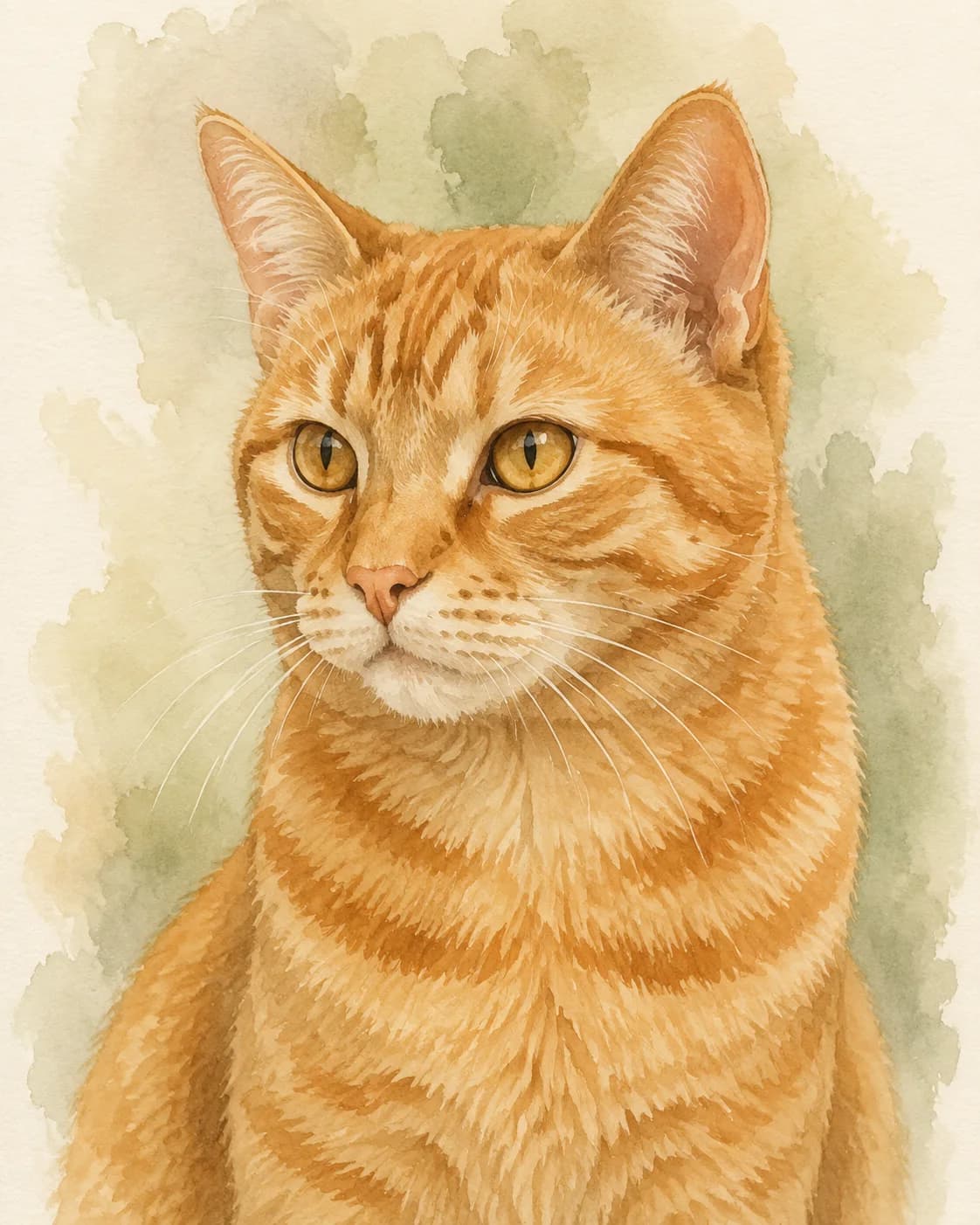
Soft Watercolor
A light, airy watercolor that preserves their familiar face.
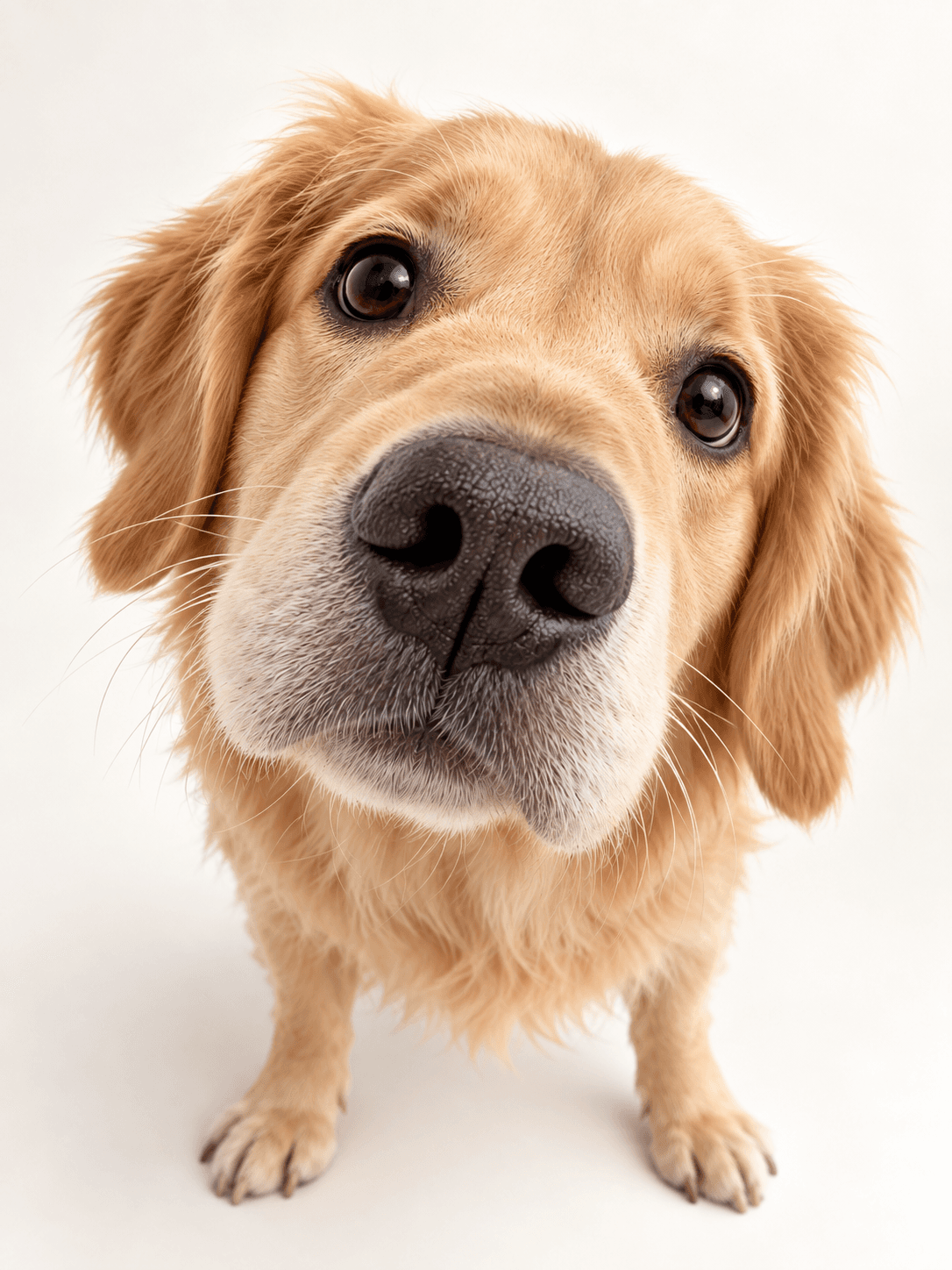
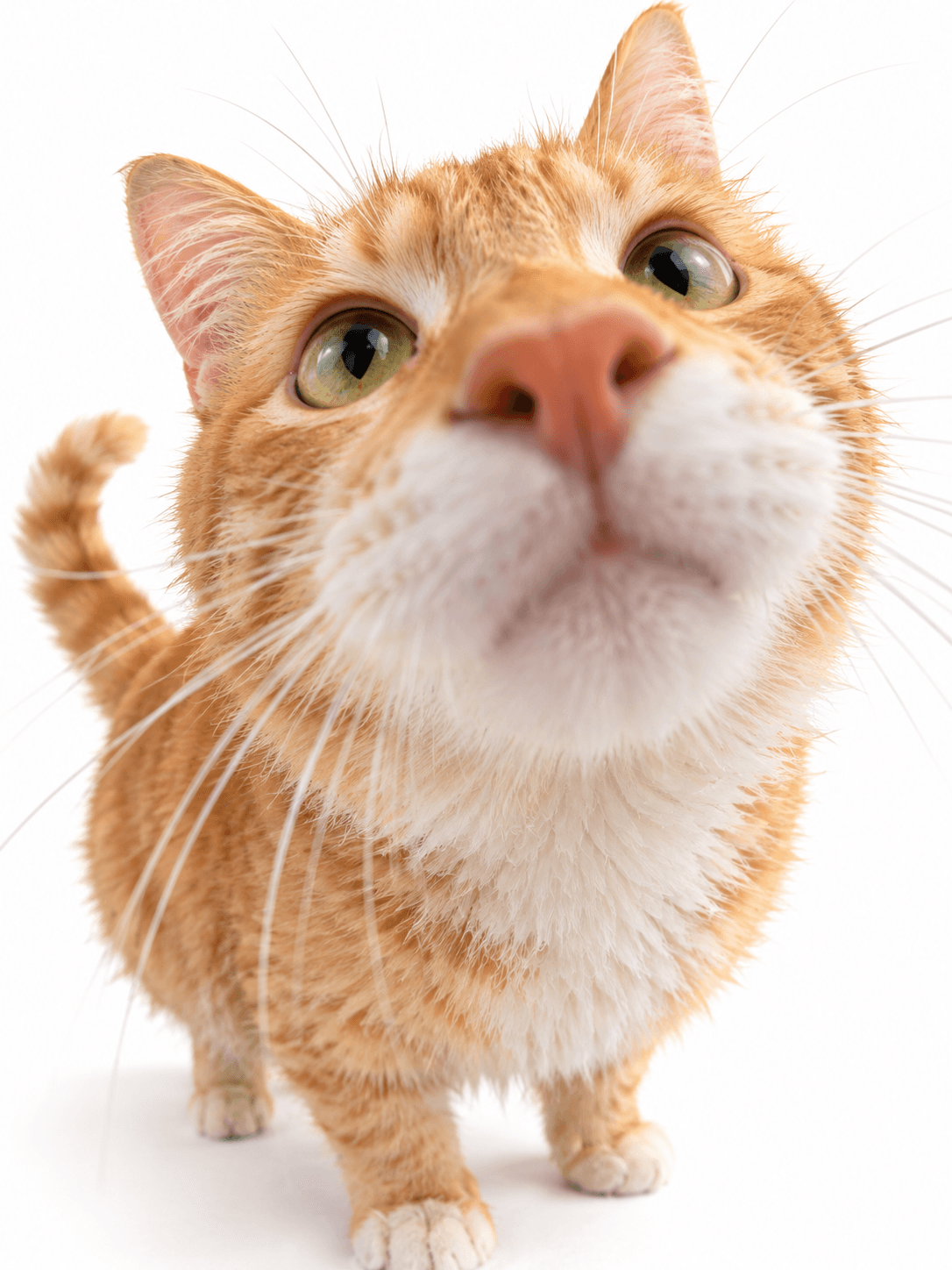
Hello, Big Nose
A playful wide-angle close-up with an irresistibly oversized nose.
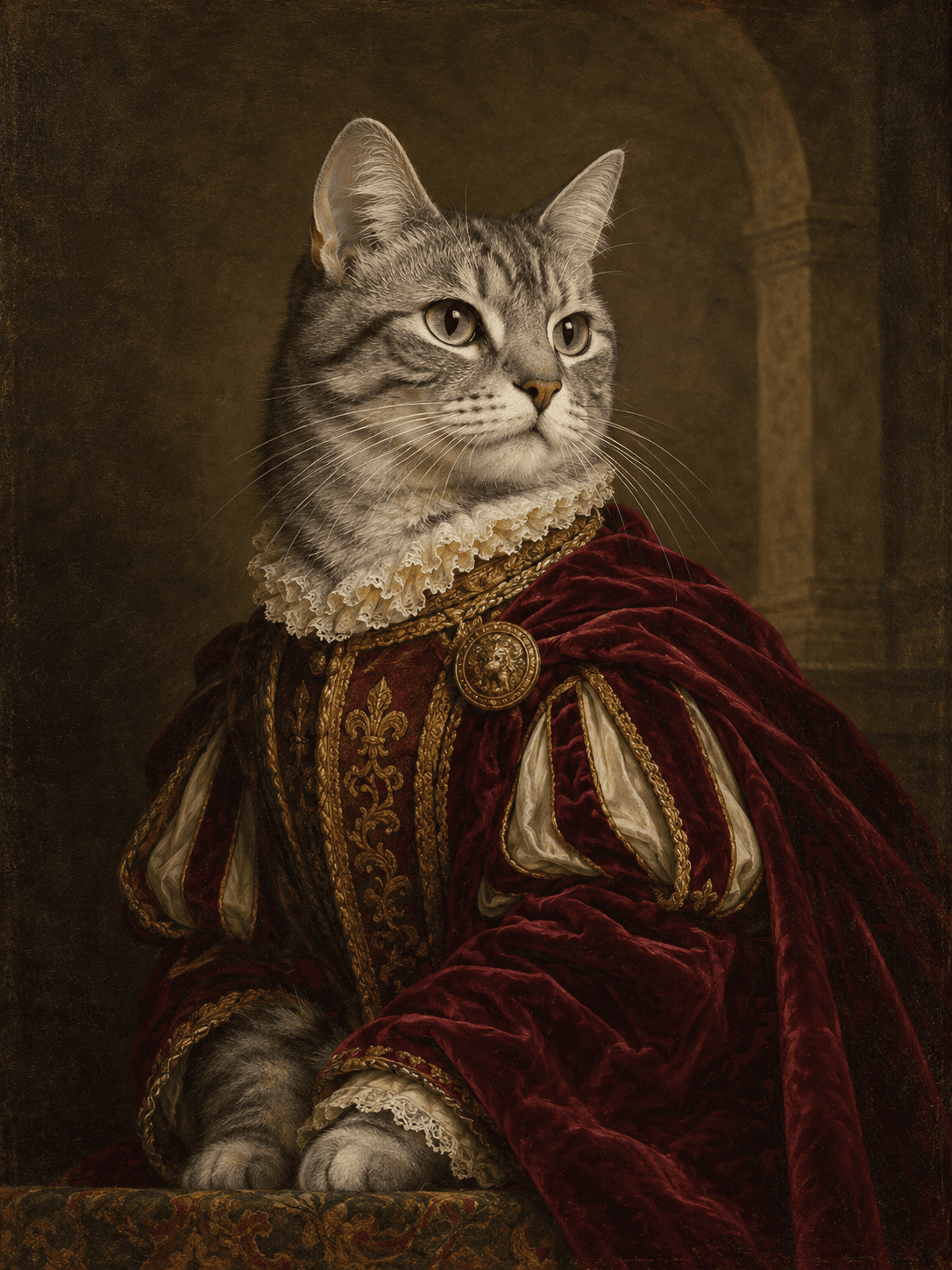
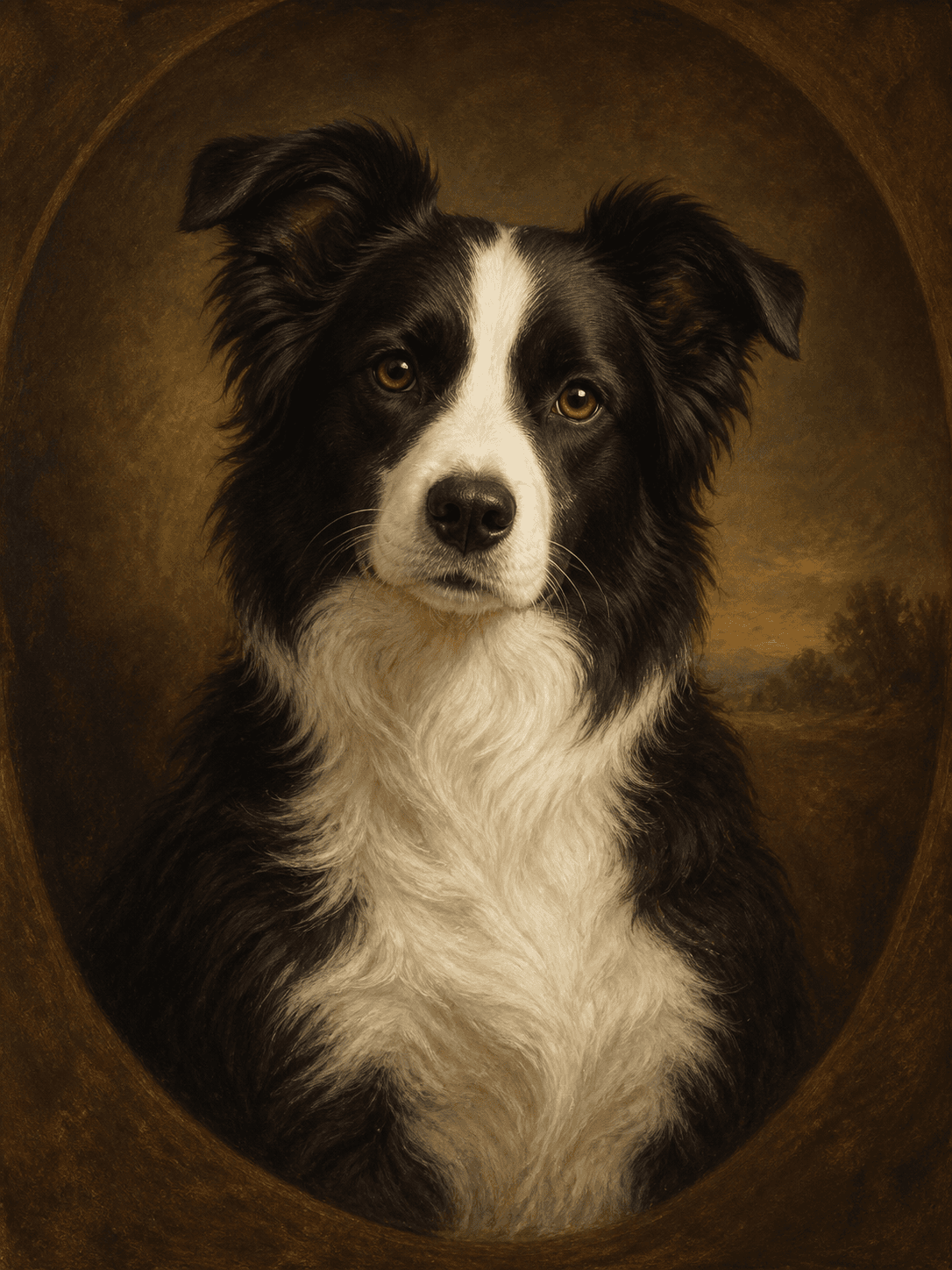
Royal Portrait
Your pet reimagined as a dignified Renaissance oil painting.
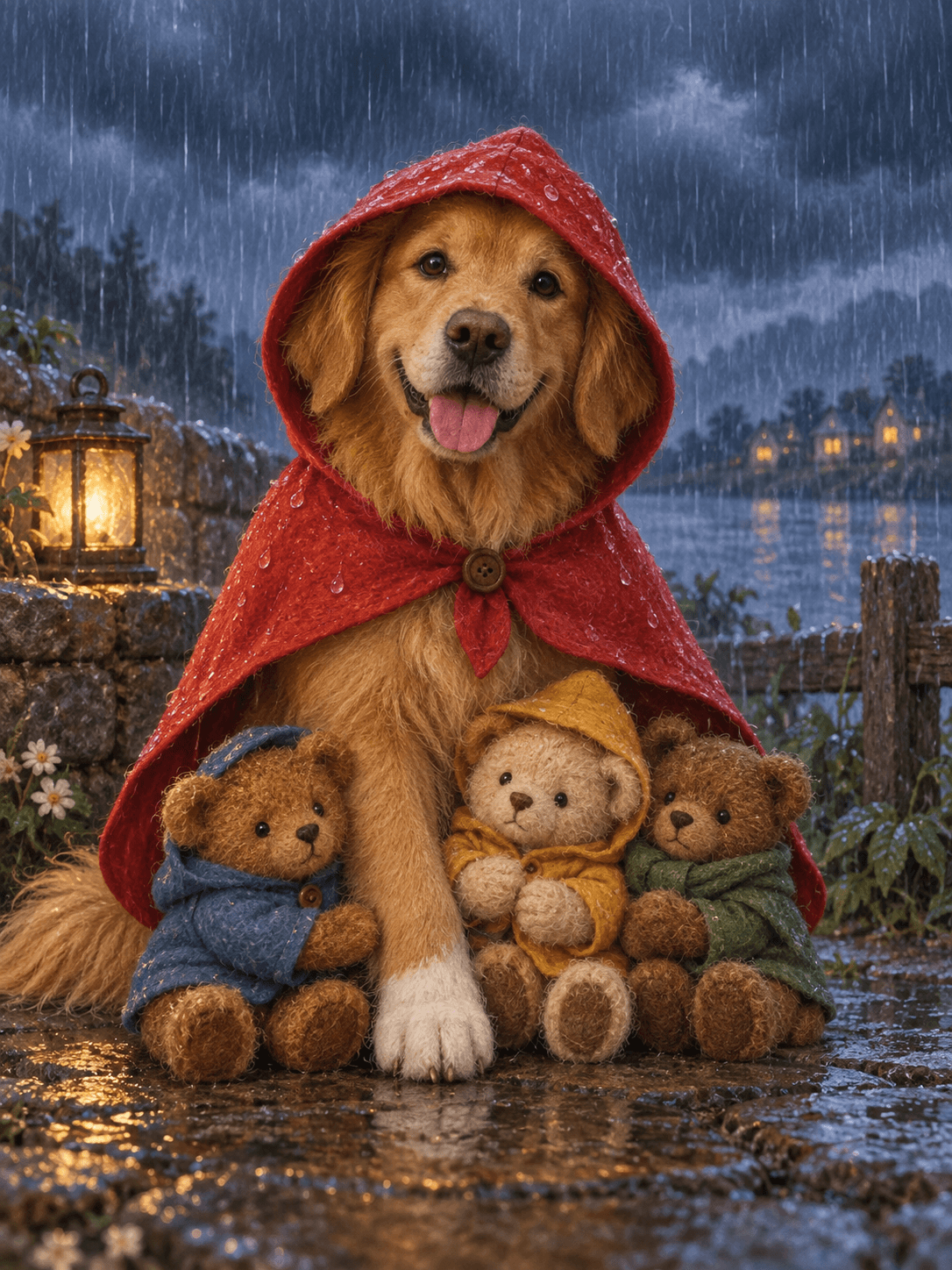
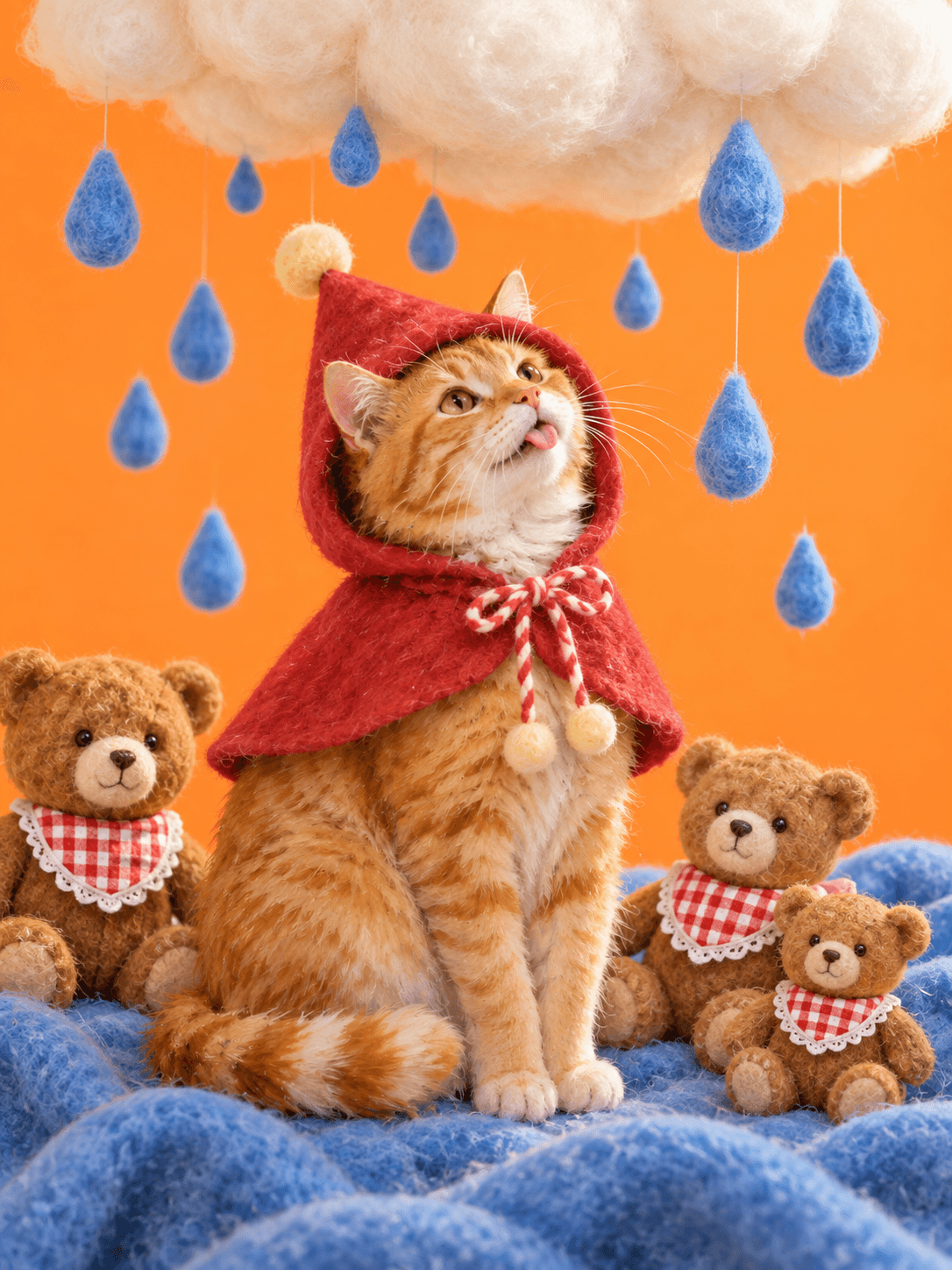
Rainy Day Story
A storybook portrait in a red rain cape with three little companions.
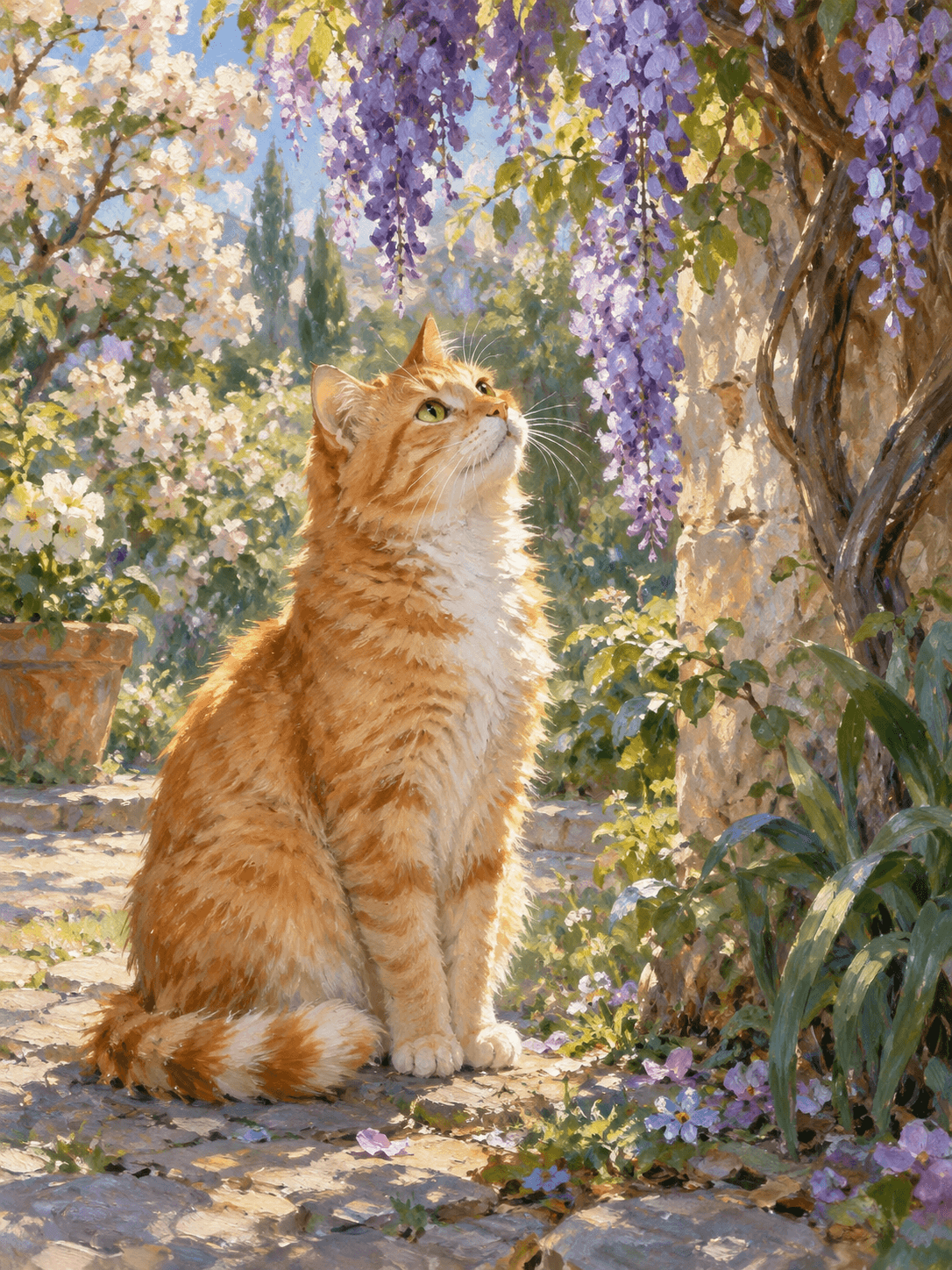
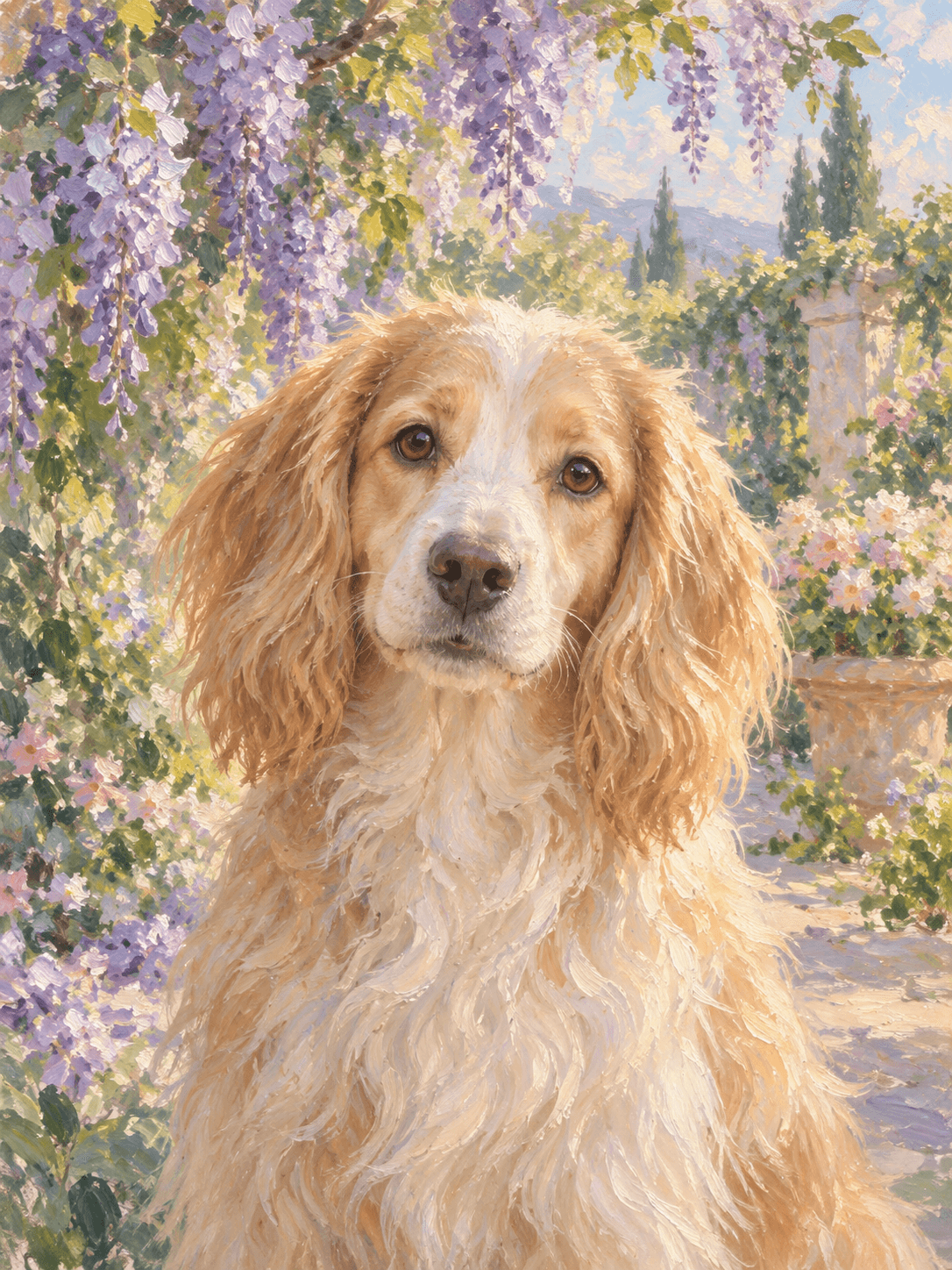
Monet Garden
An impressionist oil painting beneath blooming wisteria.
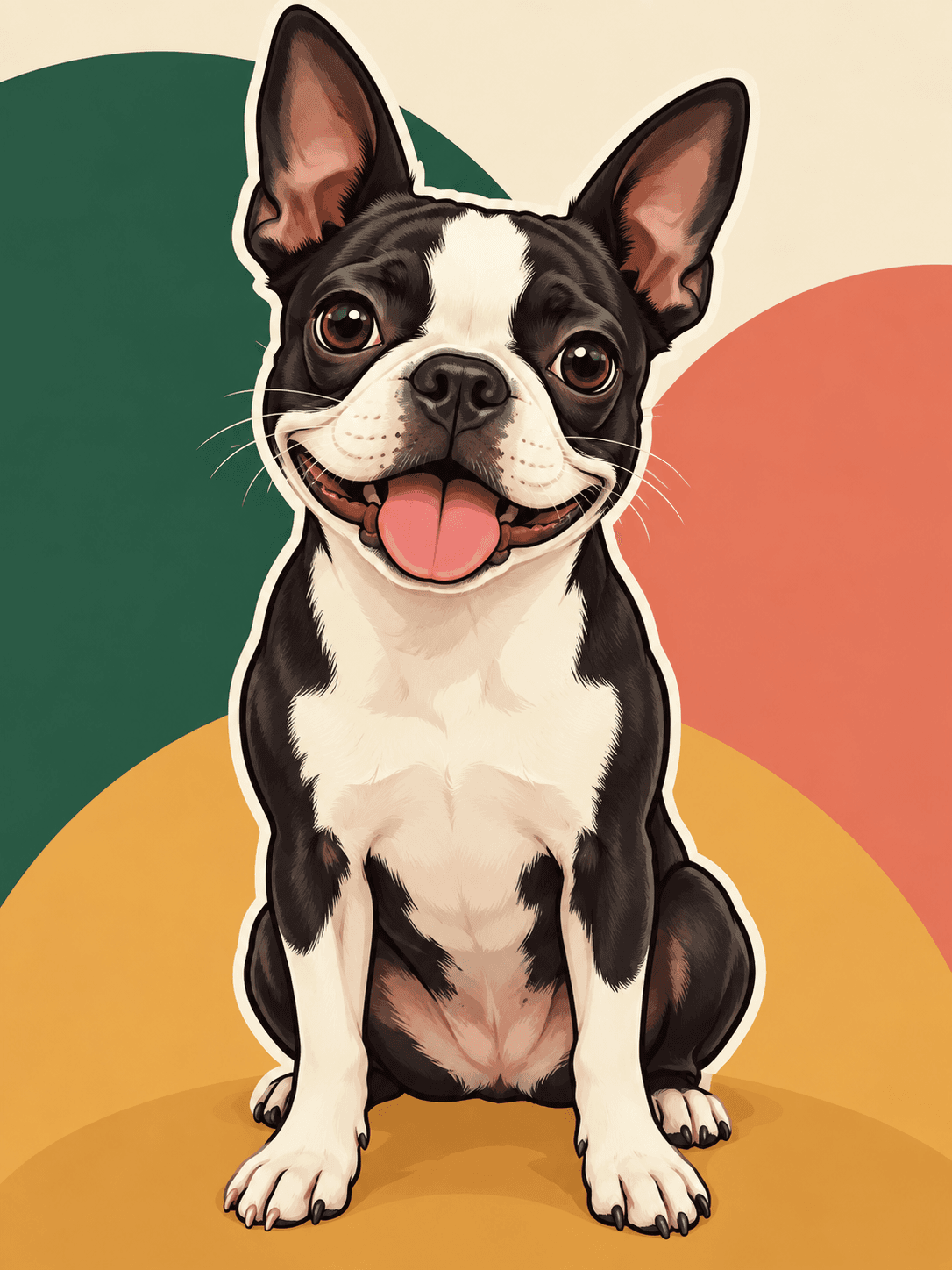
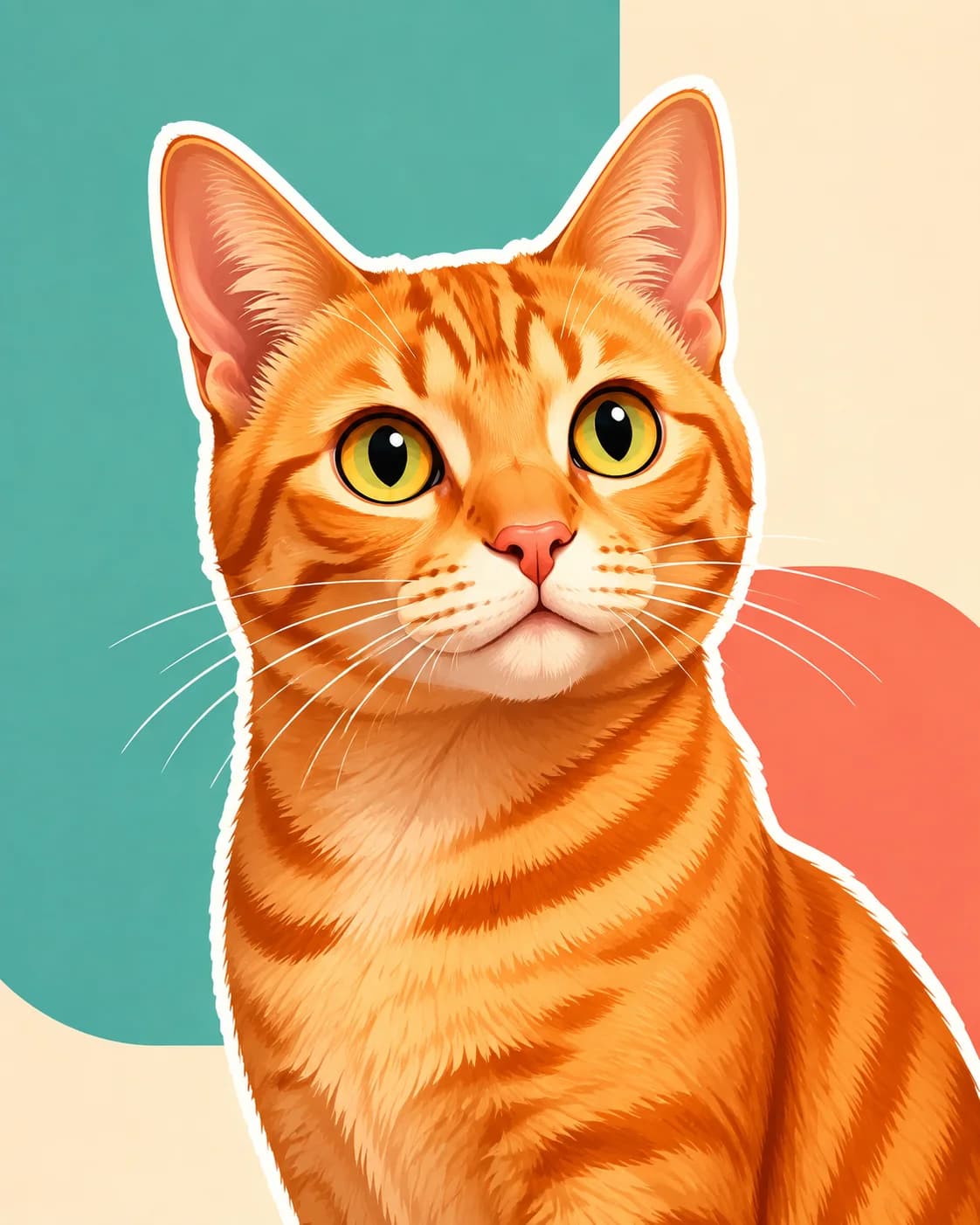
Cartoon Pop
A bright cartoon portrait with a clean, sticker-like finish.
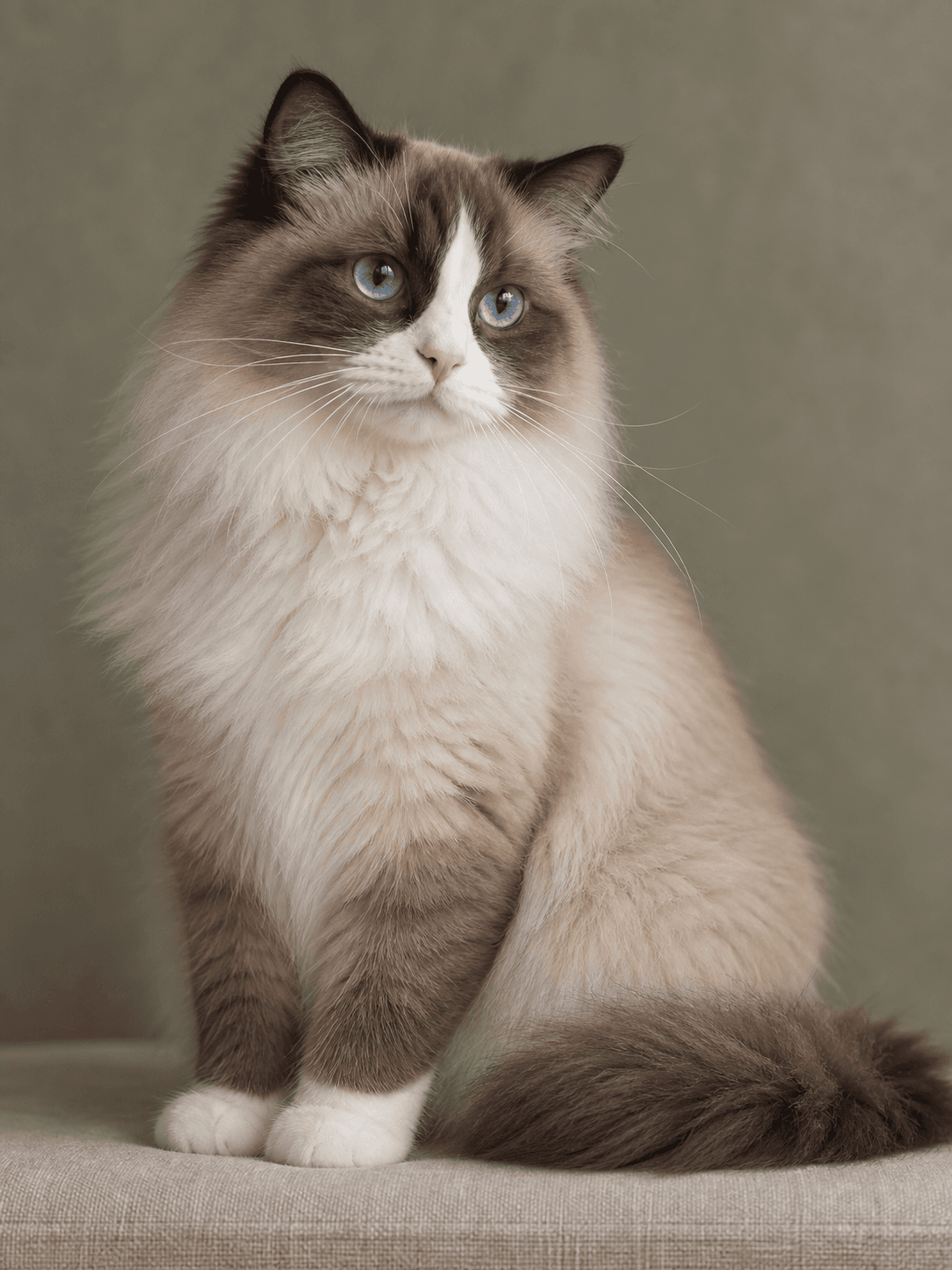
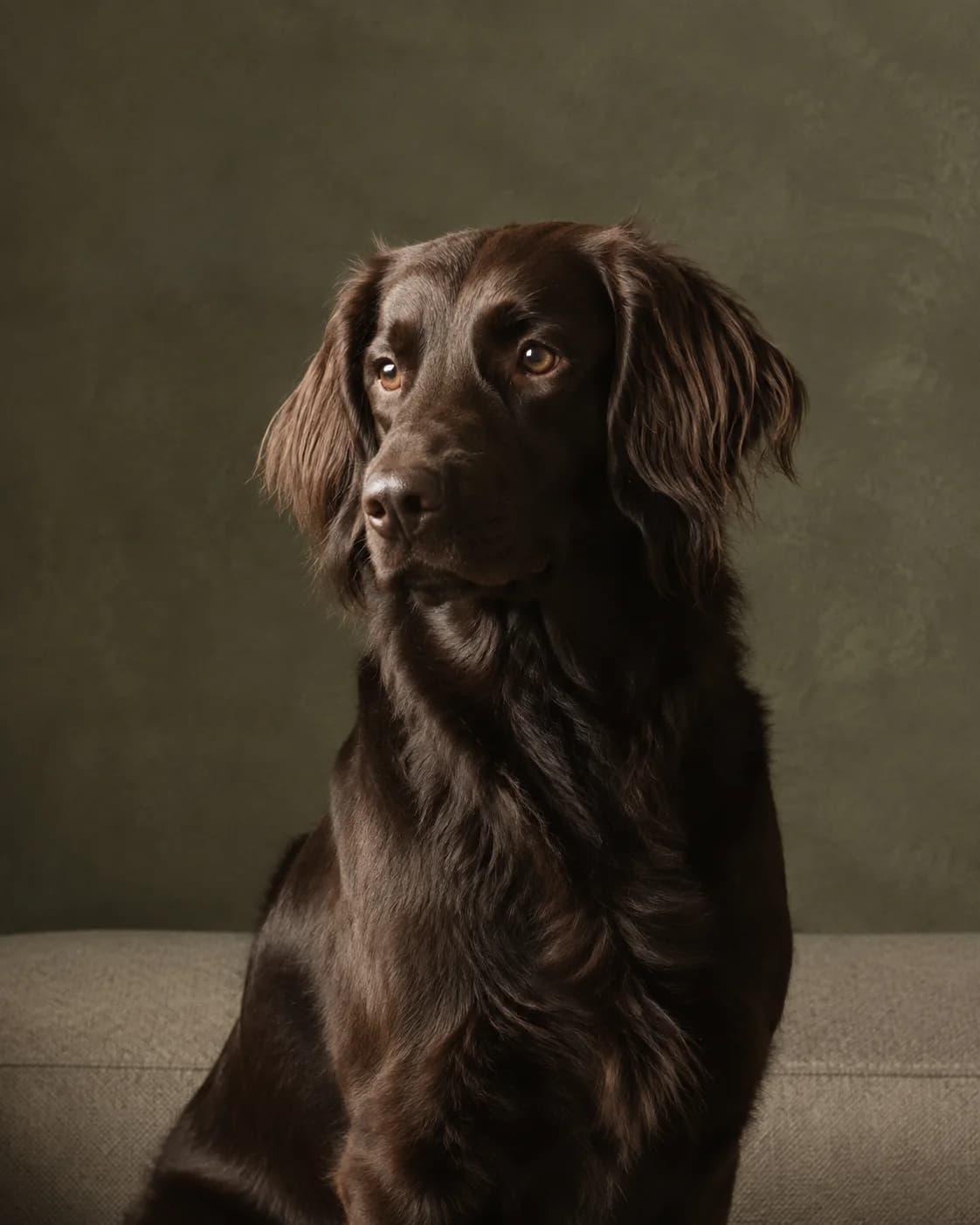
Timeless Studio
A softly lit studio portrait with no costumes or distractions.
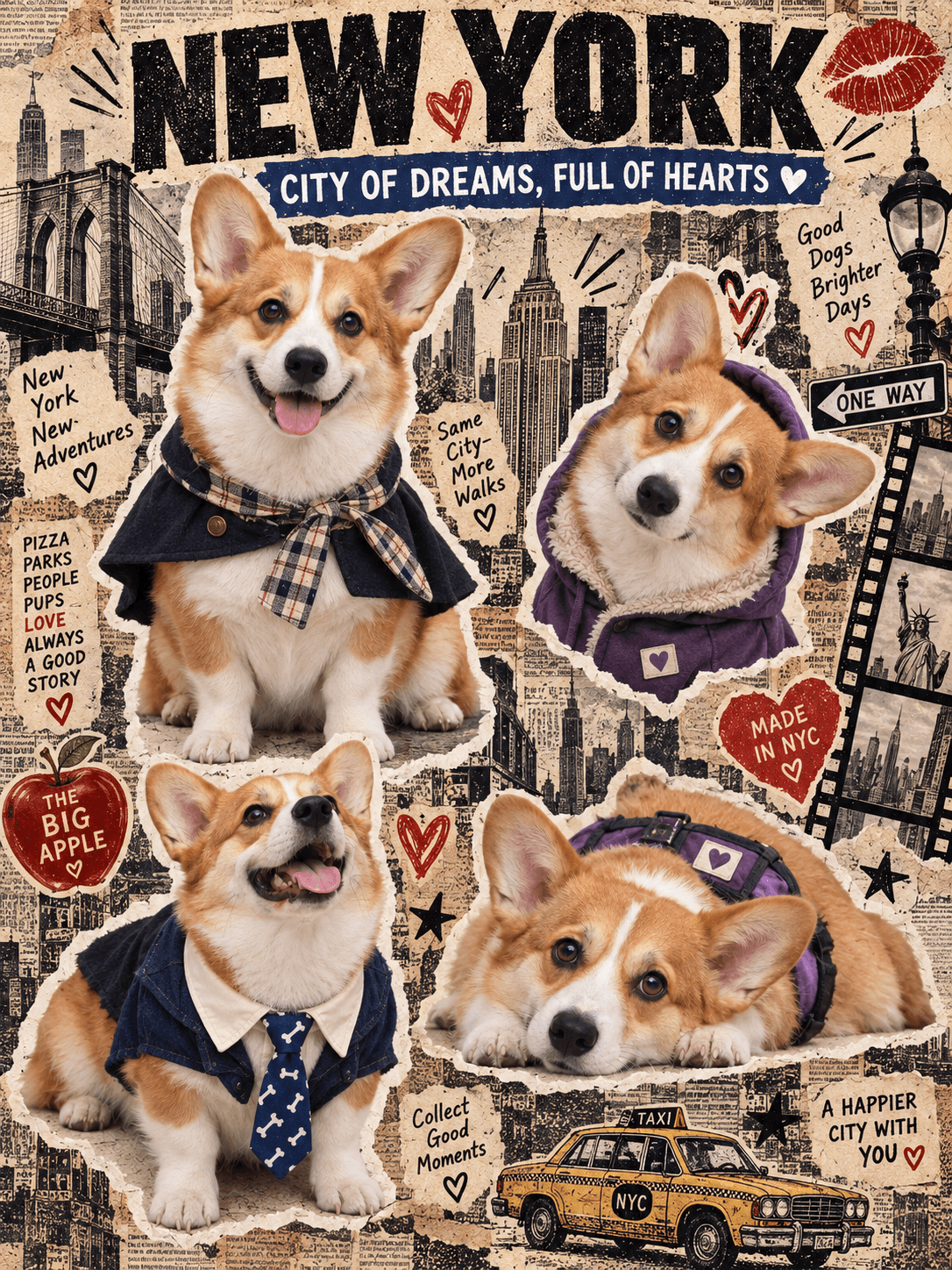
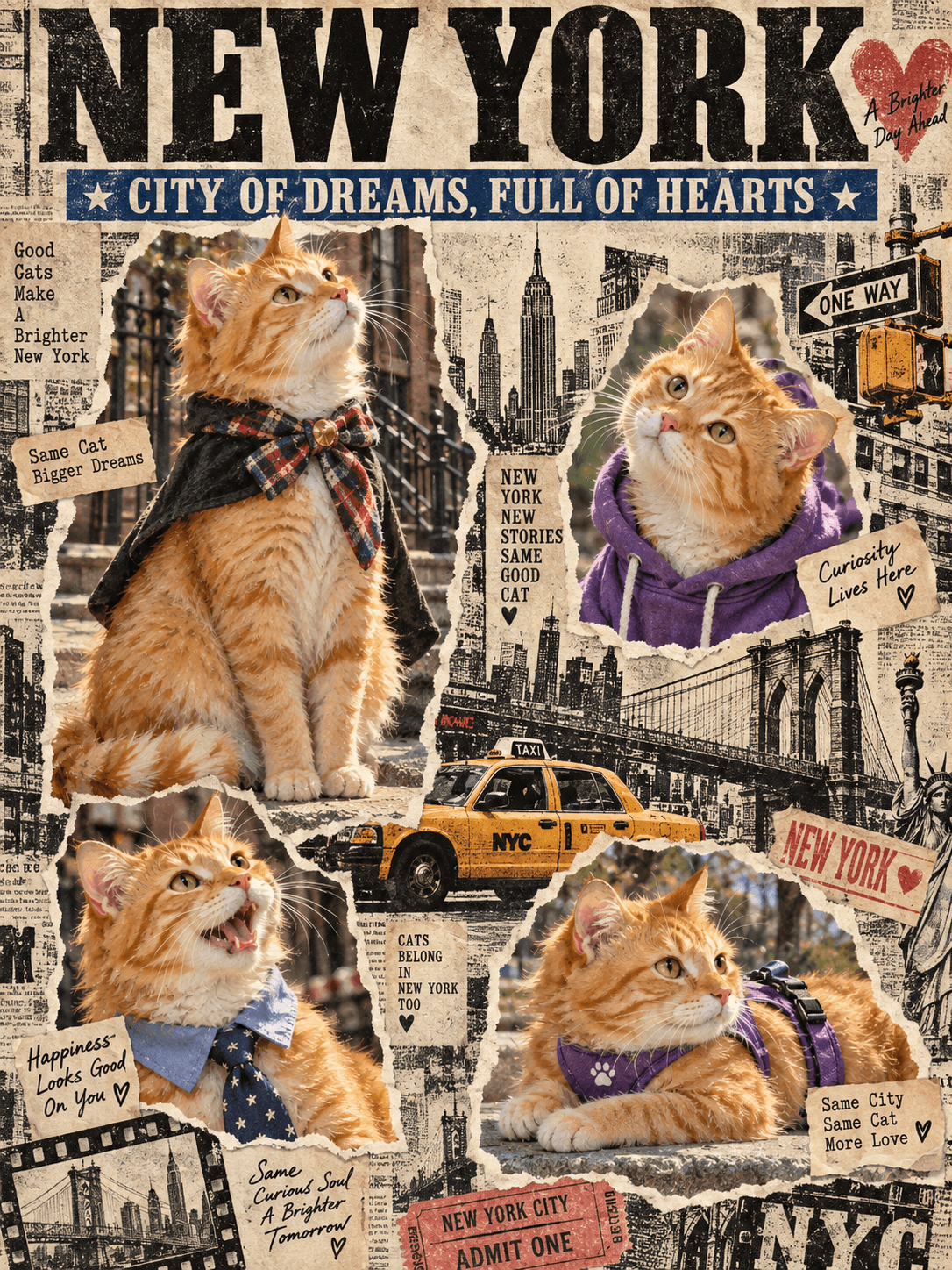
New York Scrapbook
Four expressions in a vintage New York newspaper collage.
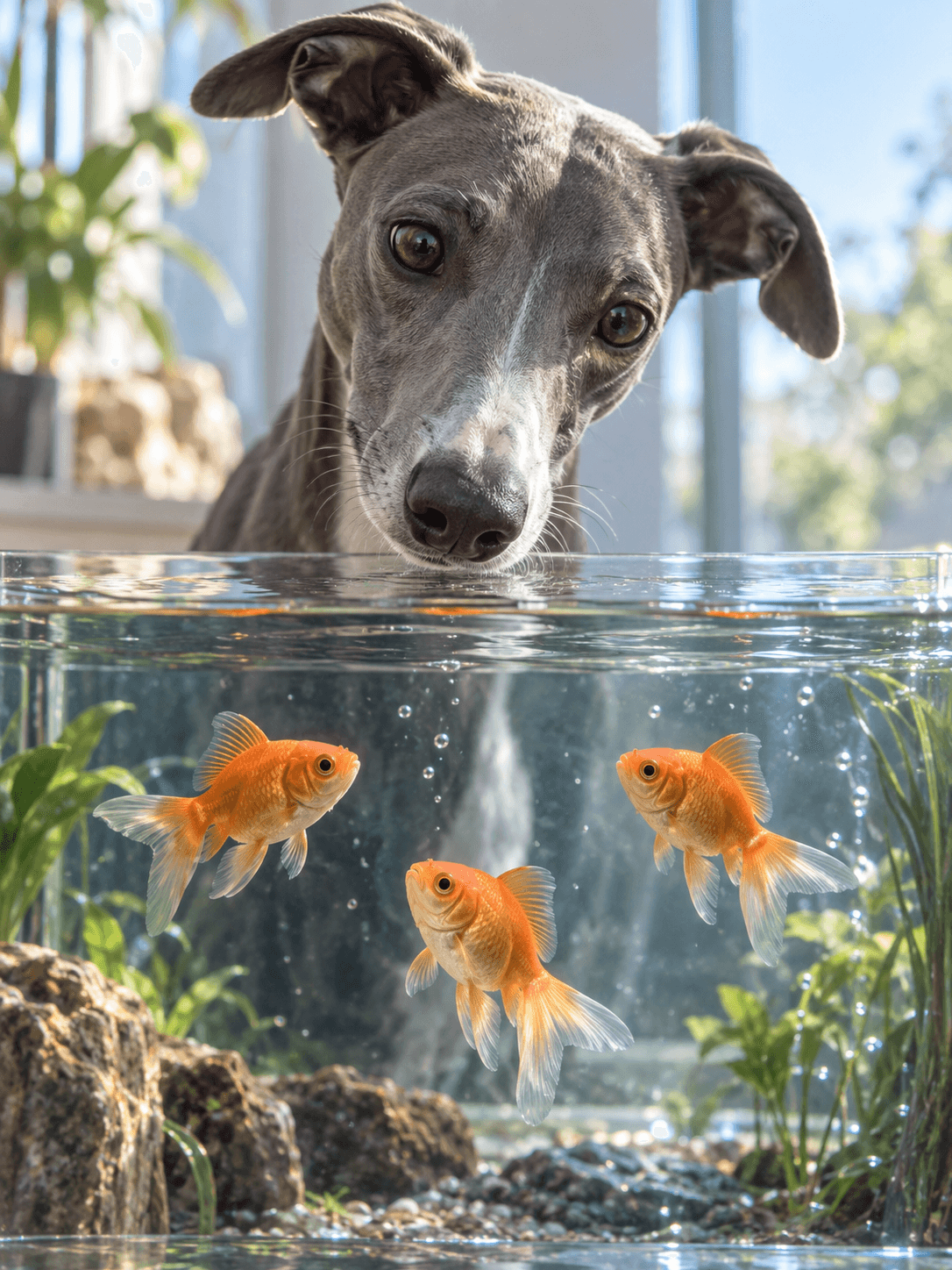
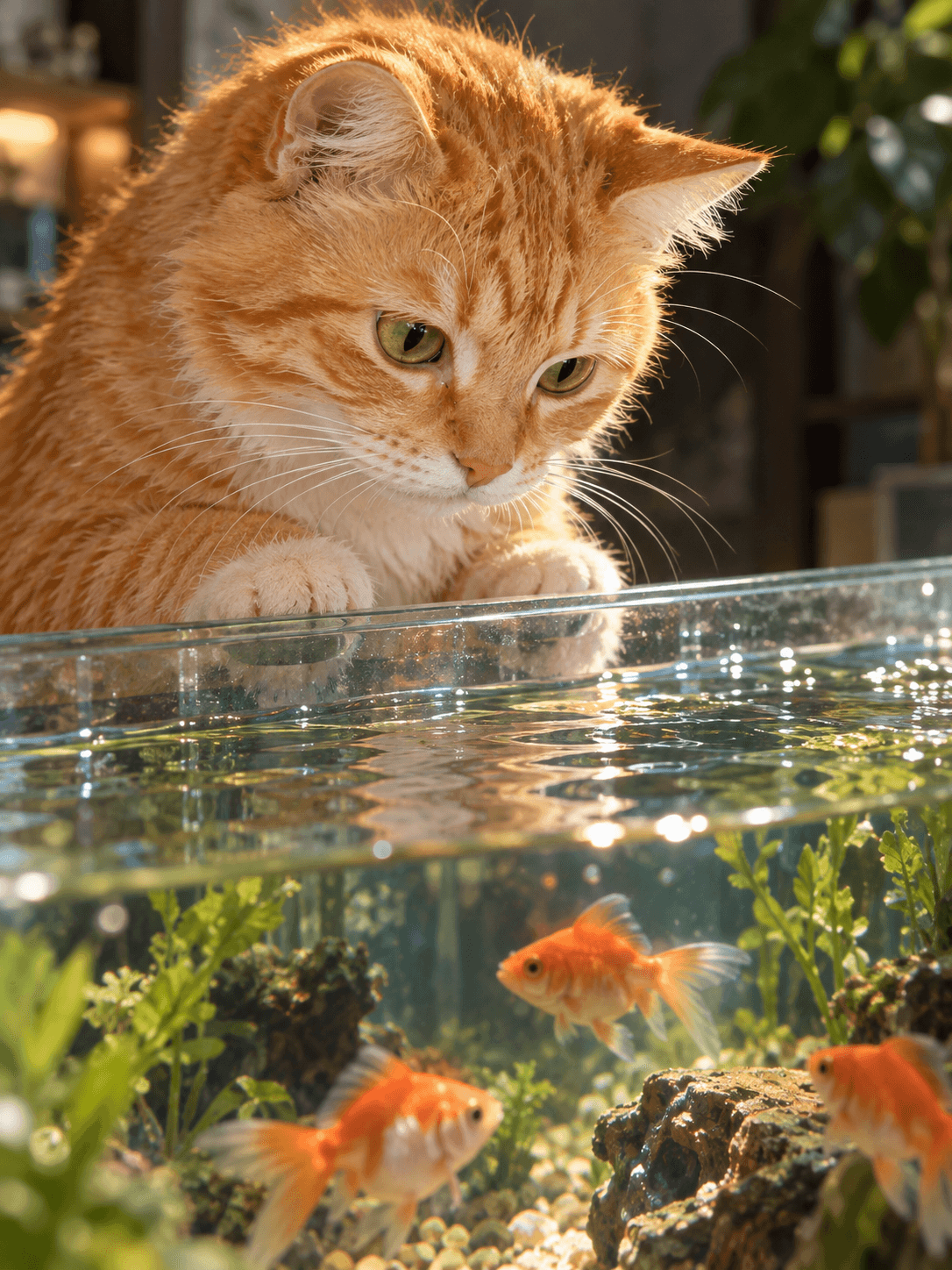
Aquarium Gaze
A realistic close-up as your pet peers across the aquarium waterline.
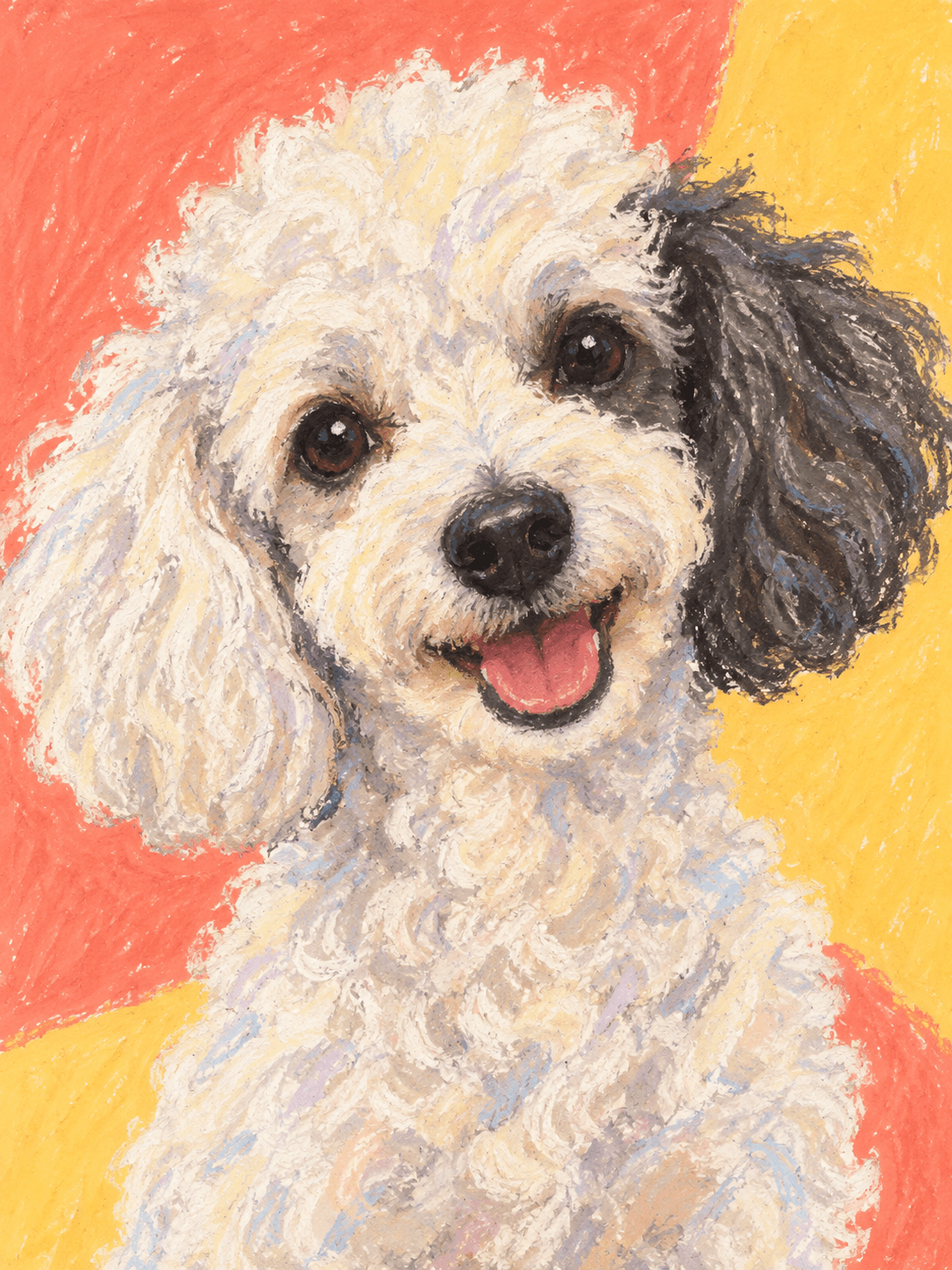
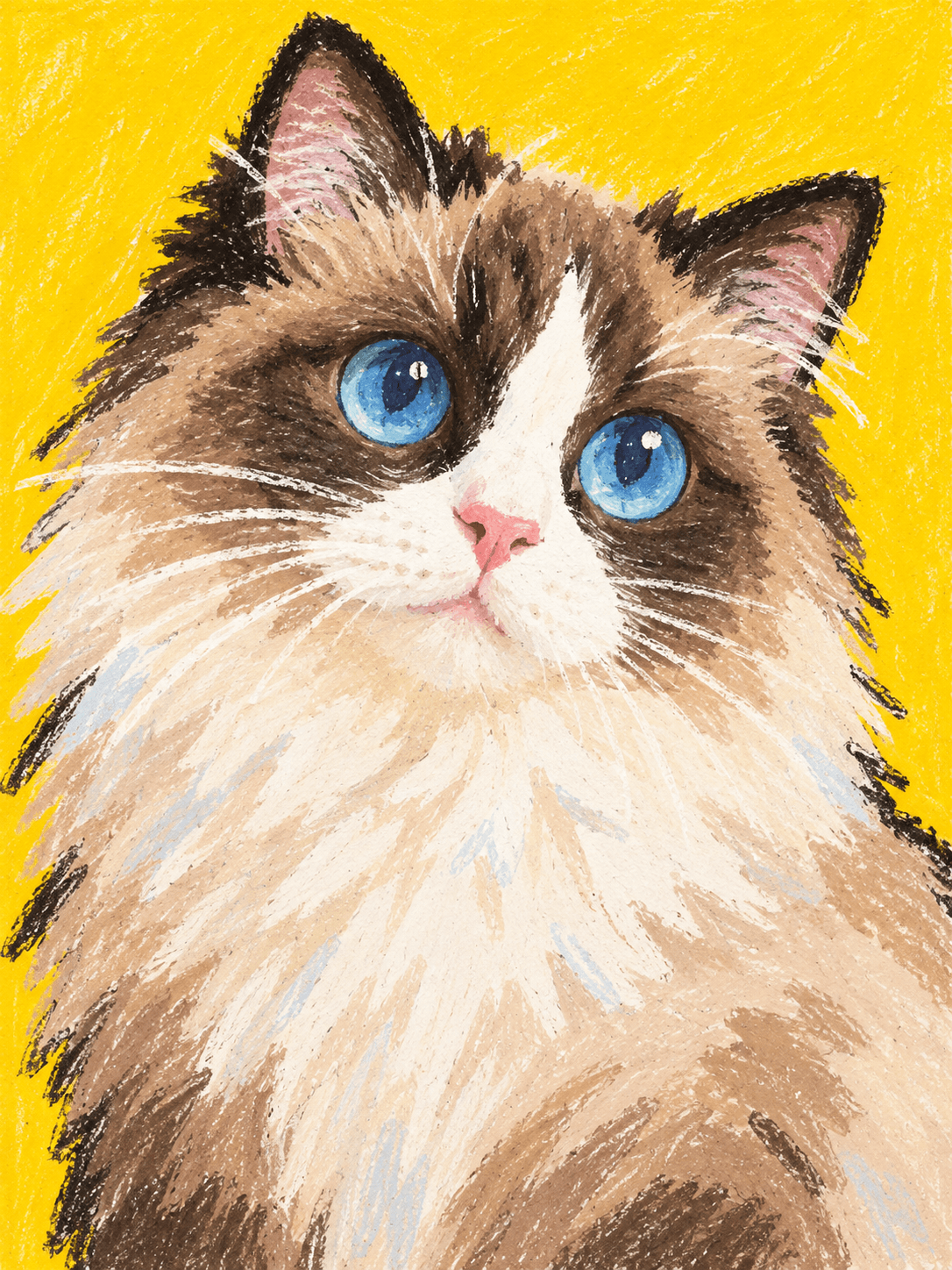
Pastel Personality
A playful oil-pastel portrait with bold color and charming imperfections.
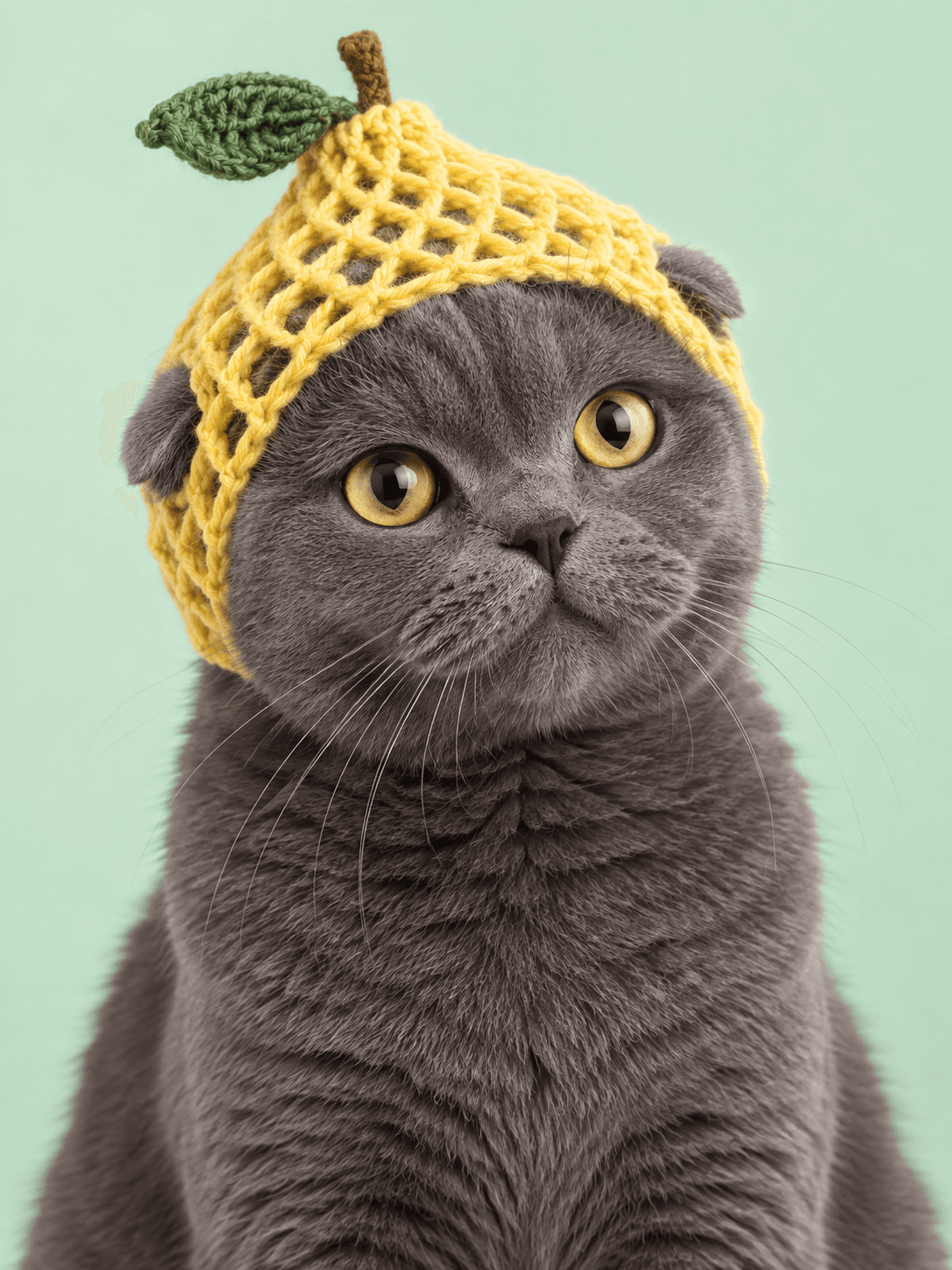
Silly Little Hat
Their familiar face, topped with one delightfully unexpected hat.
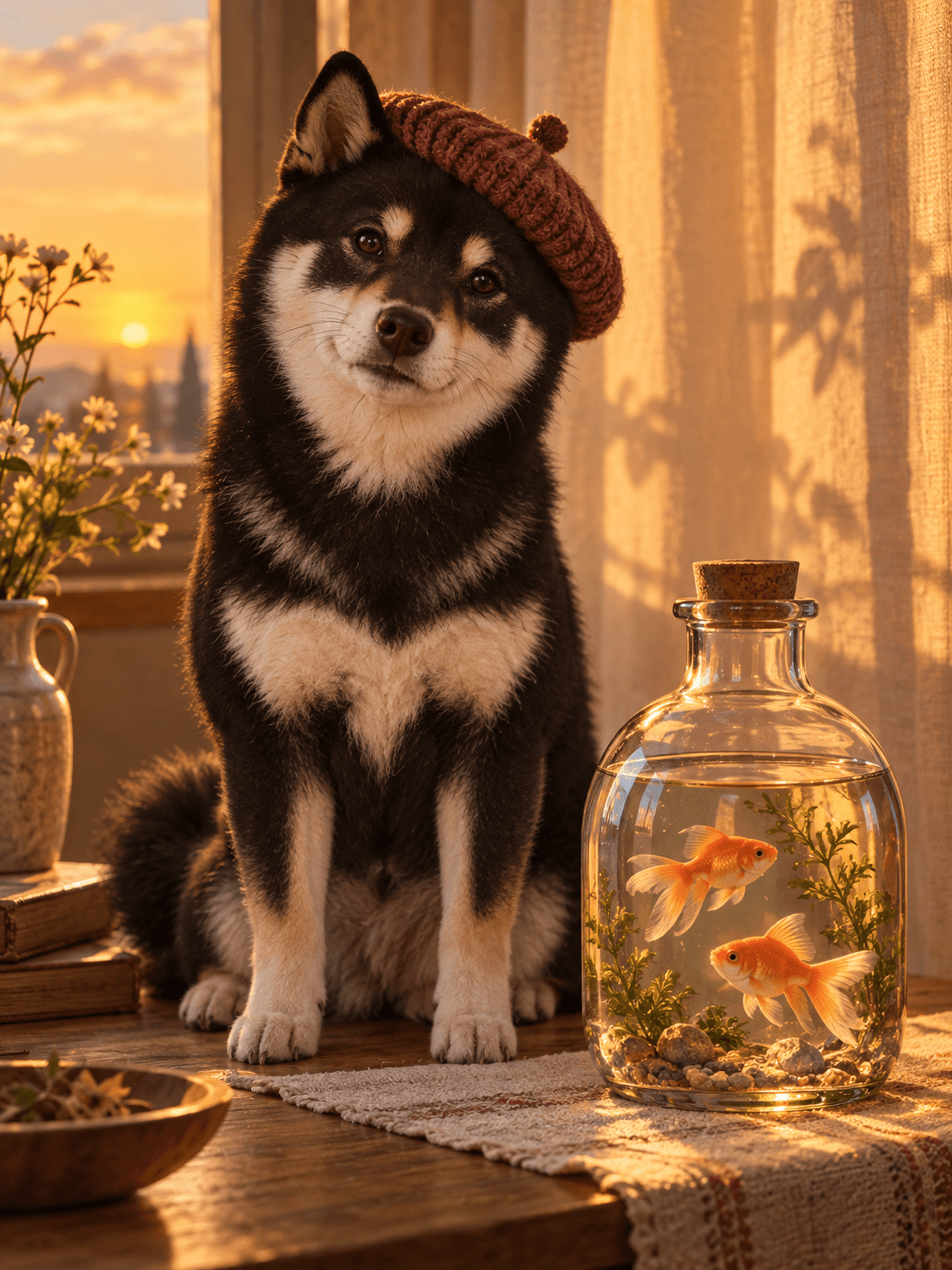
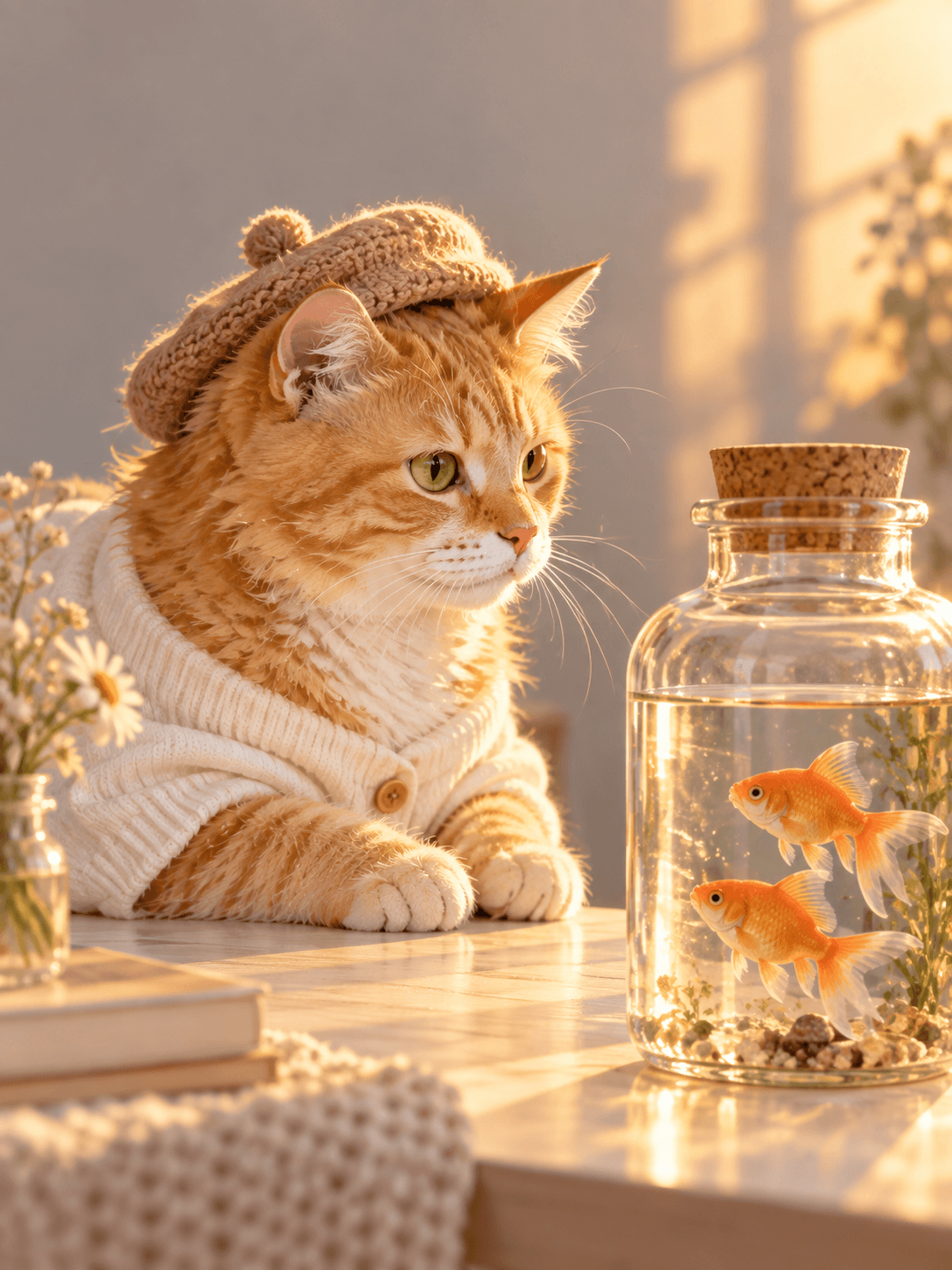
Goldfish at Sunset
A warm sunset portrait beside two tiny goldfish.
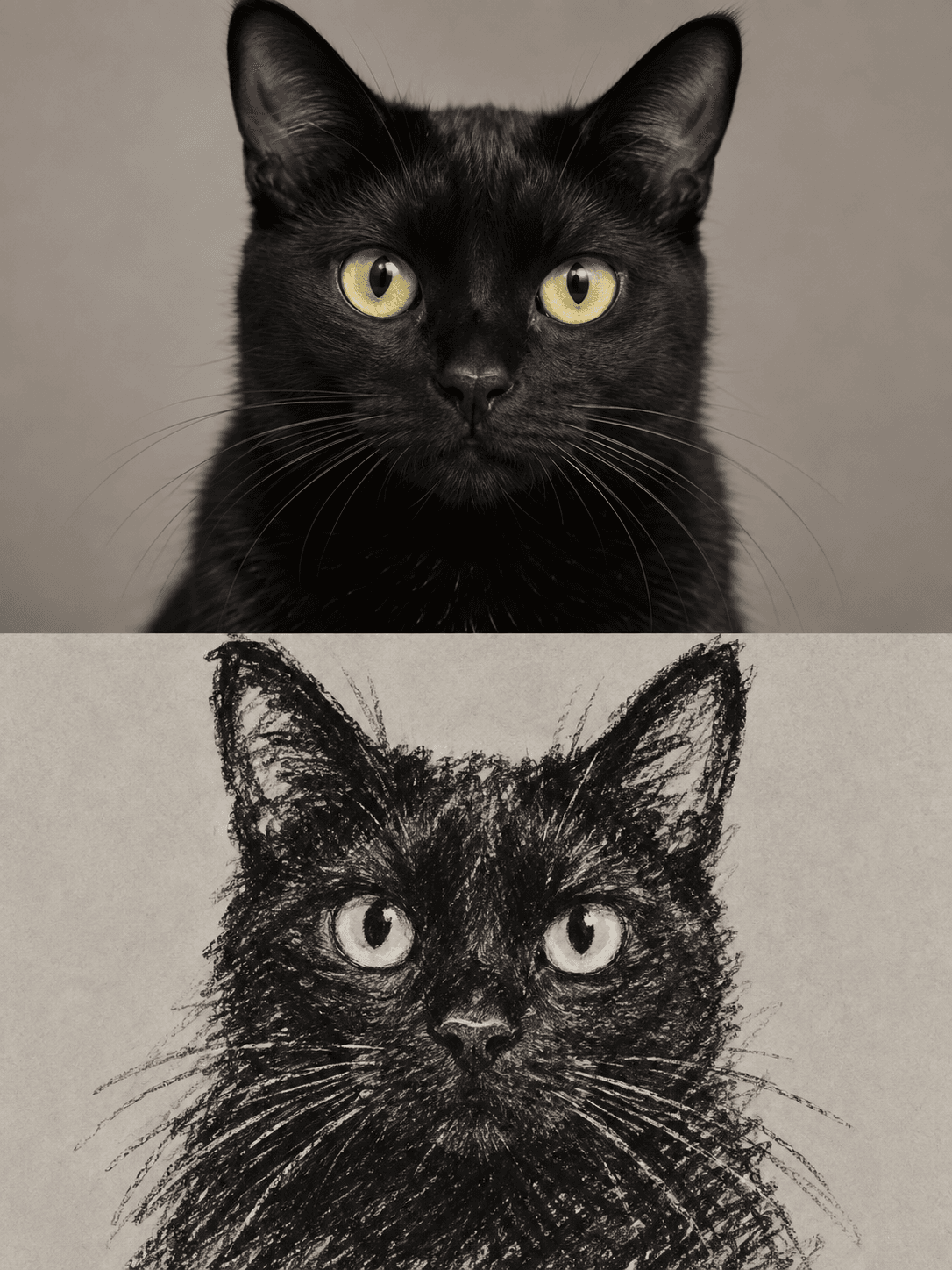
Portrait & Crayon
One familiar face, paired as a portrait and a crayon drawing.
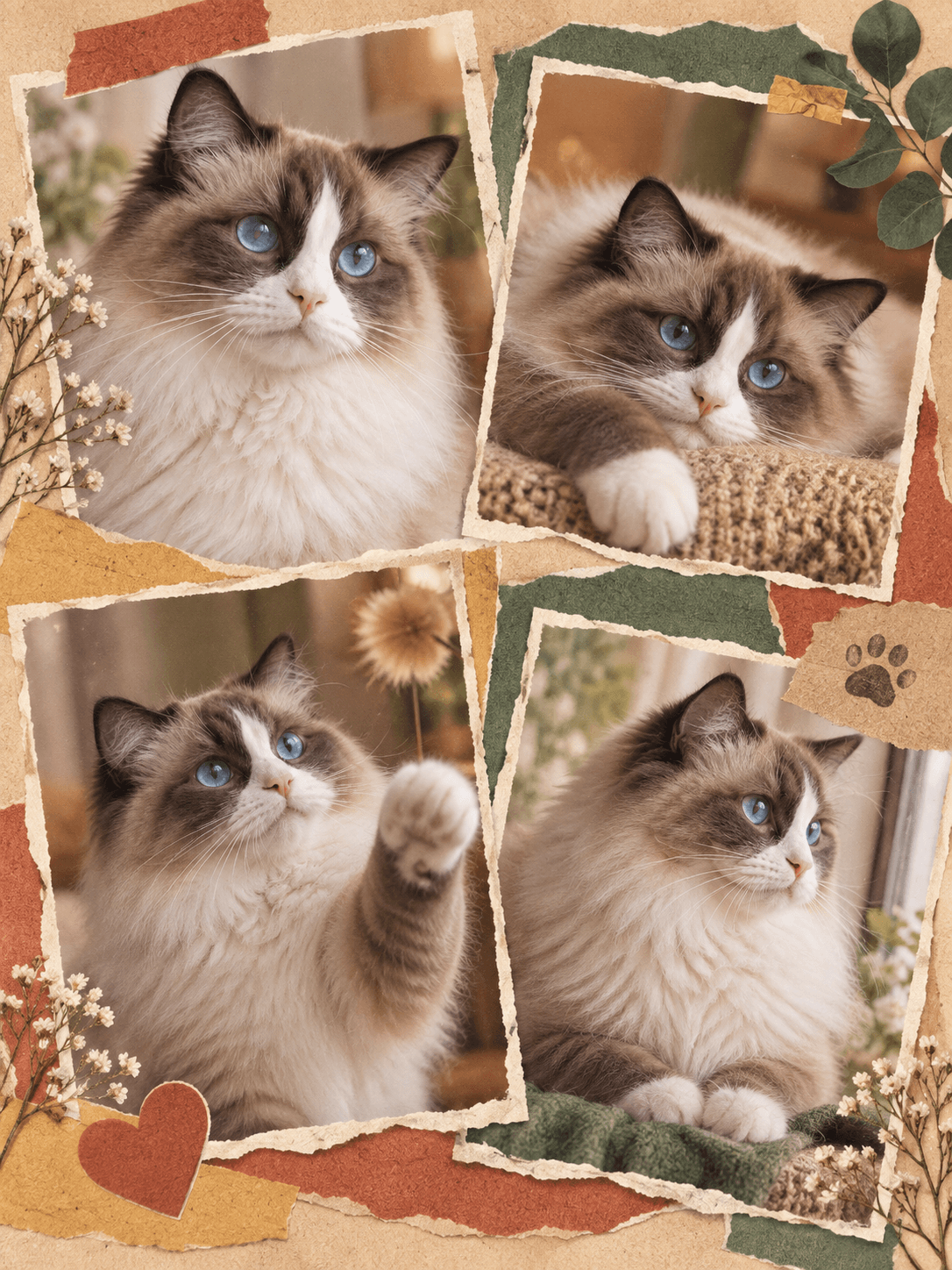
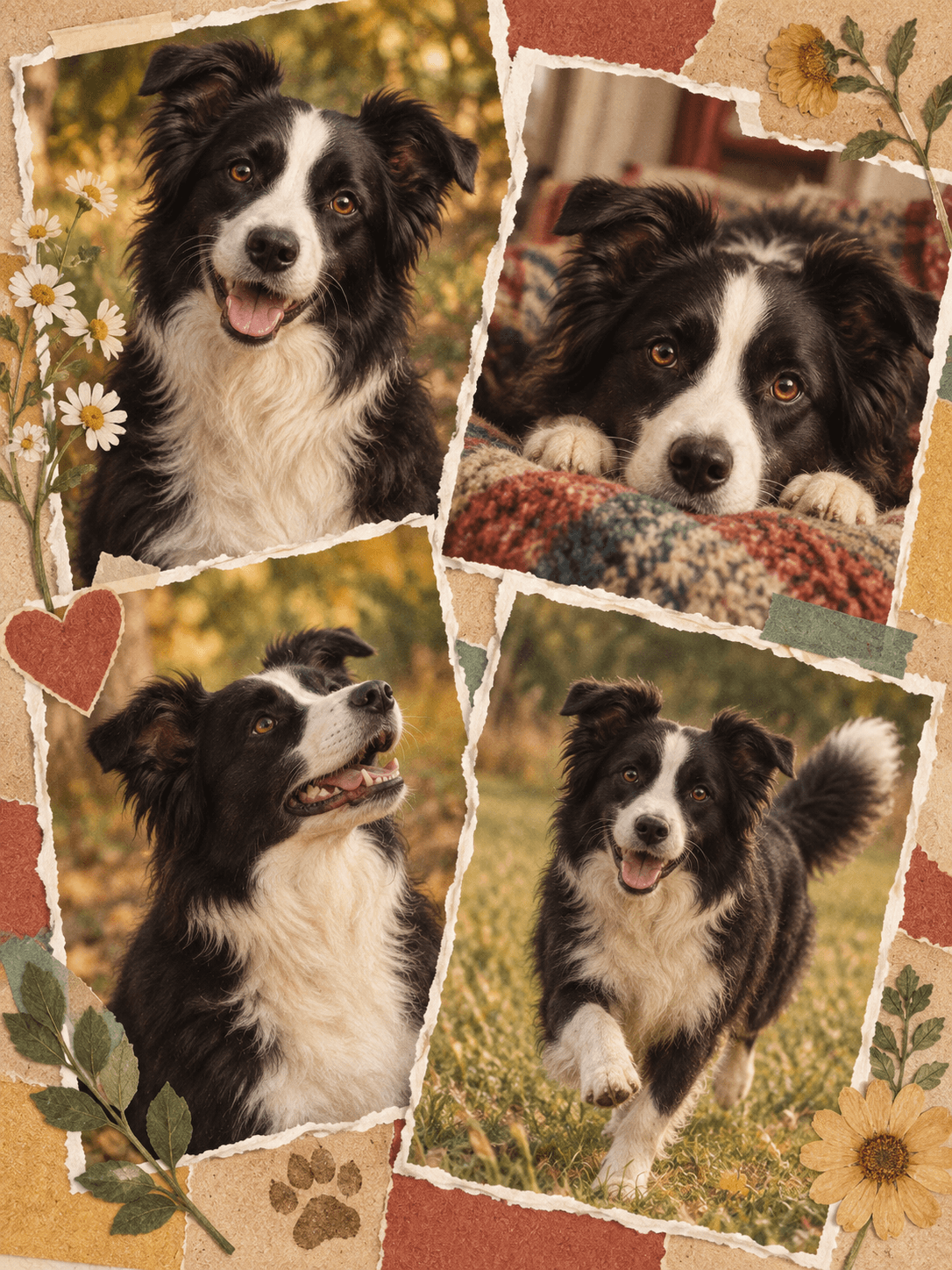
Color Story Collage
A warm, colorful torn-paper scrapbook of your pet’s little moments.
Royal Portrait
A second familiar face, reimagined as a courtly painted portrait.
Soft Watercolor
The same airy watercolor approach, shaped around a cat’s familiar markings.
Cartoon Pop
A playful character treatment that still keeps the original personality.
Timeless Studio
A quiet studio portrait built around another distinctive face.
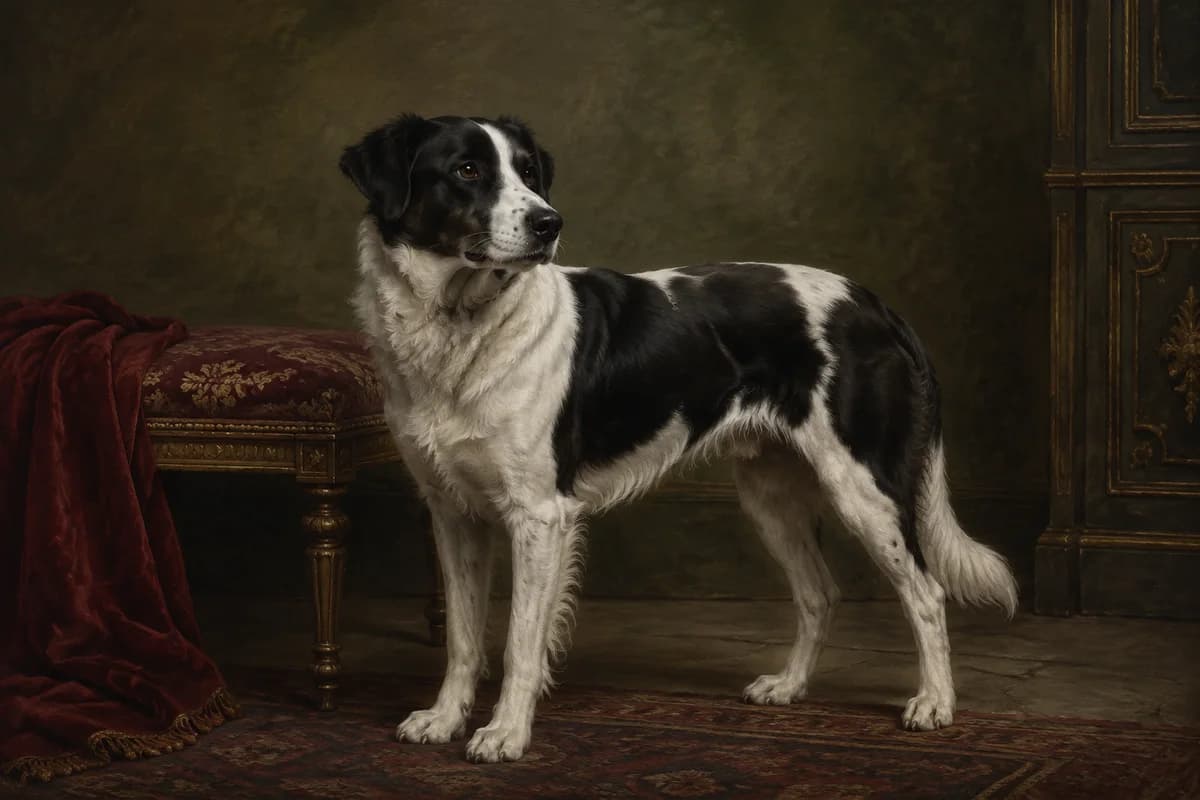
Royal Portrait
A dignified border collie, reimagined as a courtly painted portrait.
Monet Garden
A gentle garden portrait with wisteria and painterly morning light.
Portrait & Crayon
A familiar face paired with an illustrated keepsake moment.
Silly Little Hat
A familiar face in one delightfully unexpected toast-shaped hat.
Magazine Muse
An orange cat as the star of a warm retro cover.
Pastel Personality
An expressive oil-pastel close-up with cheerful color.
Hello, Big Nose
A playful wide-angle close-up that keeps the familiar face intact.
Goldfish at Sunset
A cozy golden-hour scene beside two small goldfish.
Rainy Day Story
A playful red rain cape and three tiny companions.
New York Scrapbook
Four distinct city moments in a vintage newspaper collage.
Aquarium Gaze
A curious cat watching goldfish through the waterline.
Color Story Collage
Four warm, colorful scrapbook moments of the same familiar dog.
Pastel Personality
A bold, hand-drawn oil-pastel close-up of a familiar blue-eyed cat.
✦ WHY POMLY
A small promise behind every portrait.
Simple reassurance, right after the work speaks for itself.
First portrait freeTry one portrait before signing in.
Private by defaultYour photo never joins the public gallery.
Made to feel familiarFace, coat, and markings guide the result.
15 styles includedFrom quiet watercolor to bold covers.
EXPLORE THE PORTRAIT STUDIODOGS & CATS, WELCOME HERE
A PORTRAIT FROM A PHOTO YOU ALREADY HAVE
A custom pet portrait, without the commission wait.
Most pet portraits begin with an artist search, a deposit, and a wait measured in weeks. Pomly starts with the dog or cat photo already on your phone: upload one clear image, choose a look, and preview the result in about a minute.
01
A familiar face
The face, eyes, coat, and markings guide the result. AI can still change details, so compare every portrait with the source photo.
02
Fifteen visual directions
Move from watercolor and Renaissance oil to playful scenes and editorial covers without booking another artist.
03
A digital file to keep
Download the JPG for personal sharing, screens, or printing through a service you choose. Pomly does not ship physical products.
How to make a pet portrait from a photo.
No account needed for your first portrait — add a photo, choose, create, download.
1
Add one clear photo
One dog or cat, with the face, eyes, and ears visible.
2
Choose a portrait style
15 looks, each with its own character. Browsing and changing your selection does not use a credit.
3
Create your pet portrait
Most results are ready in about a minute. Each successful generation uses one allowance or credit.
4
Download and share
Save the watermarked JPG to keep, share, or use as a screen portrait.
BACK TO THE STUDIO
Ready to meet their other side?
Your photo and chosen look are waiting at the top of the page.
Keep it as a phone or desktop background, share it with someone who knows that face, use it on a personal card, or print it through a service you choose. A portrait can mark a birthday, a new home, a gotcha day, or a quiet memorial. Pomly currently provides a digital JPG and does not sell framing or shipping.
Your first portrait is free without an account and includes a small watermark. Sign in afterward for two more welcome portraits, then add a one-time pack whenever you want to continue.
1 credit = 1 successful portrait
Failed generations restore the credit
All current styles included
Purchased credits never expire
Purchased-credit portraits have no watermark
ONE-TIME PURCHASE · SIGN-IN REQUIRED
Secure checkout by Waffo · credits never expire
?PET PORTRAIT QUESTIONS
Pet portrait questions, answered.
Clear answers before you turn a familiar photo into something new.
01Is Pomly free to use?⌄
Yes. Your first portrait is free with no sign-up and includes a watermarked JPG. Afterward, sign in to claim two welcome portraits. One-time portrait packs are available when you need more.
02Which pets are supported?⌄
Pomly currently supports dogs and cats. Use a clear photo of one pet for the best results.
03Which styles can I use?⌄
All current preset styles are included. Choose a preset or write your own prompt; changing a selection does not use a generation.
04Do I need an account?⌄
Not for your first portrait. Upload, generate, and download it without signing up. Sign in to keep creating and claim two welcome portraits.
05What can I do with my portrait?⌄
Download a watermarked JPG up to 1024 pixels on its longest side for personal sharing or use. Pomly does not print or ship physical products.
06How long does an AI pet portrait take?⌄
Most pet portraits are ready in about a minute. You preview the result on the page and can download it right away — no waitlist and no artist to book.
07How do portrait credits work?⌄
One credit covers one successful portrait. Failed generations restore the credit, and credits from a purchased one-time pack never expire.
08What happens to my photo after I use Pomly?⌄
Pomly’s retention schedule keeps an original upload for up to 24 hours and a finished portrait for 30 days. Production cleanup must be active and verified before live generation opens. Uploads stay private and are never added to the public gallery without your separate permission.
09Will my photo appear in the gallery?⌄
No. Your uploads and generated portraits are private by default. The public gallery uses Pomly examples or separately authorized work.
 Pomly.io