You do not need a professional photo shoot. Upload a clear pet photo from your phone and preview a portrait in about a minute. Free to try.
Or drop an image here
JPG, PNG or WebP · up to 20 MB
✦ GET INSPIRED · 32 AI EXAMPLES
15 pet portrait styles from watercolor to magazine covers.
Explore every look in one continuous wall. View a style larger or take it back to the studio. Examples show prior trials and do not guarantee an identical result.
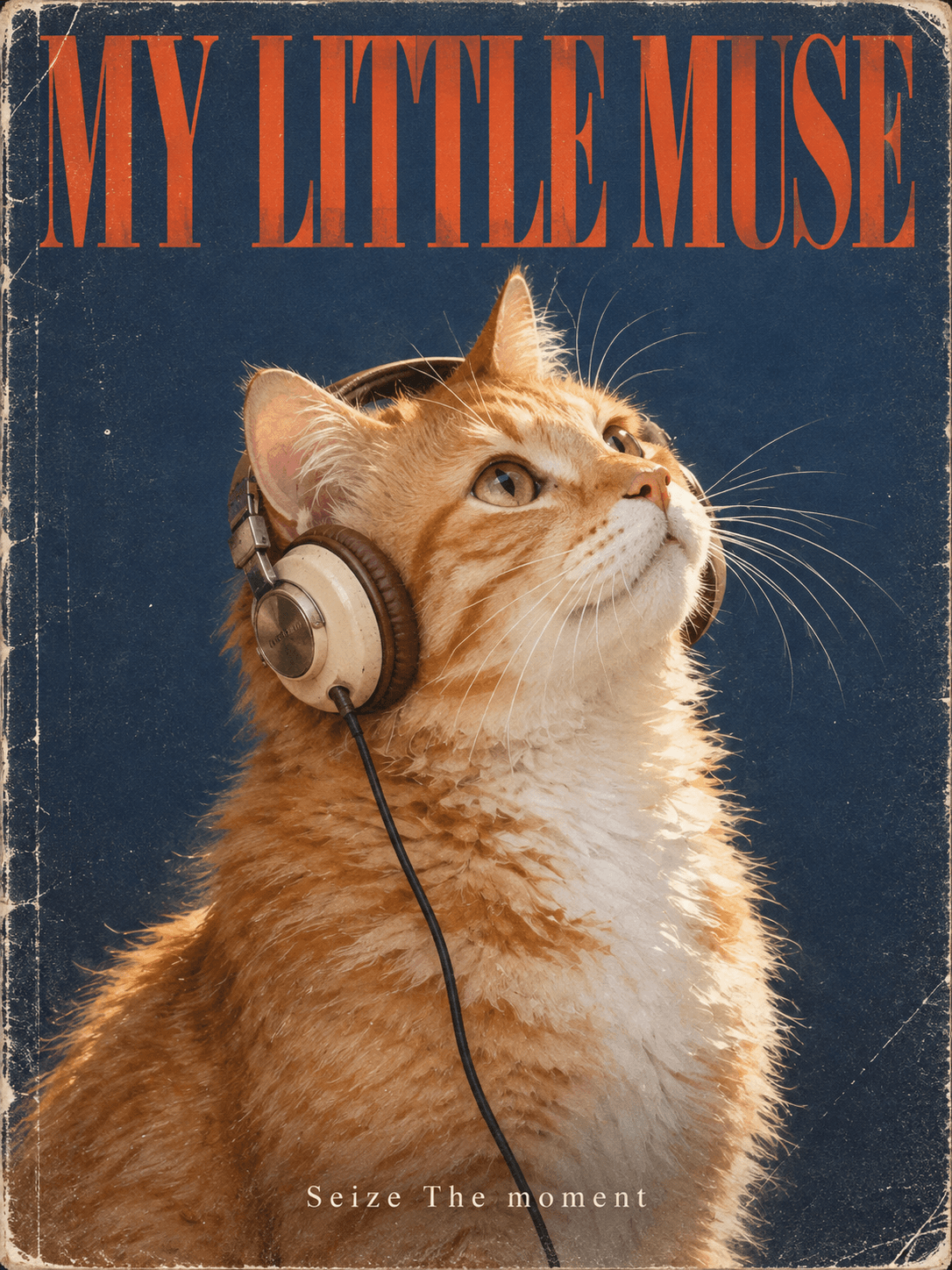
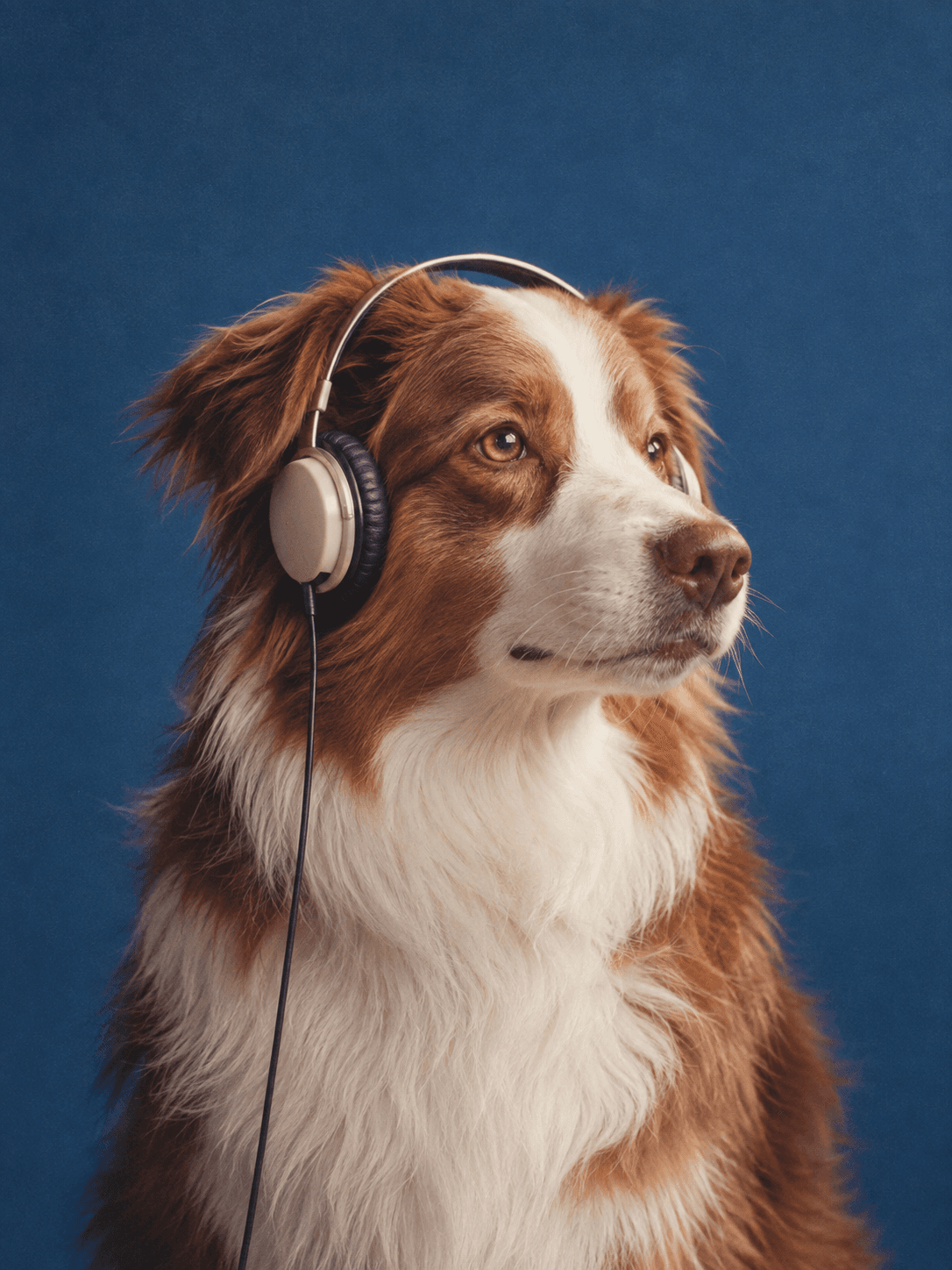
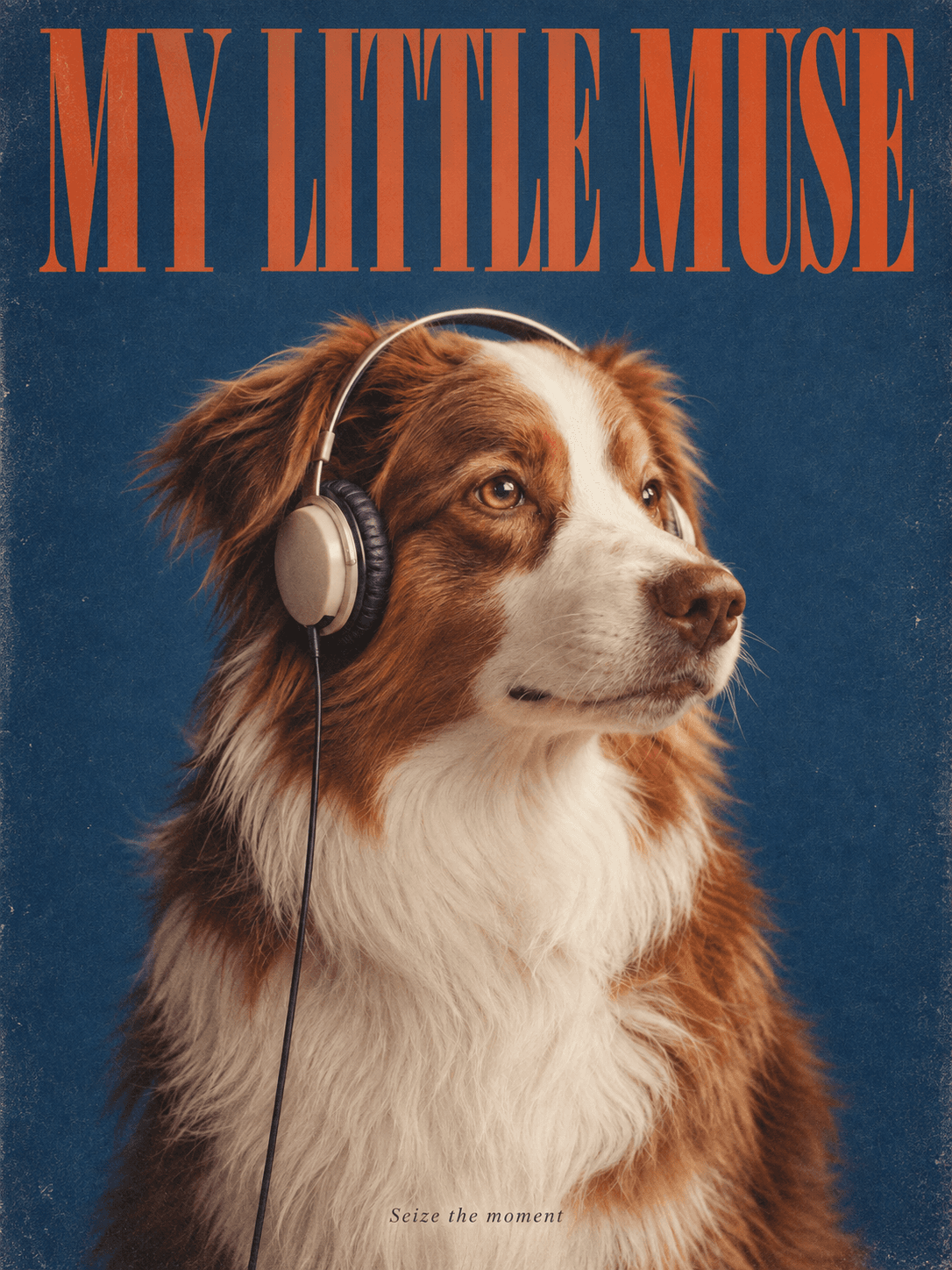
Magazine Muse
A retro magazine cover with headphones and your own headline.
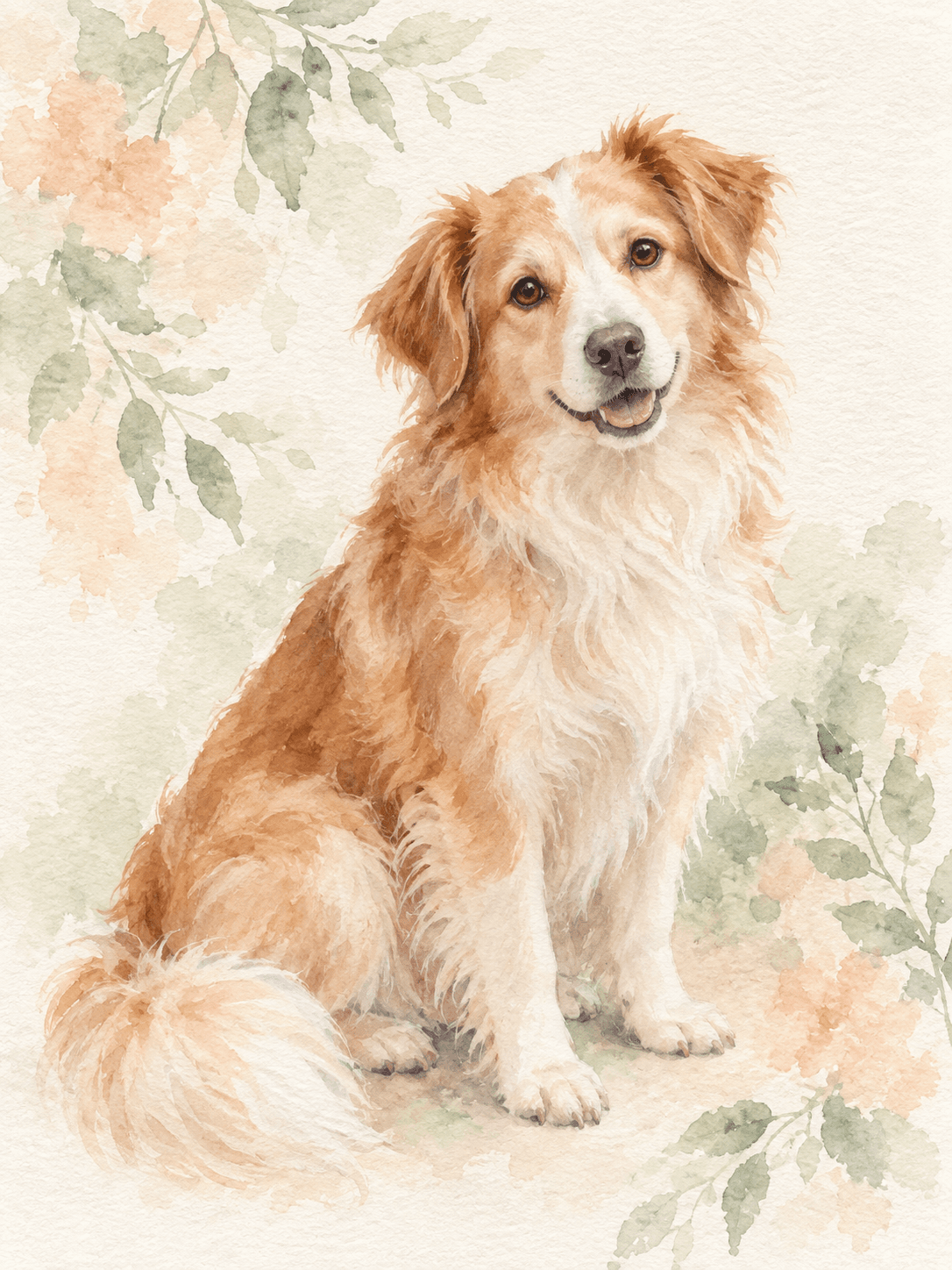
Soft Watercolor
A light, airy watercolor that preserves their familiar face.
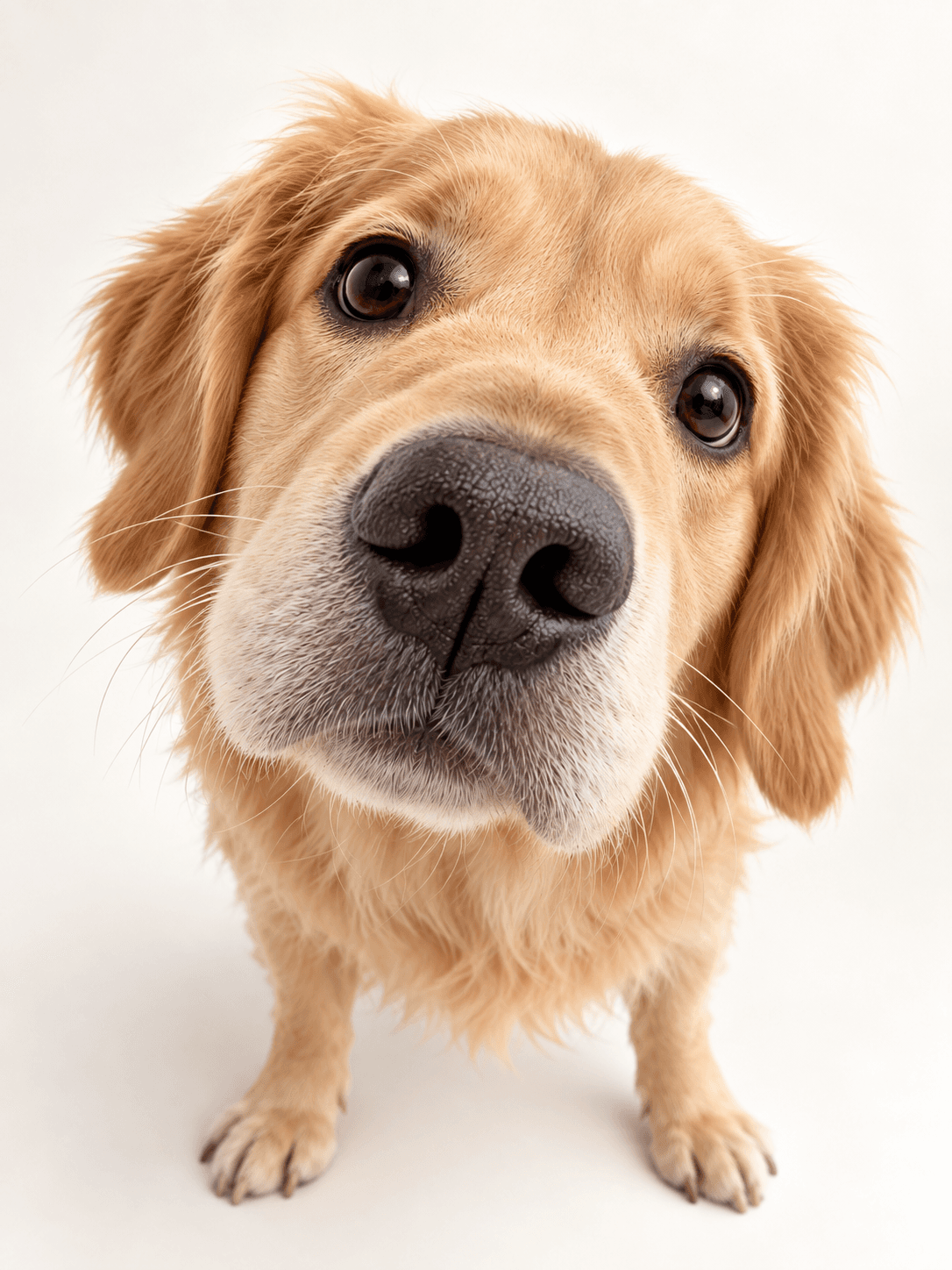
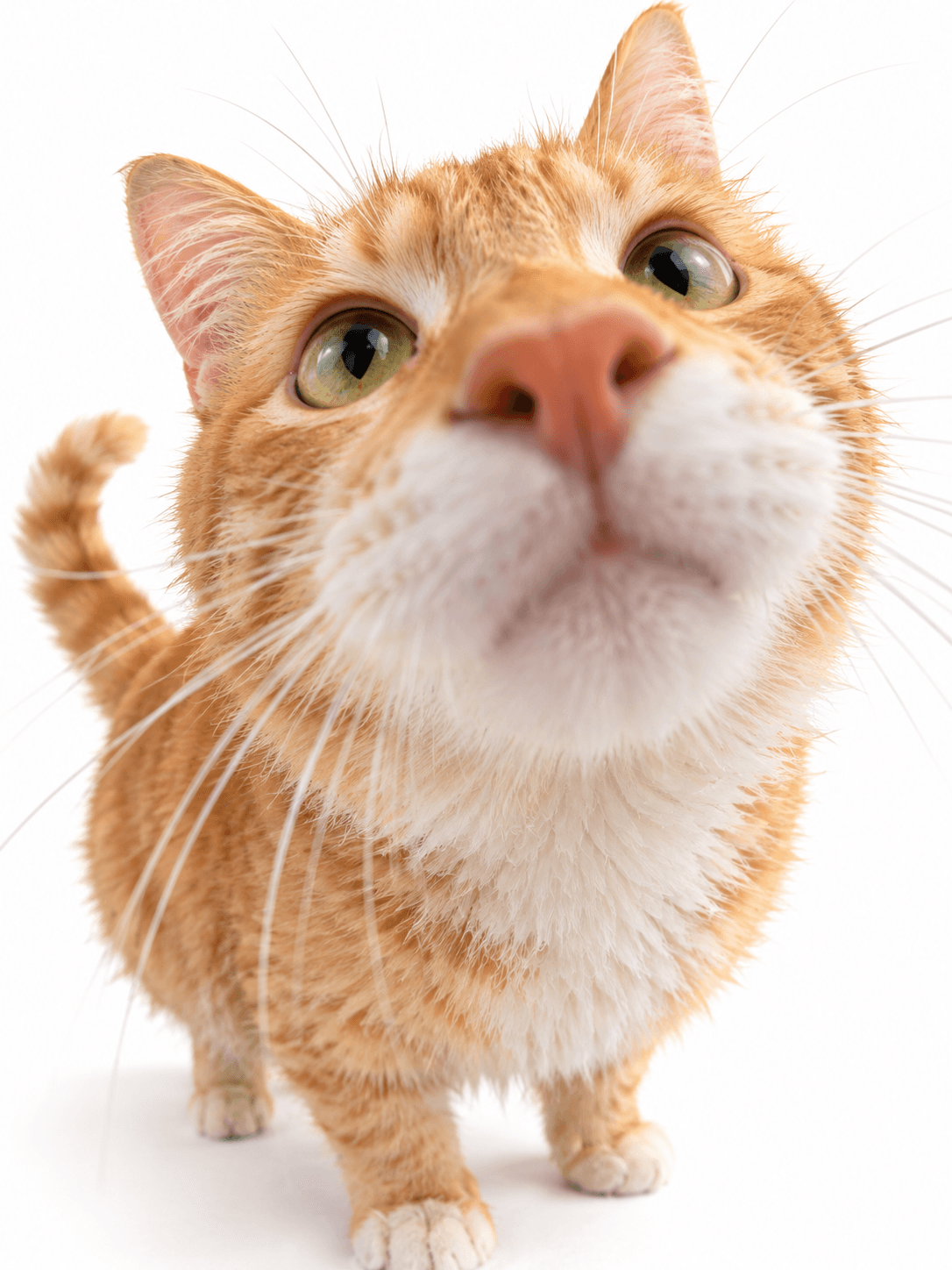
Hello, Big Nose
A playful wide-angle close-up with an irresistibly oversized nose.
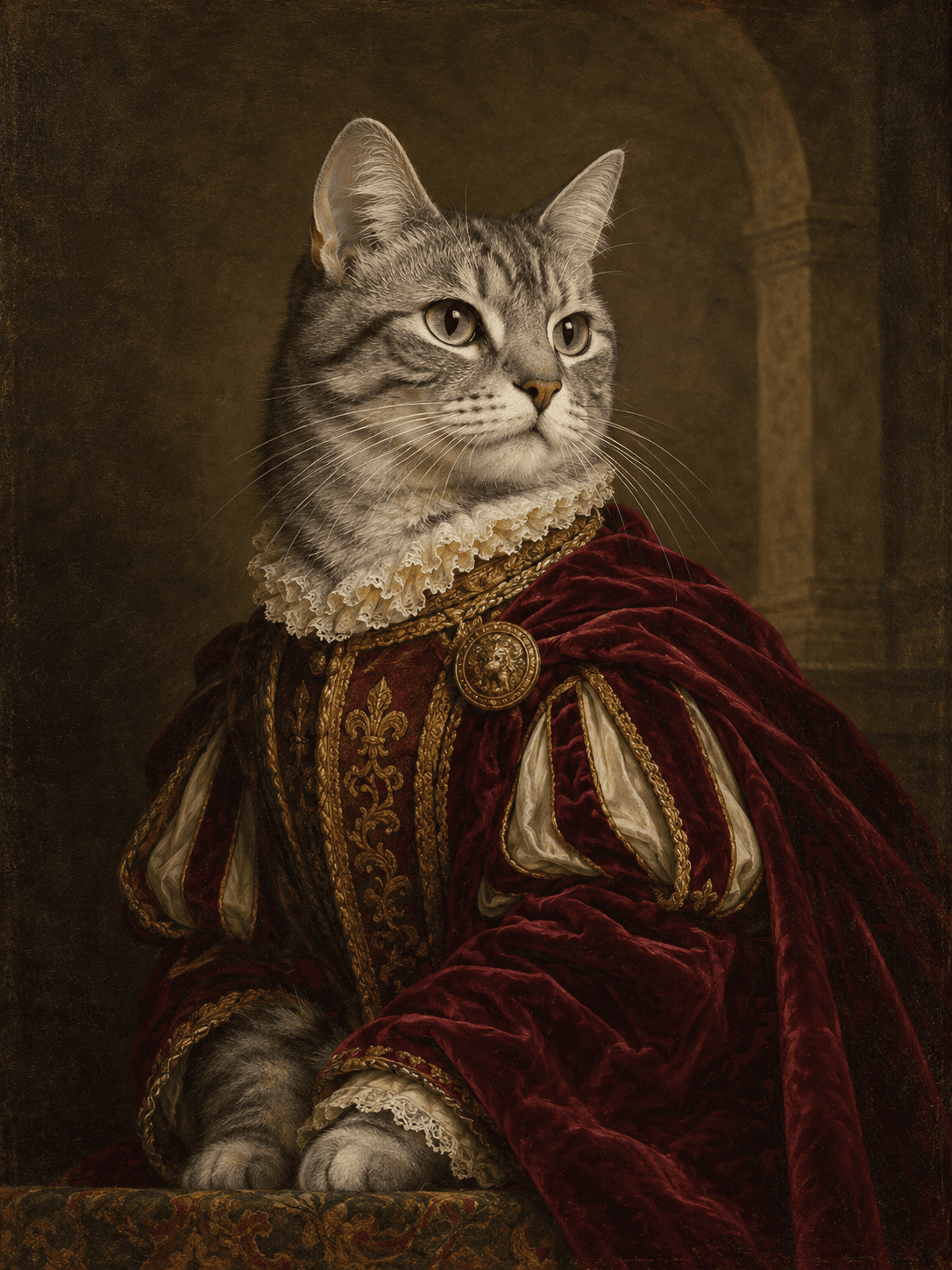
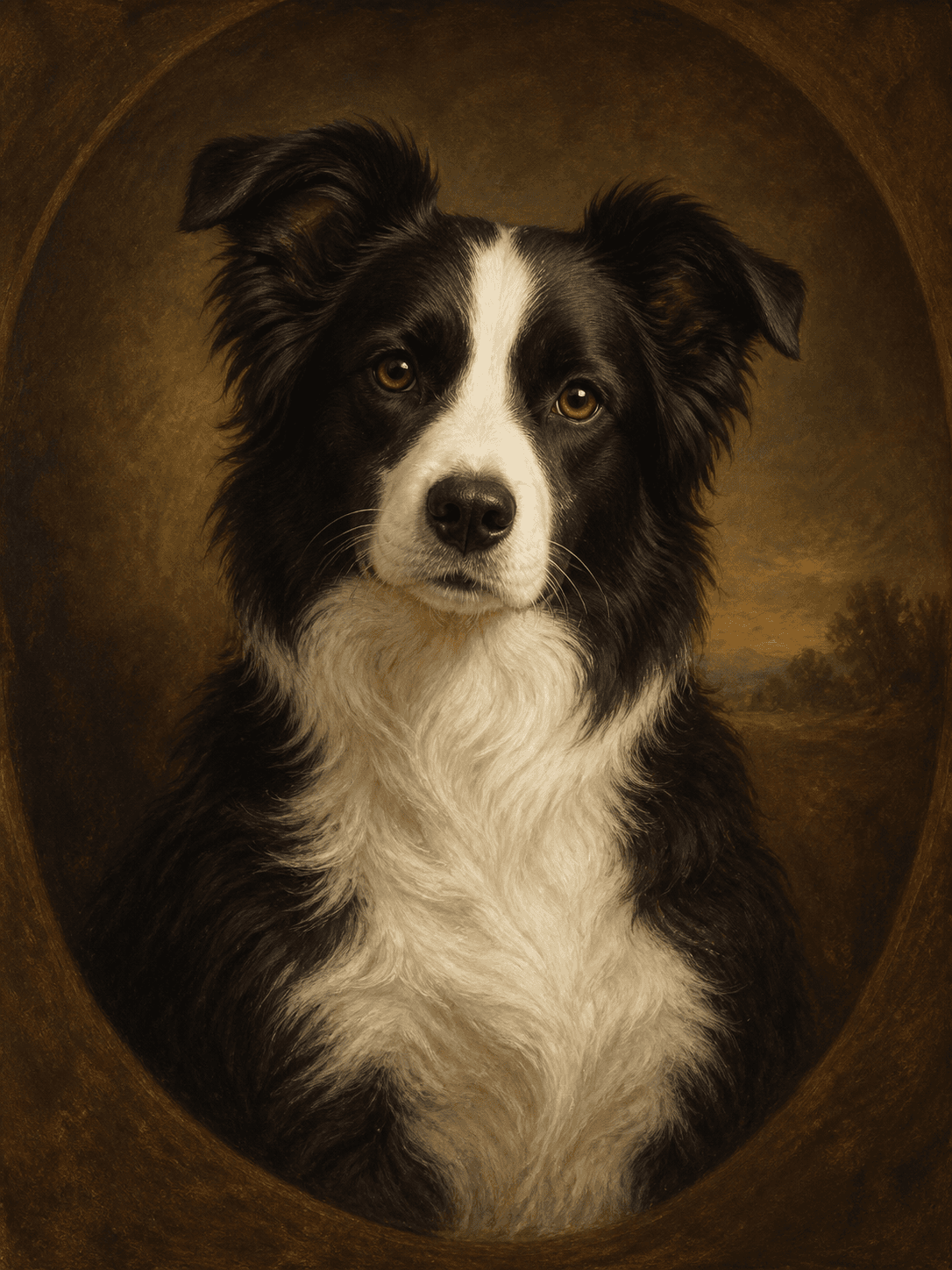
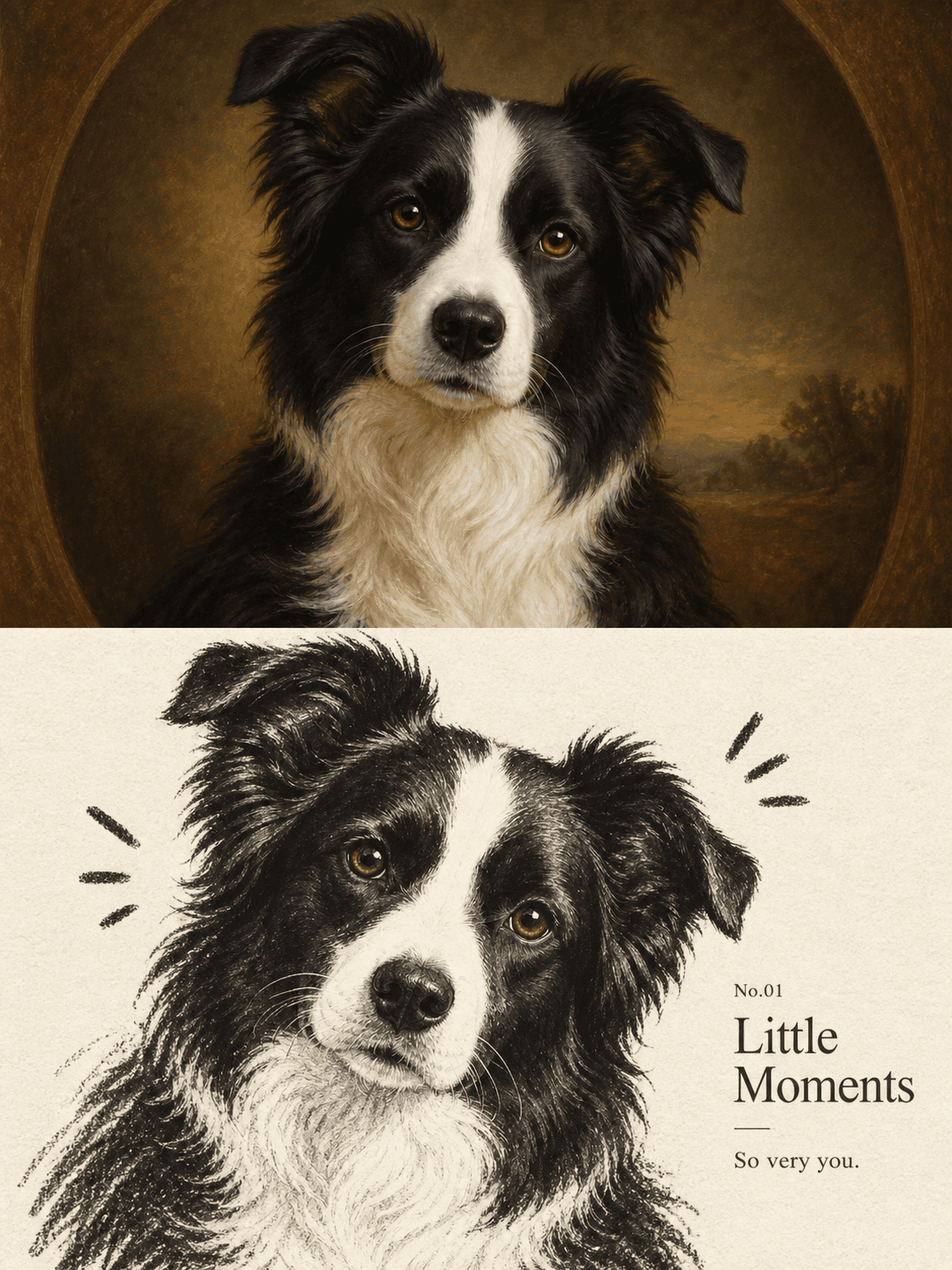
Royal Portrait
Your pet reimagined as a dignified Renaissance oil painting.
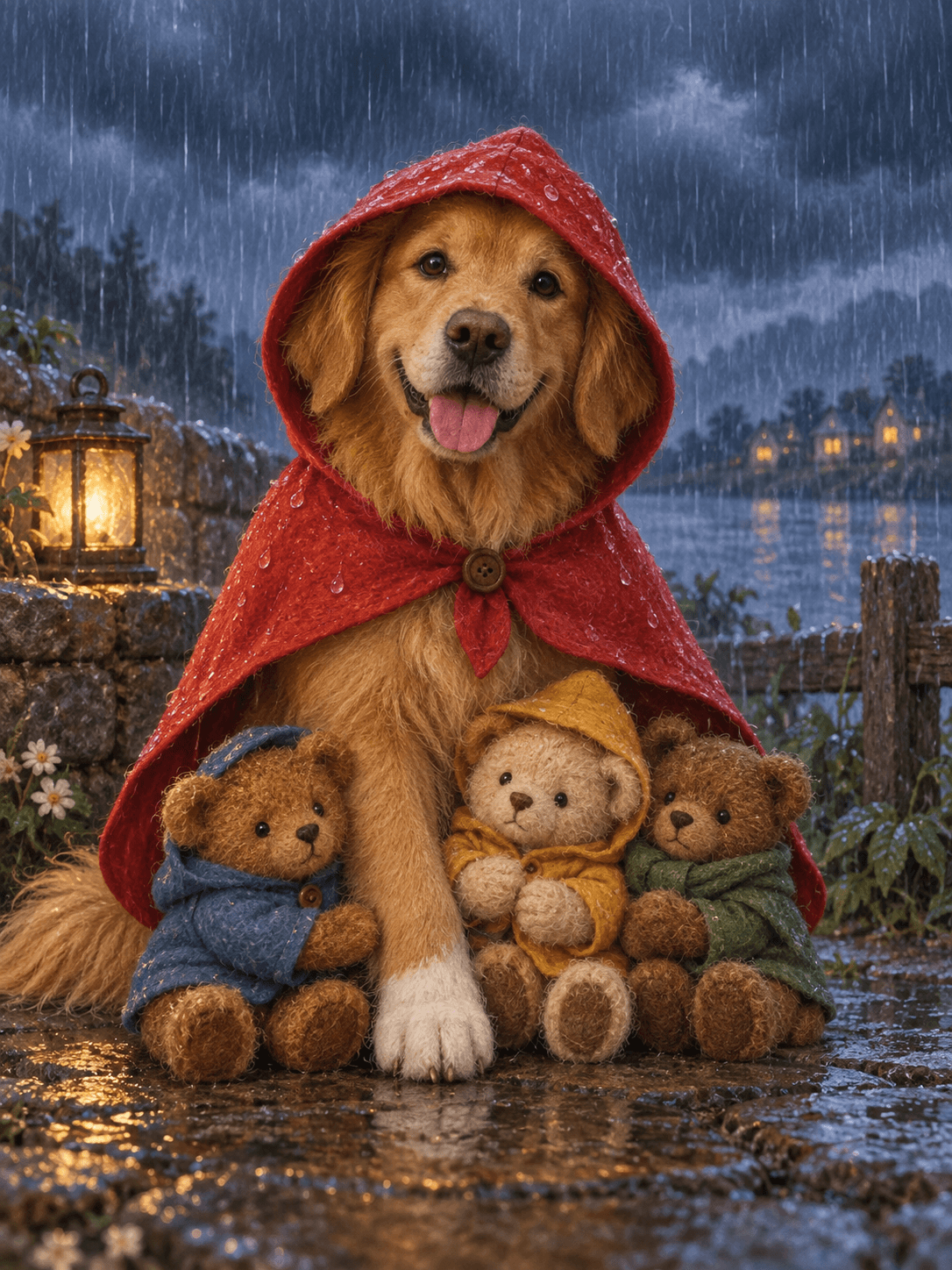
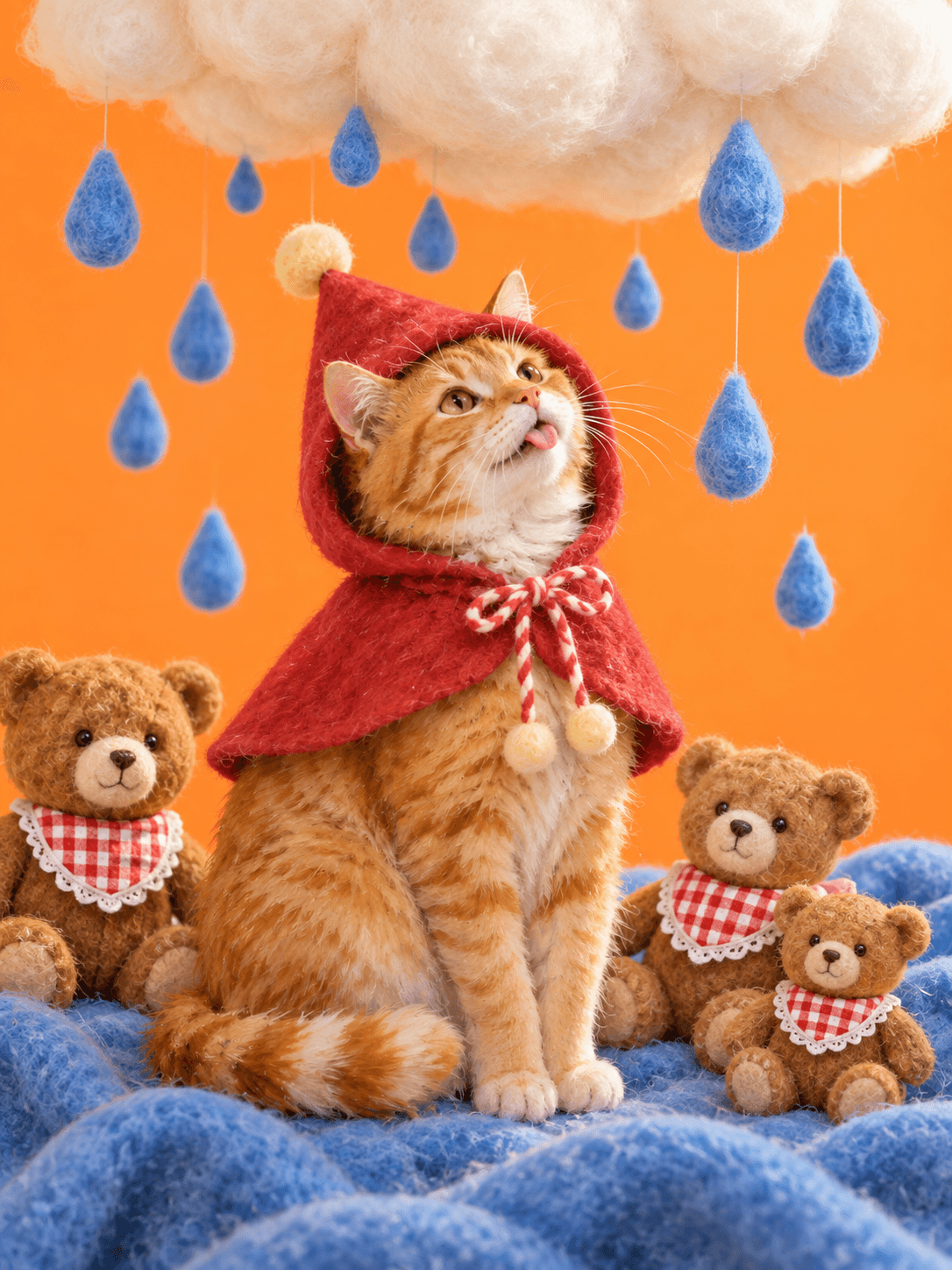
Rainy Day Story
A storybook portrait in a red rain cape with three little companions.
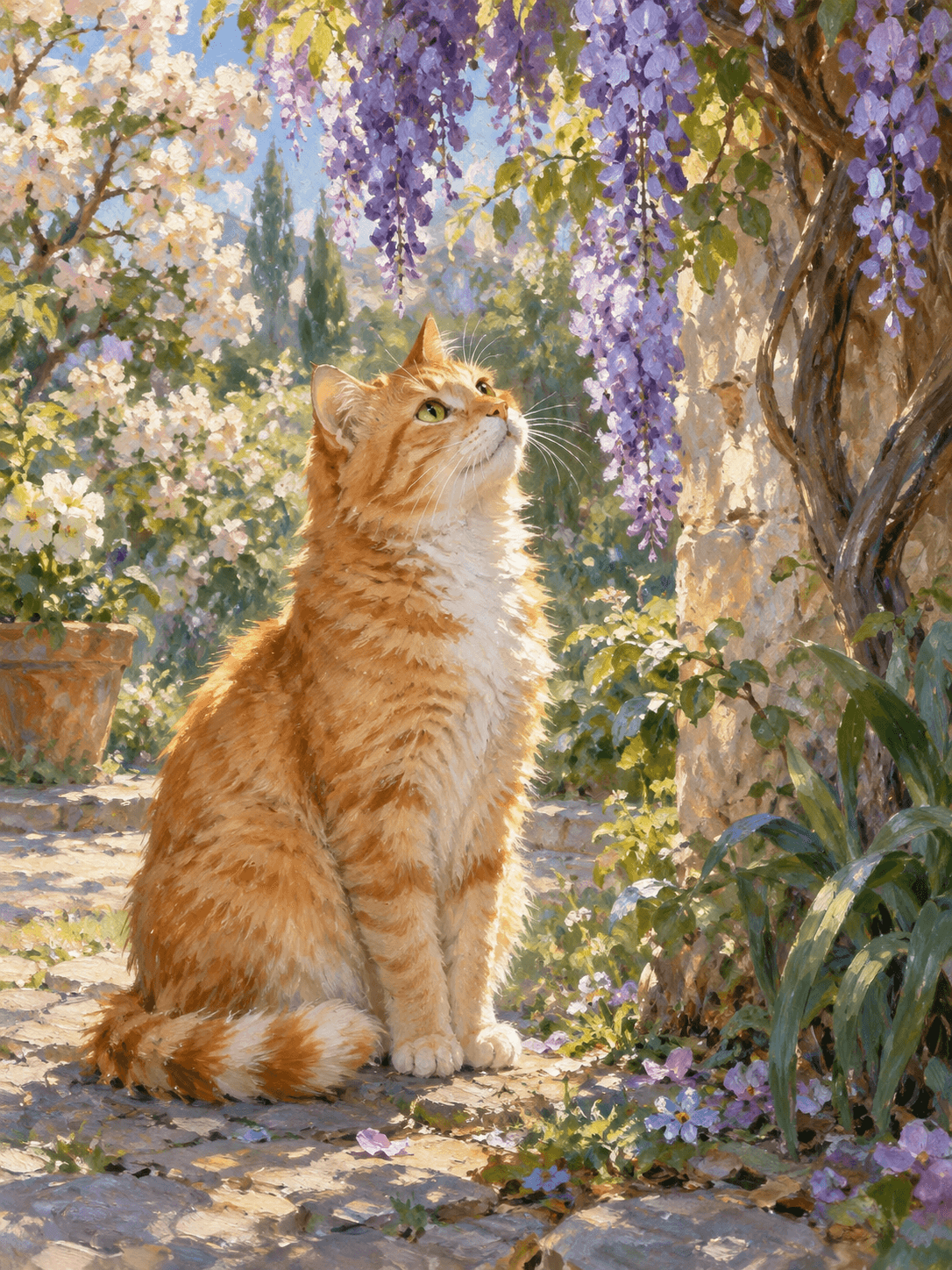
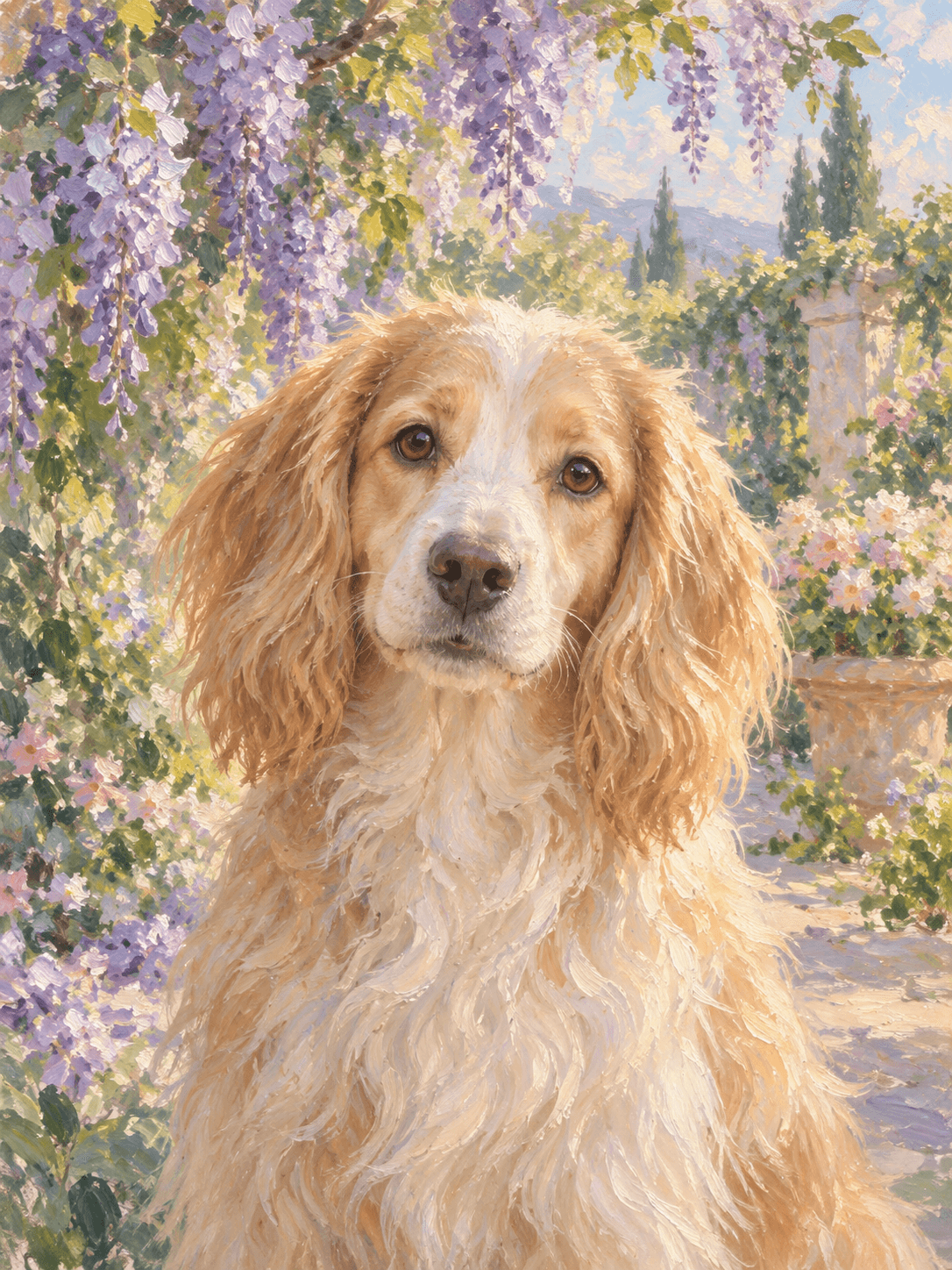
Monet Garden
An impressionist oil painting beneath blooming wisteria.
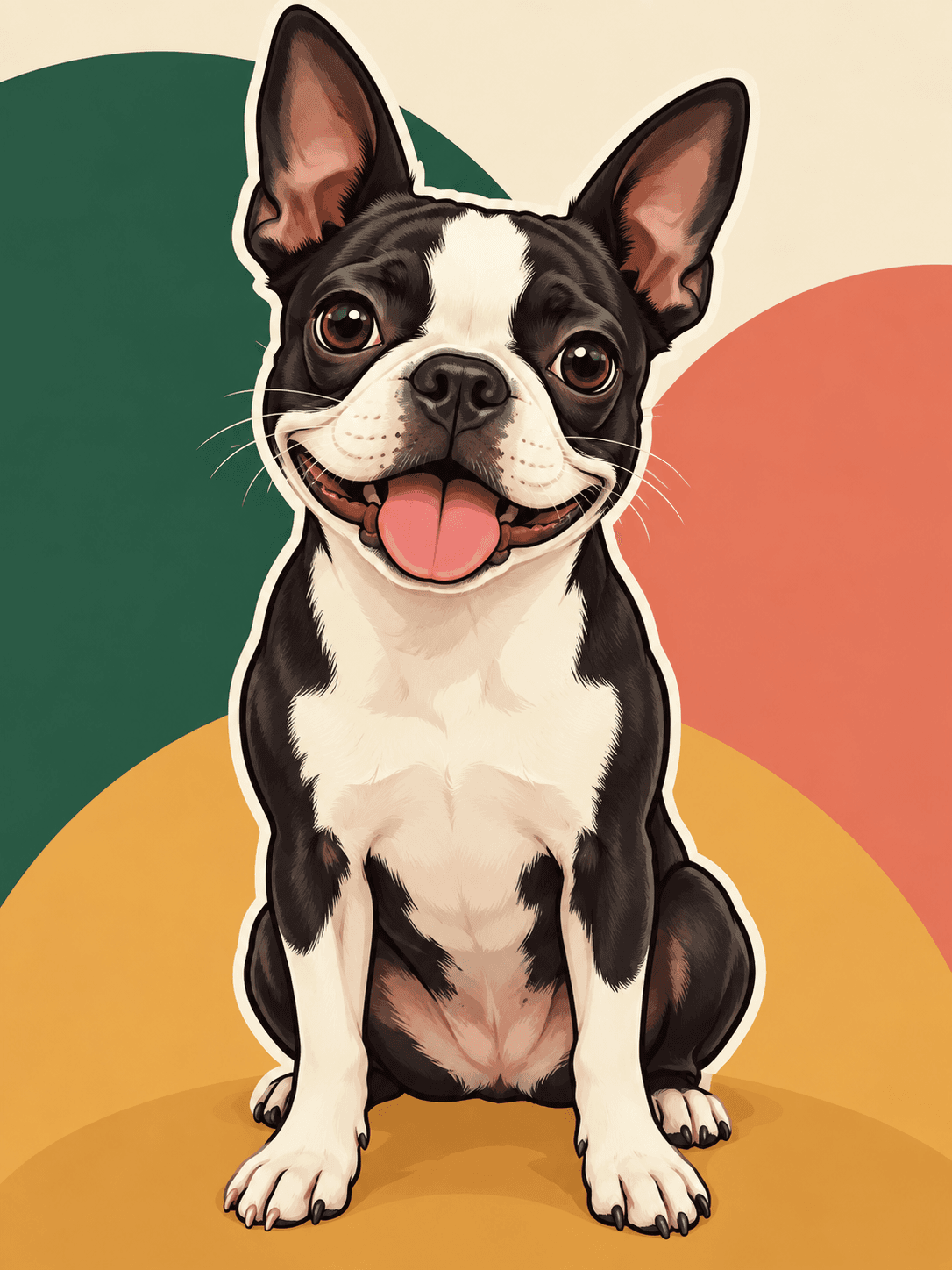
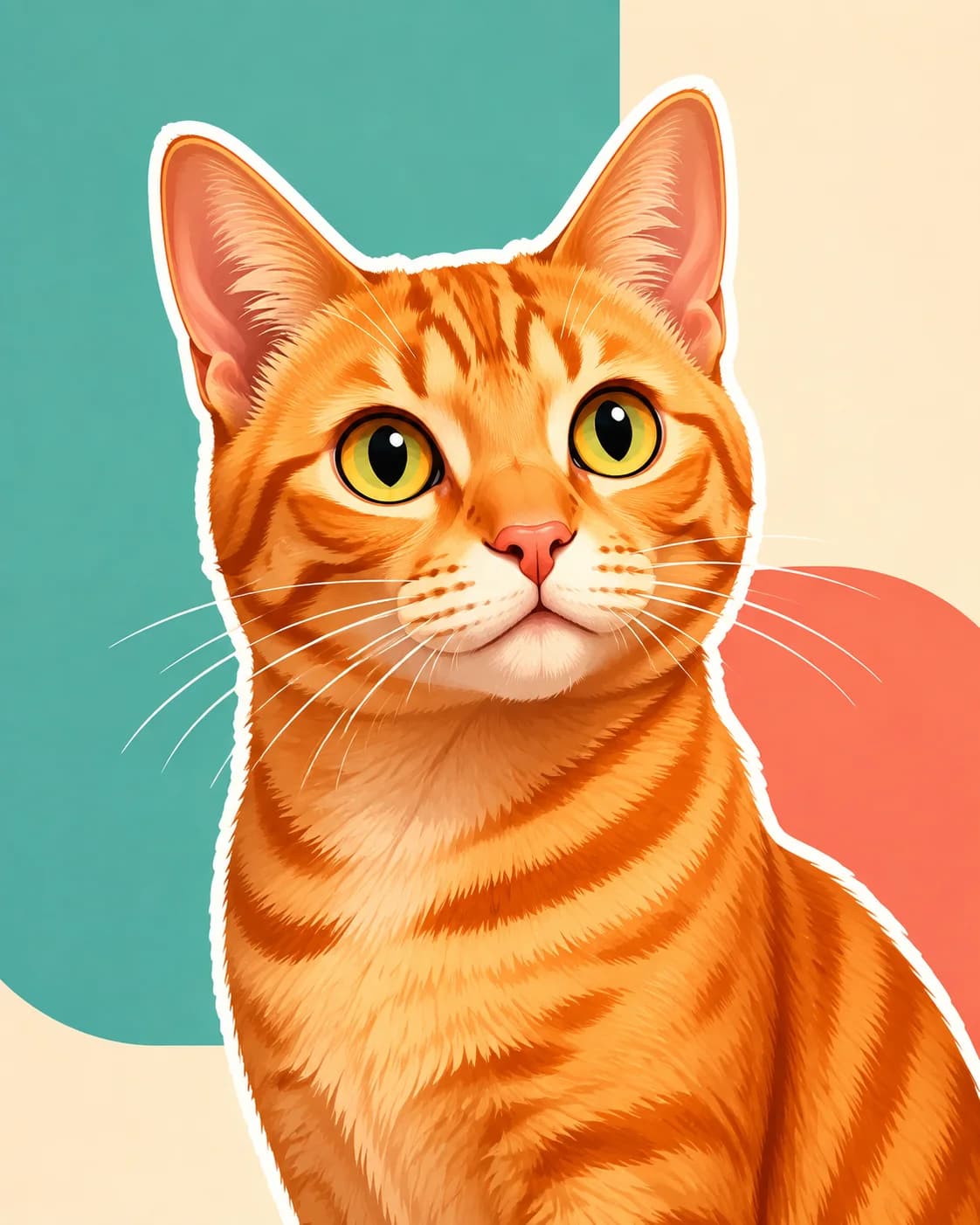
Cartoon Pop
A bright cartoon portrait with a clean, sticker-like finish.
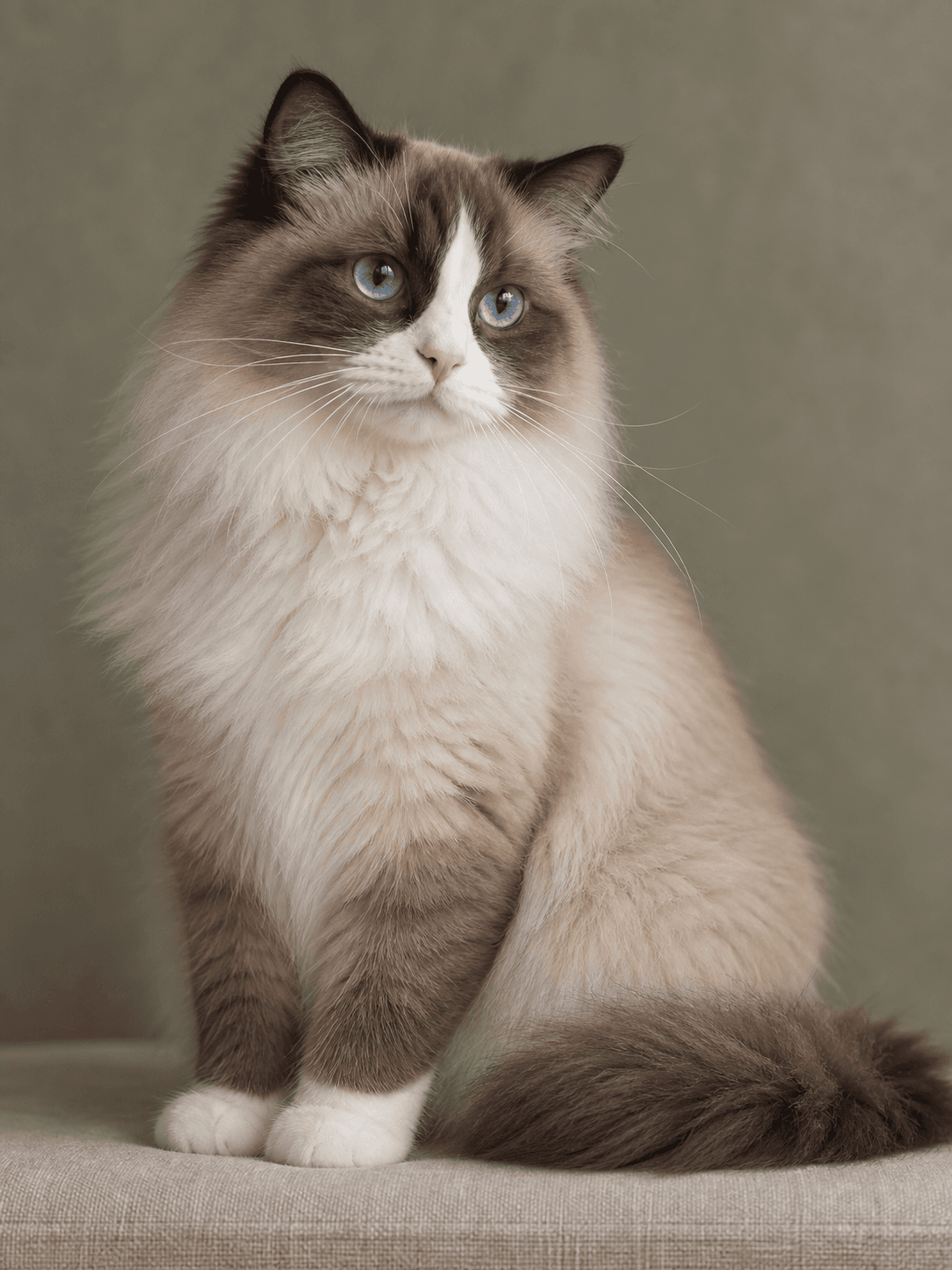
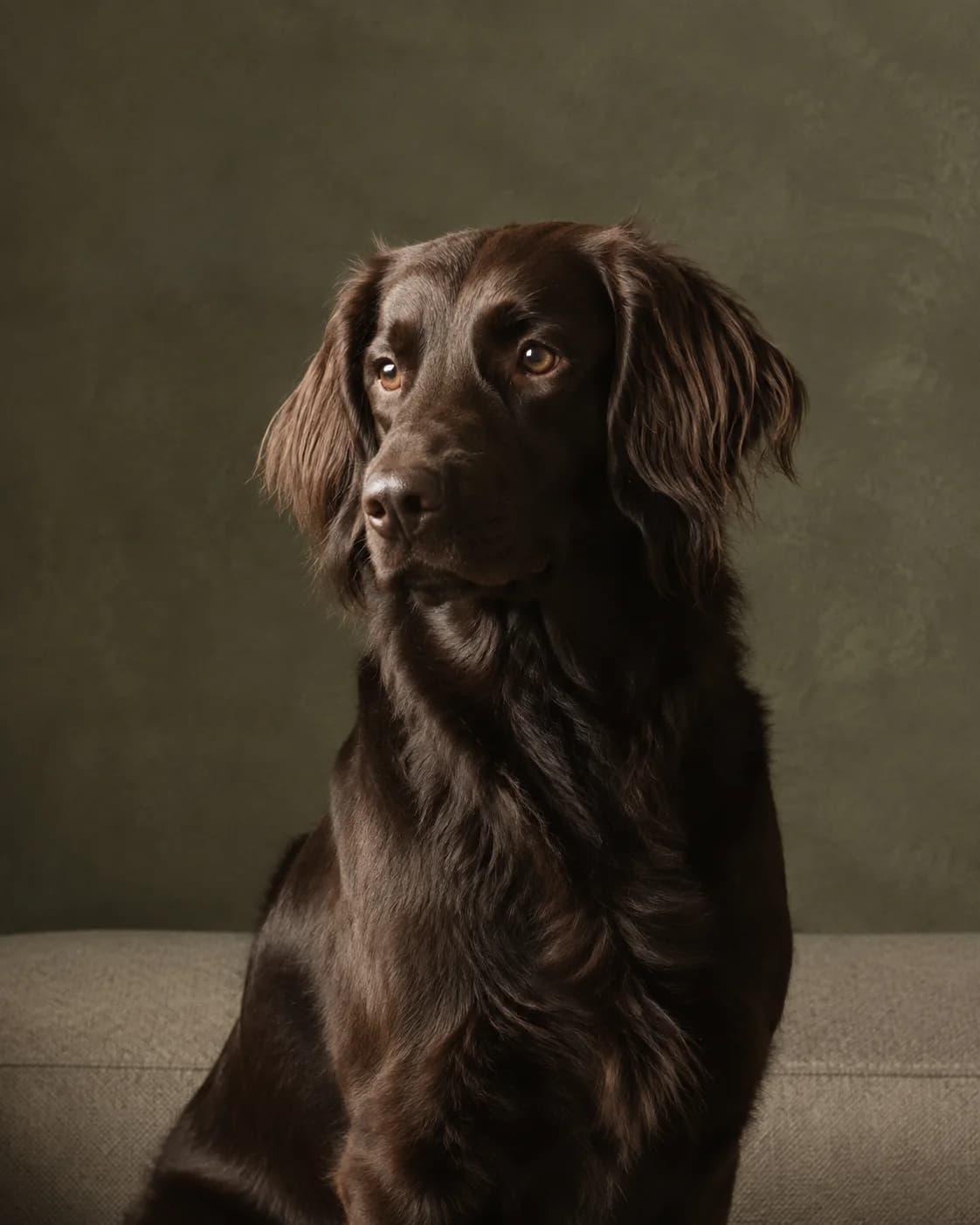
Timeless Studio
A softly lit studio portrait with no costumes or distractions.
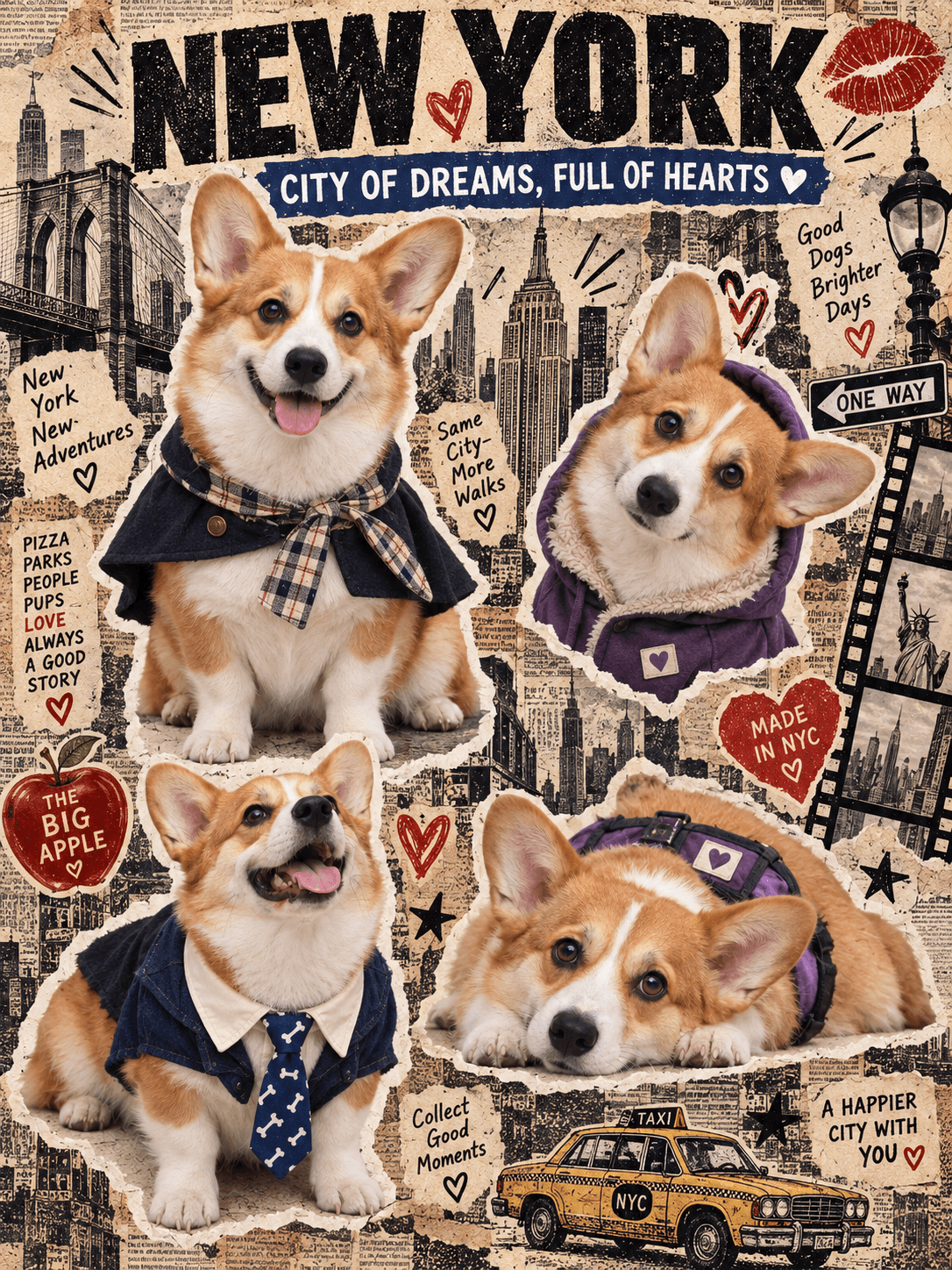
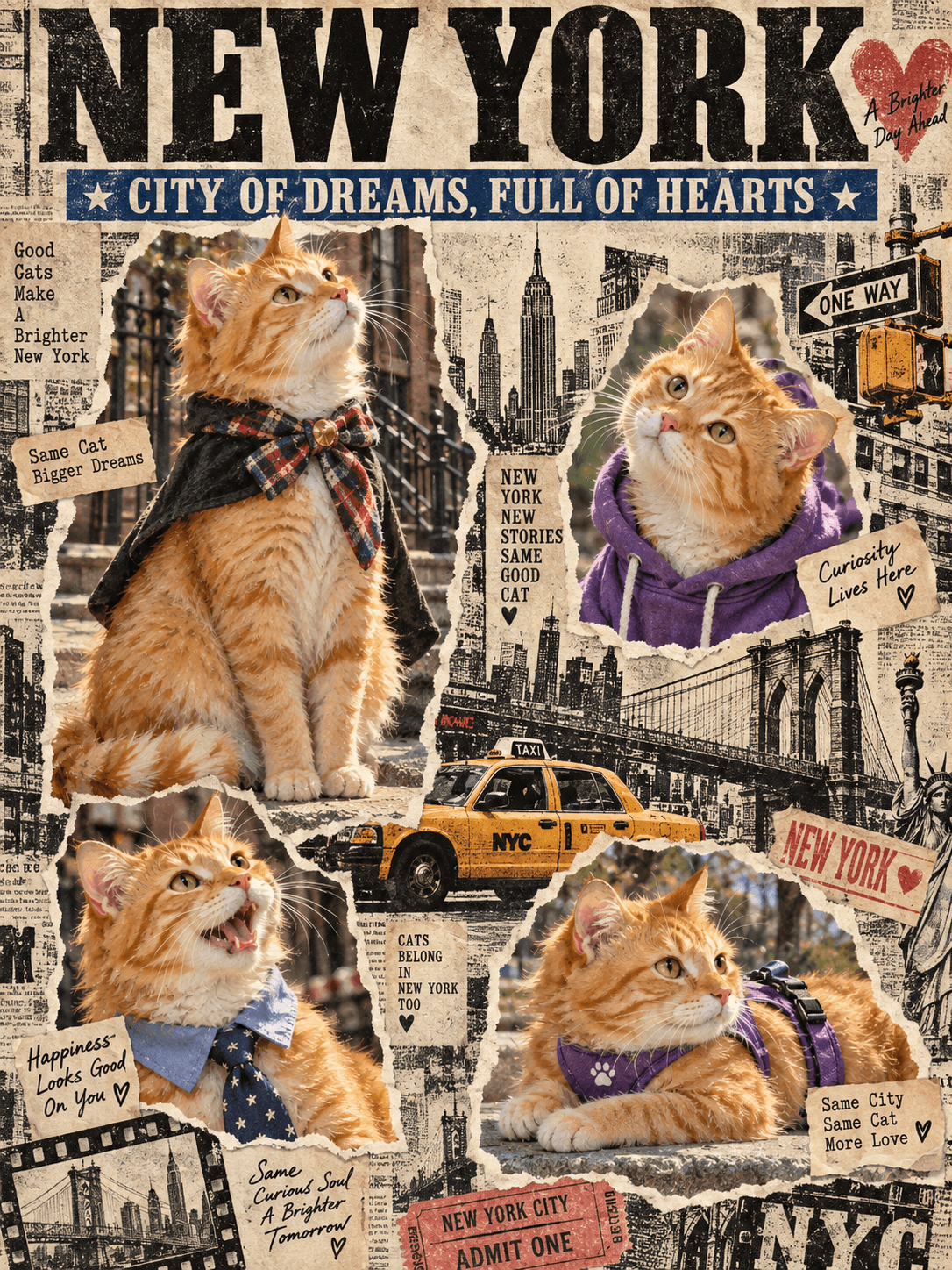
New York Scrapbook
Four expressions in a vintage New York newspaper collage.
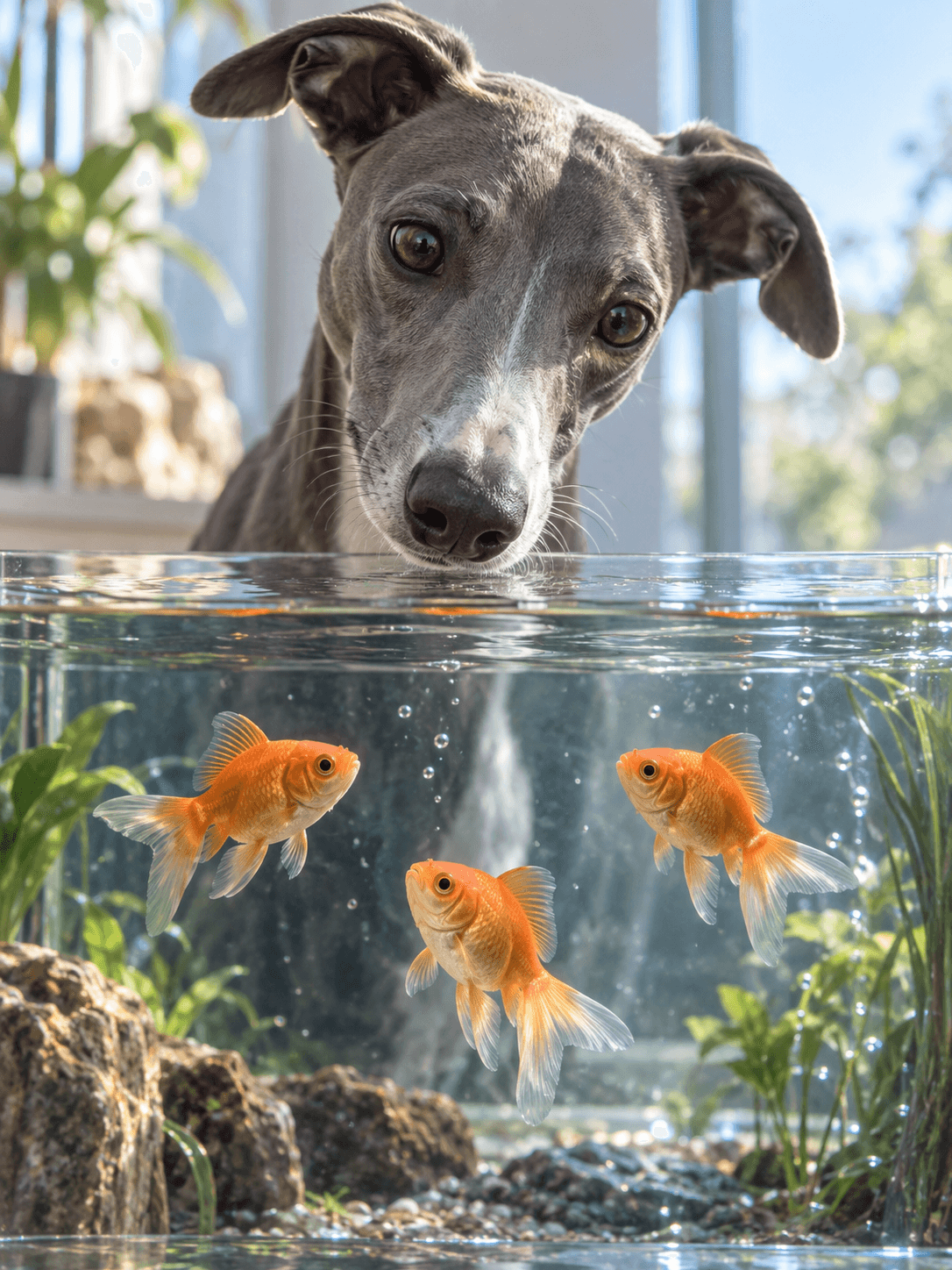
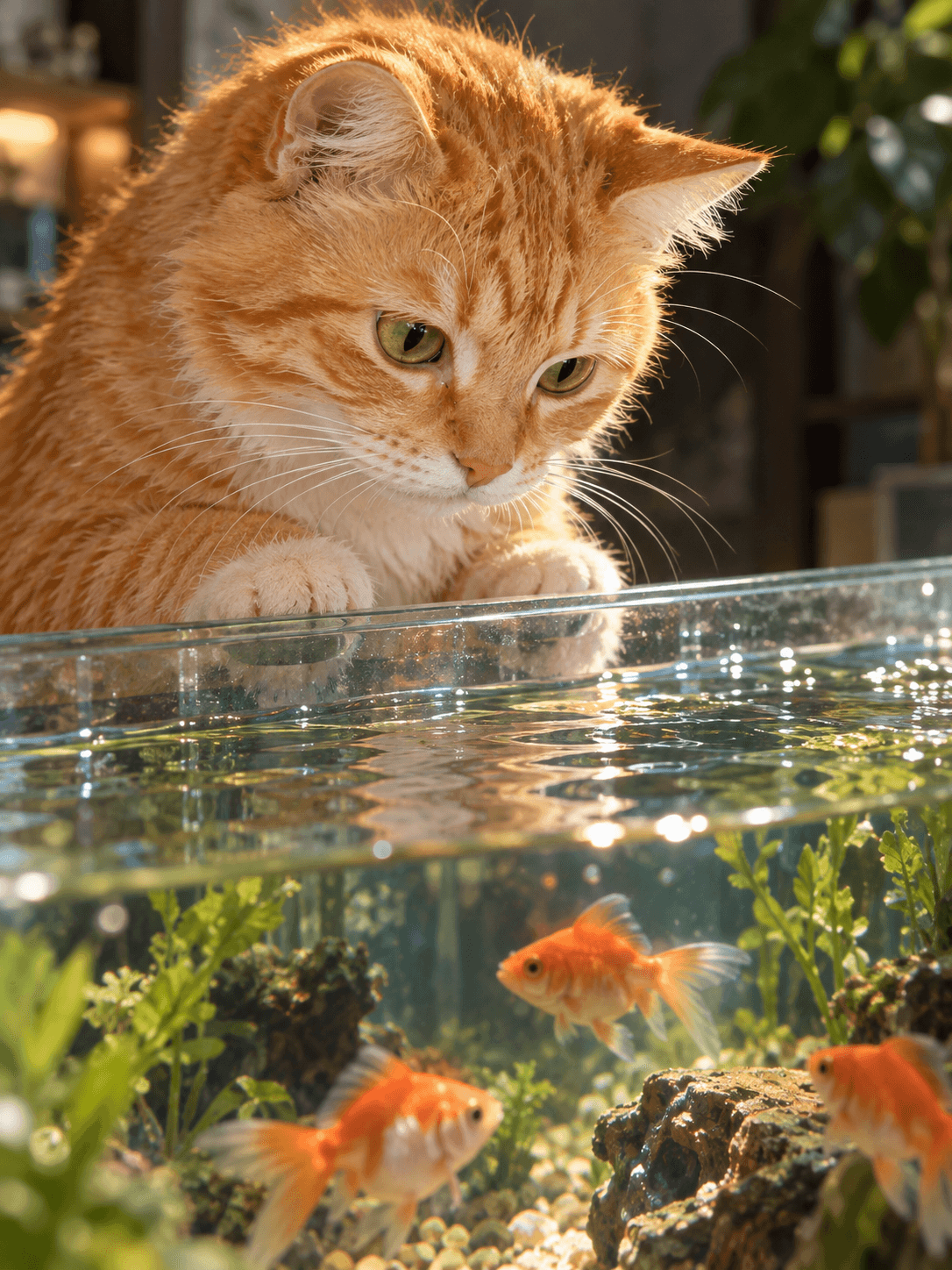
Aquarium Gaze
A realistic close-up as your pet peers across the aquarium waterline.
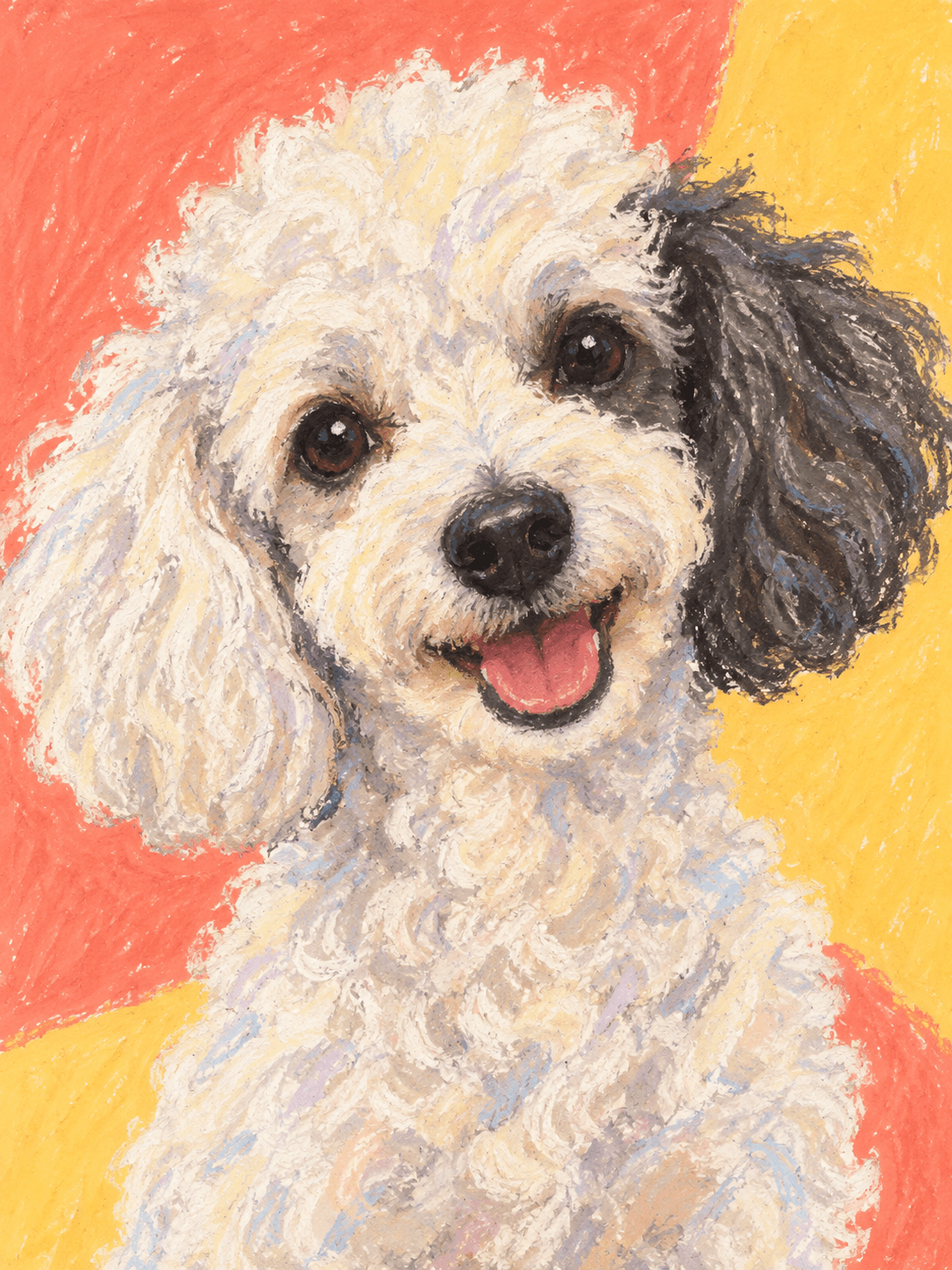
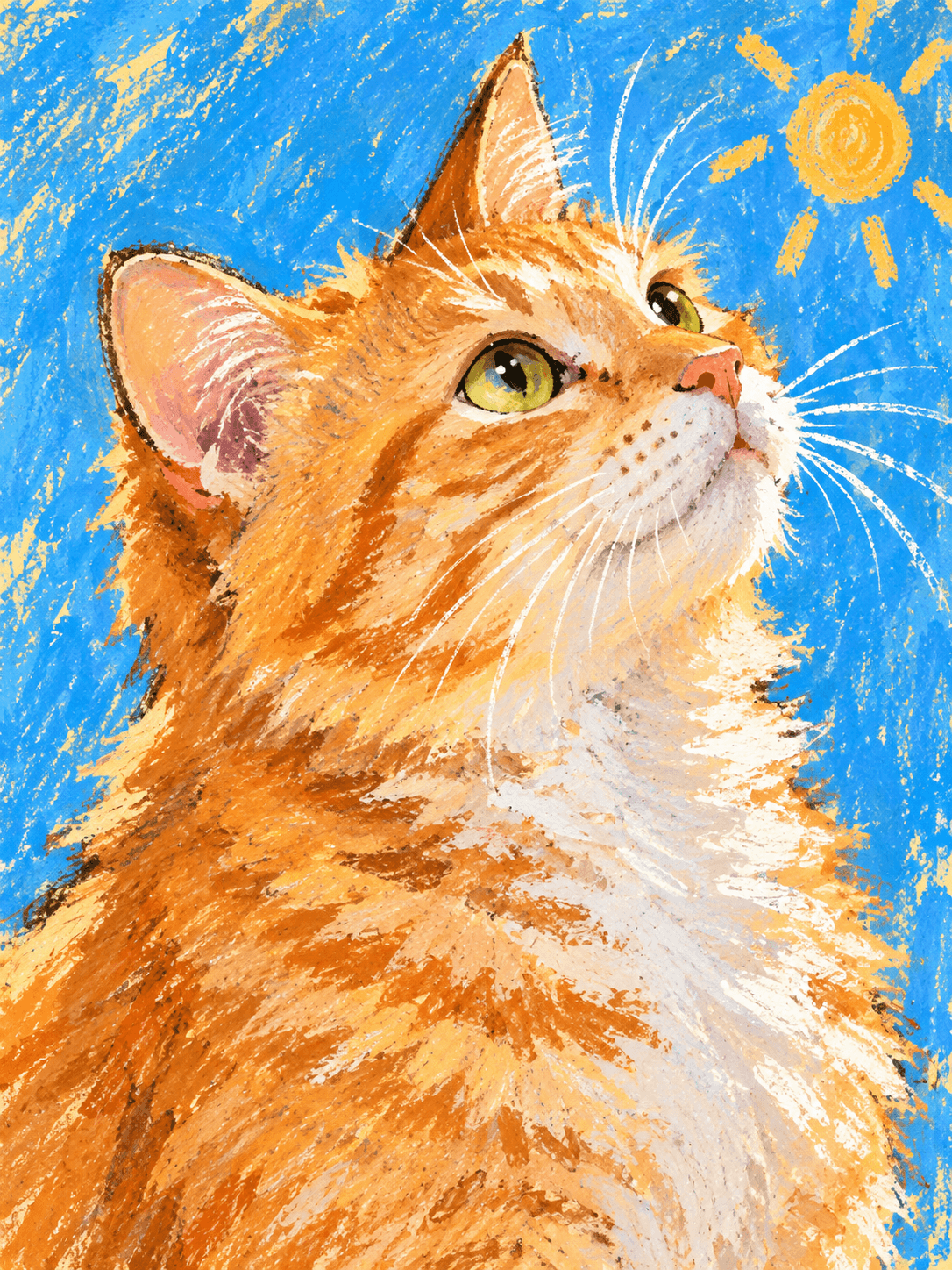
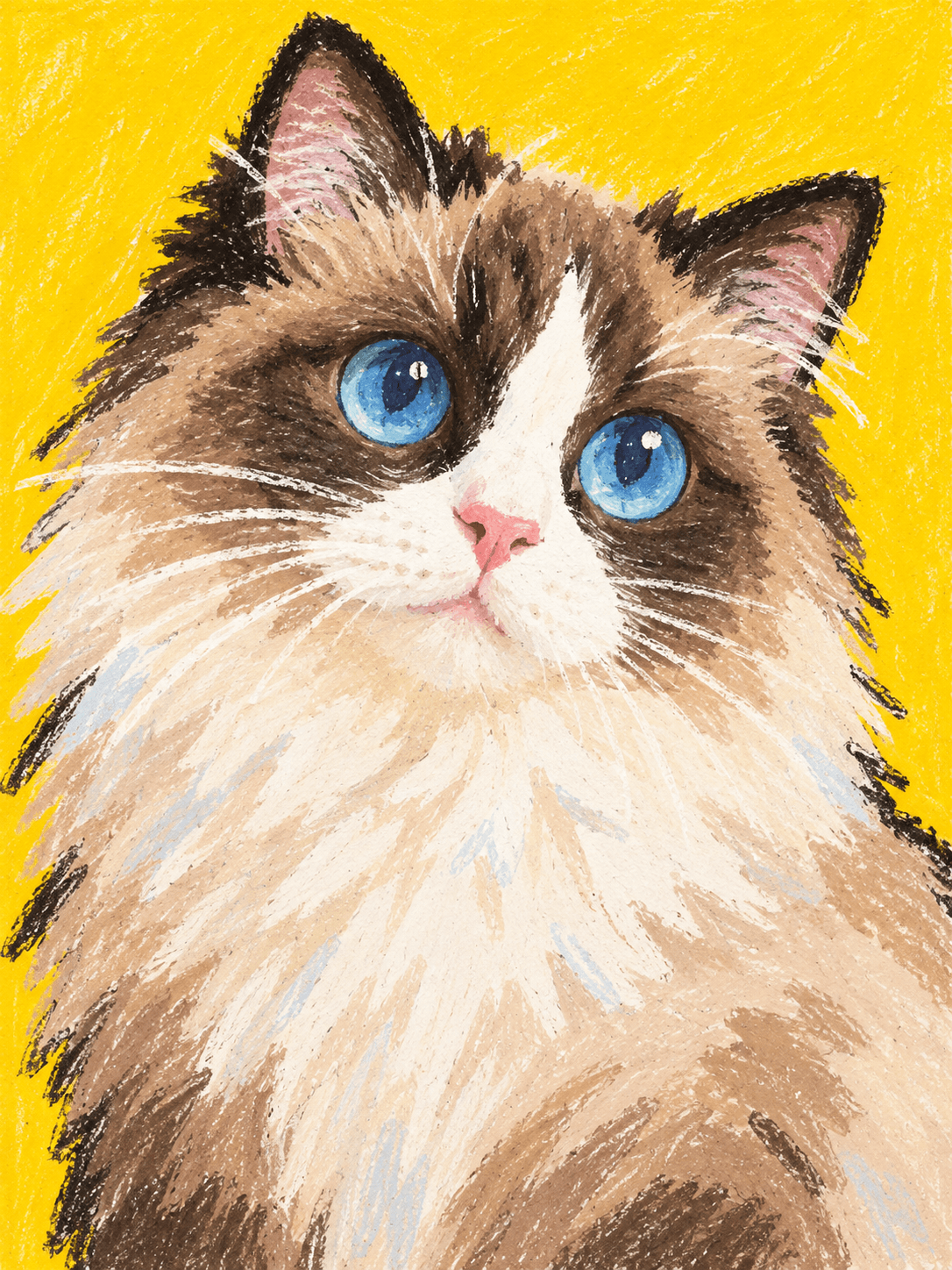
Pastel Personality
A playful oil-pastel portrait with bold color and charming imperfections.
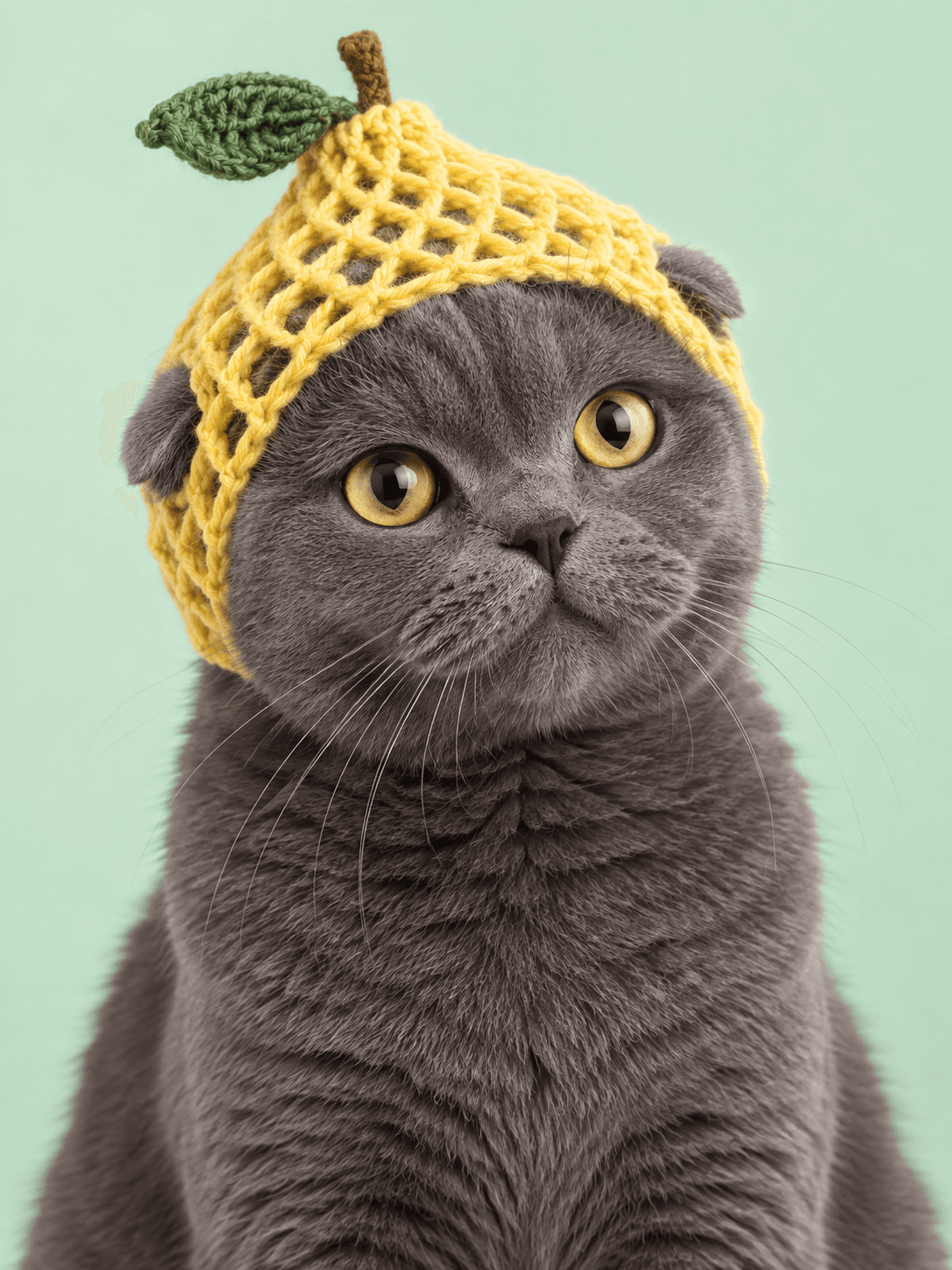
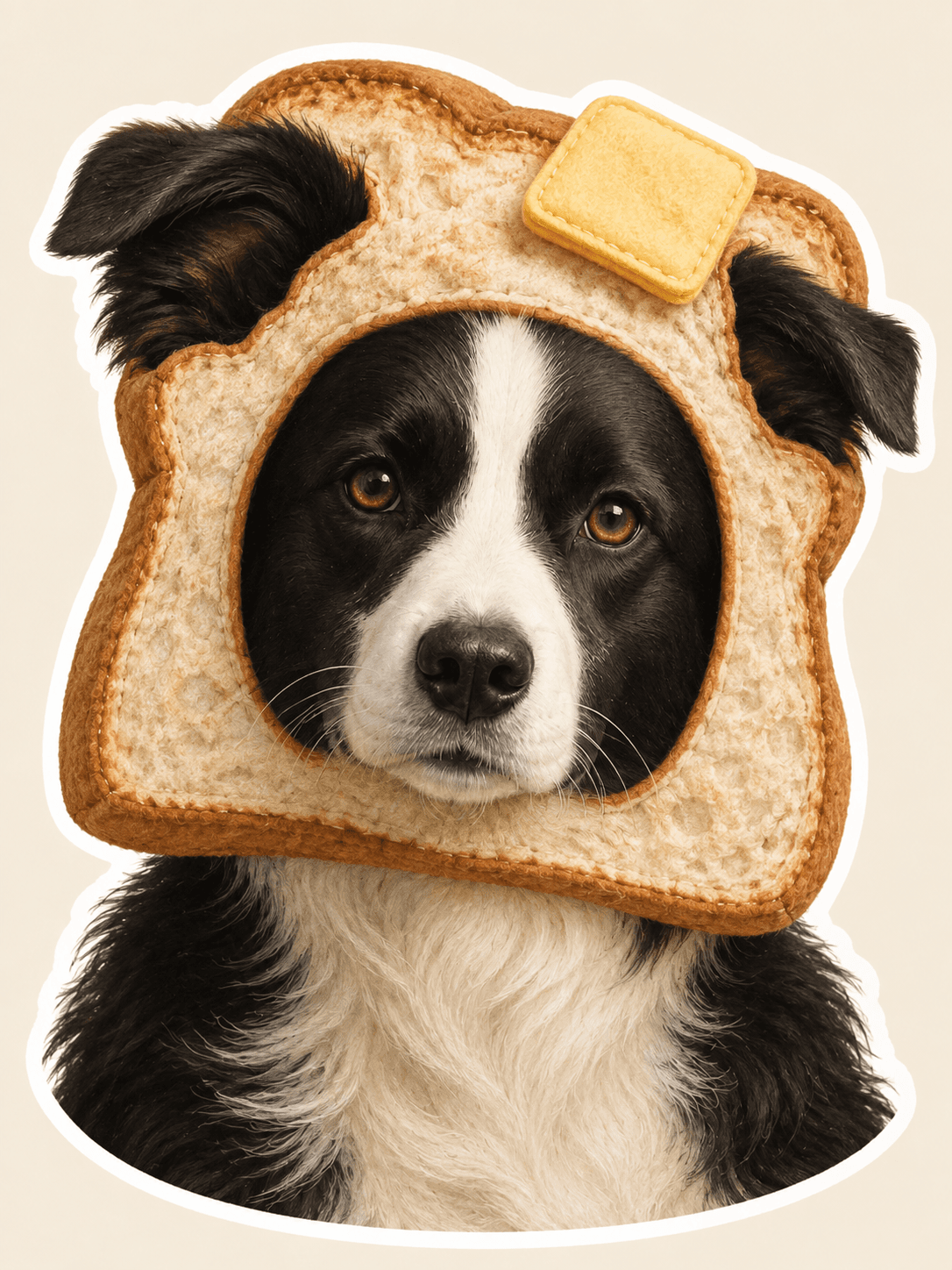
Silly Little Hat
Their familiar face, topped with one delightfully unexpected hat.
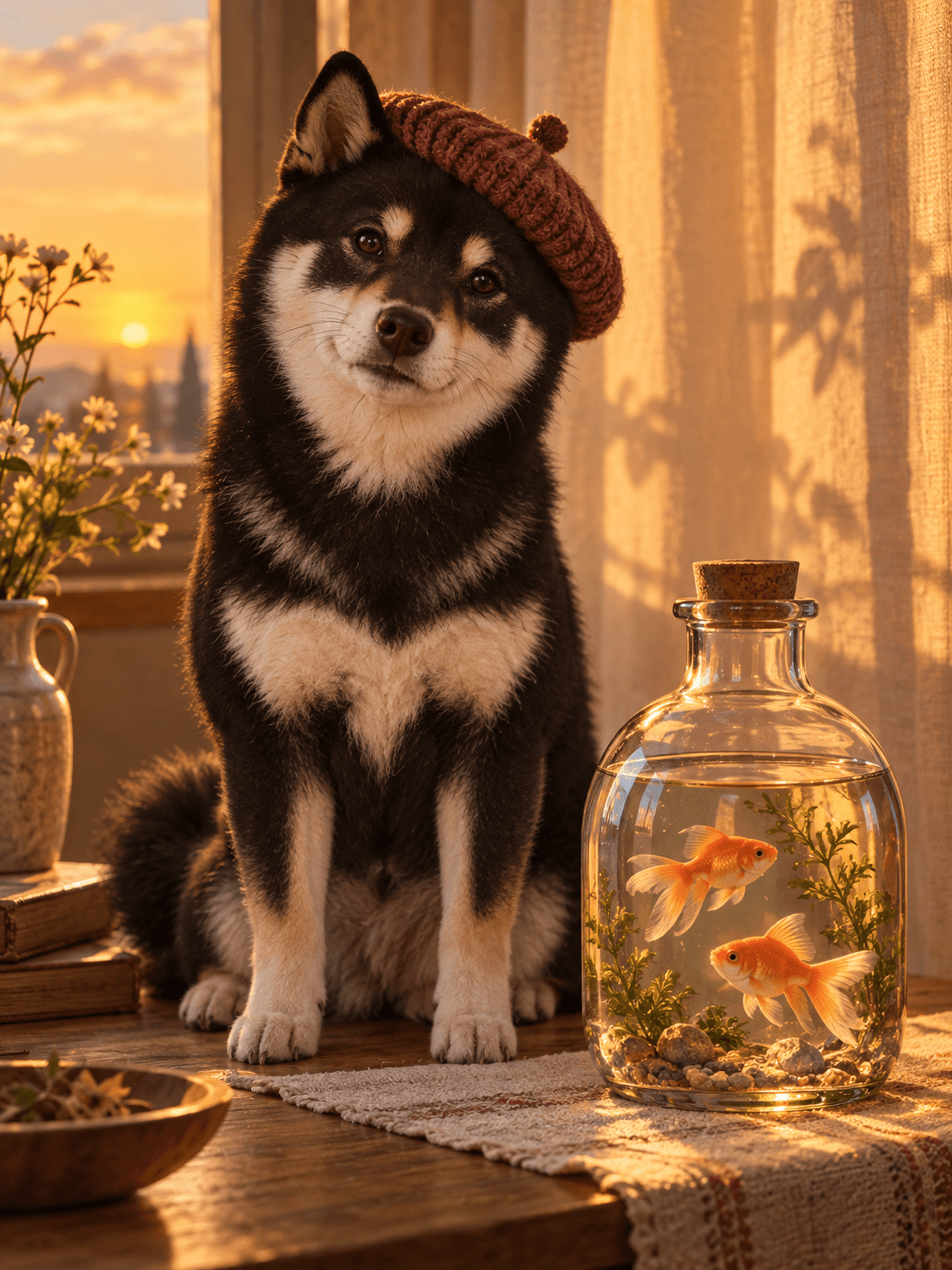
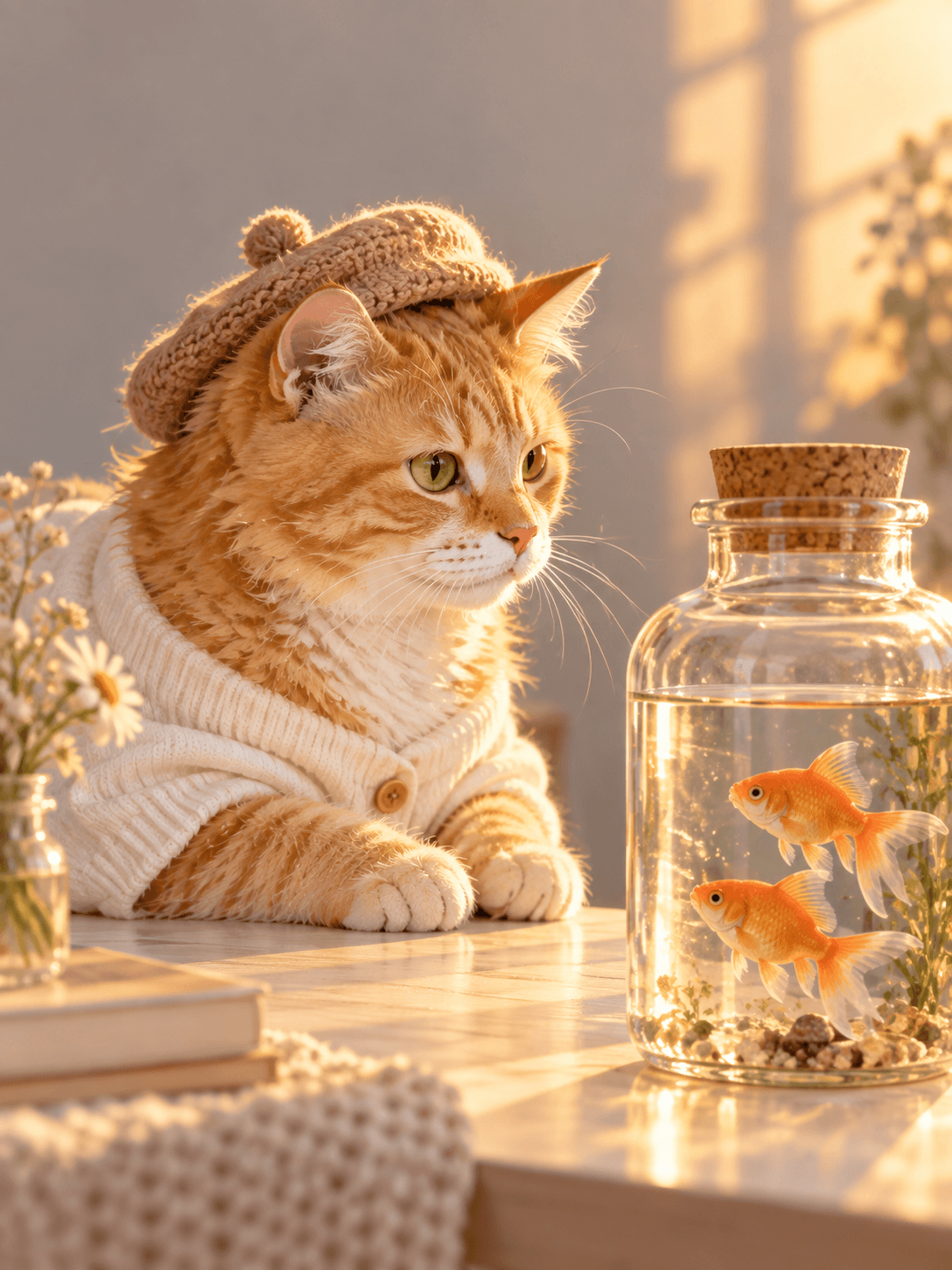
Goldfish at Sunset
A warm sunset portrait beside two tiny goldfish.
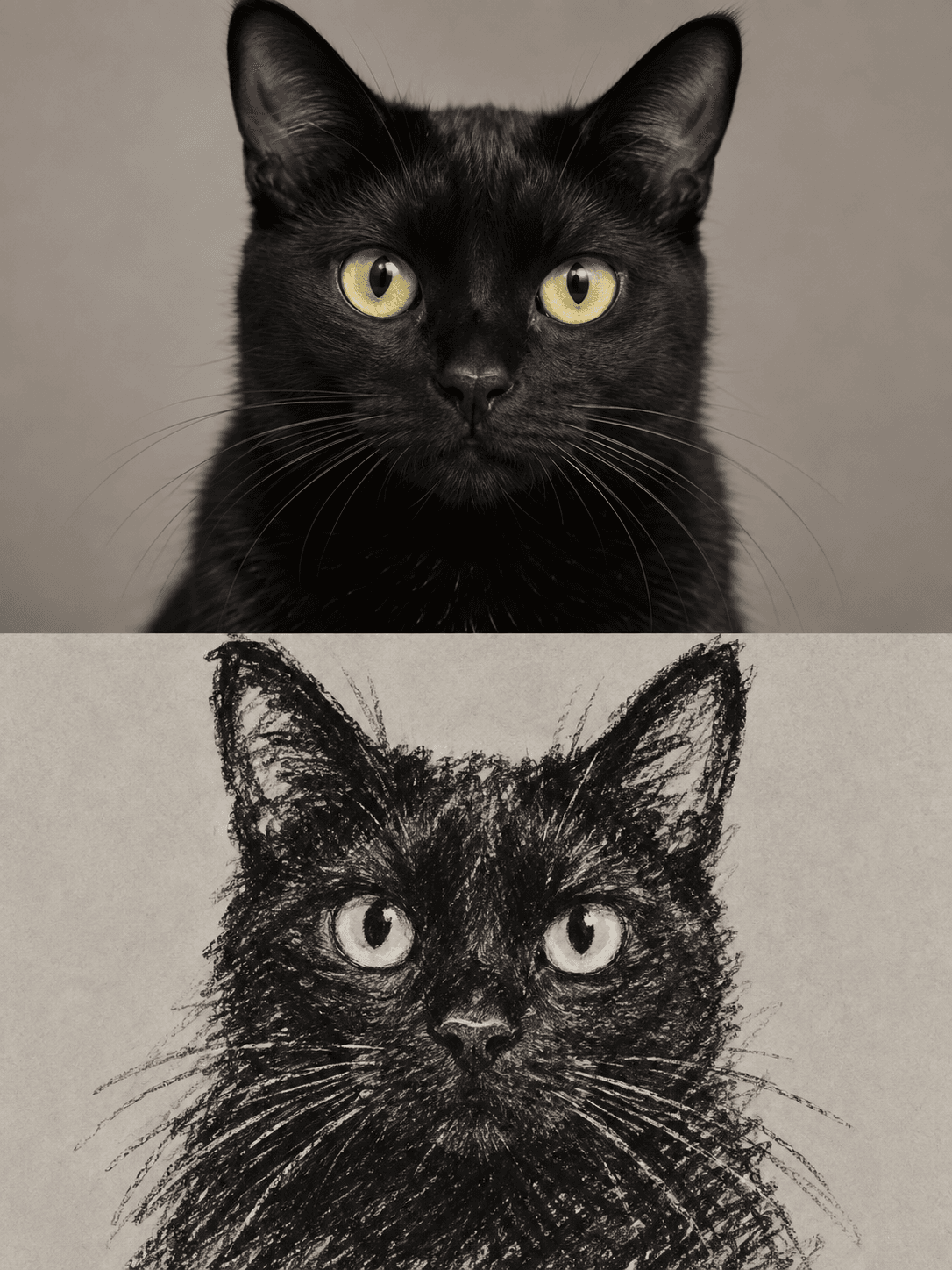
Portrait & Crayon
One familiar face, paired as a portrait and a crayon drawing.
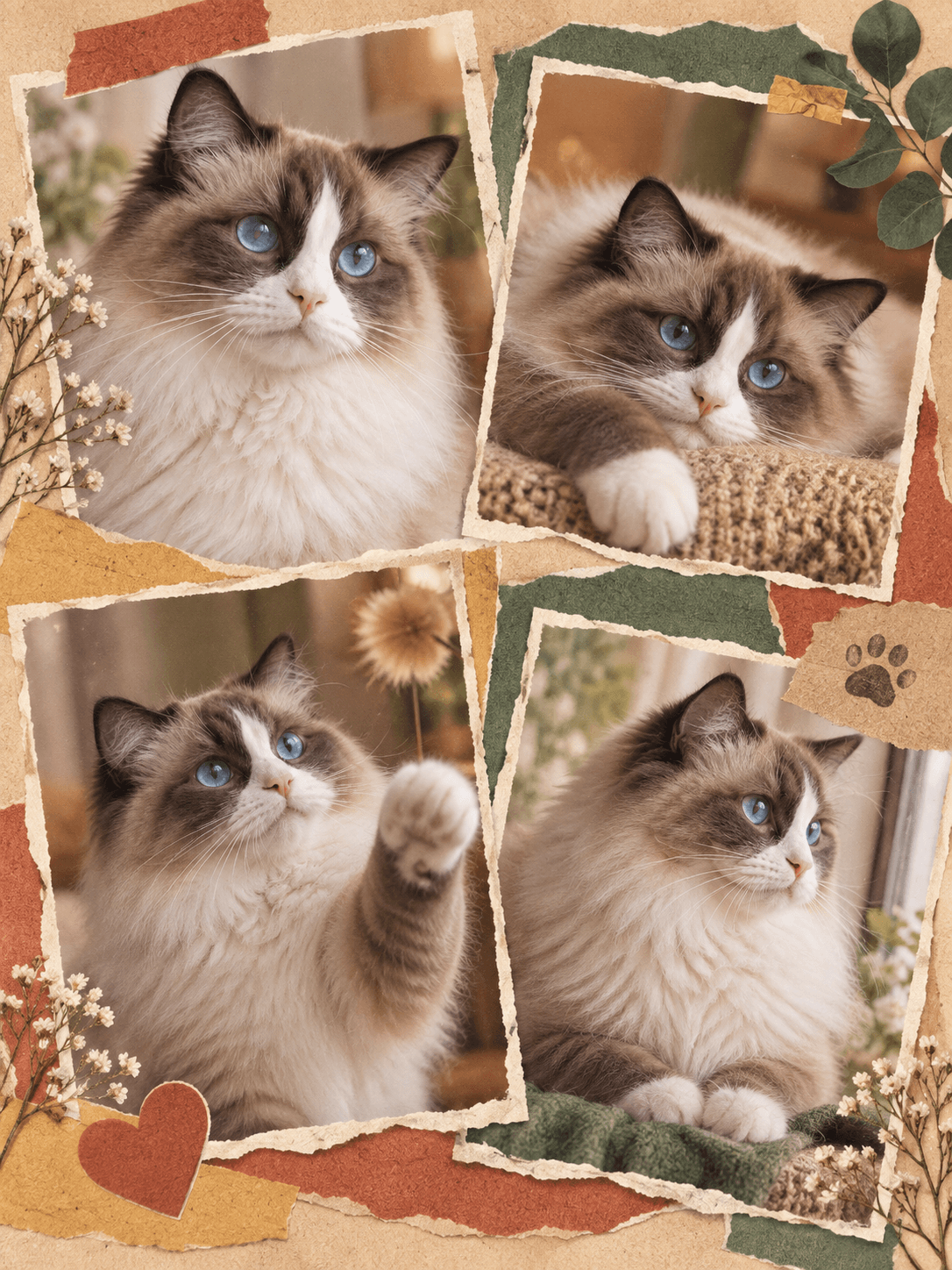
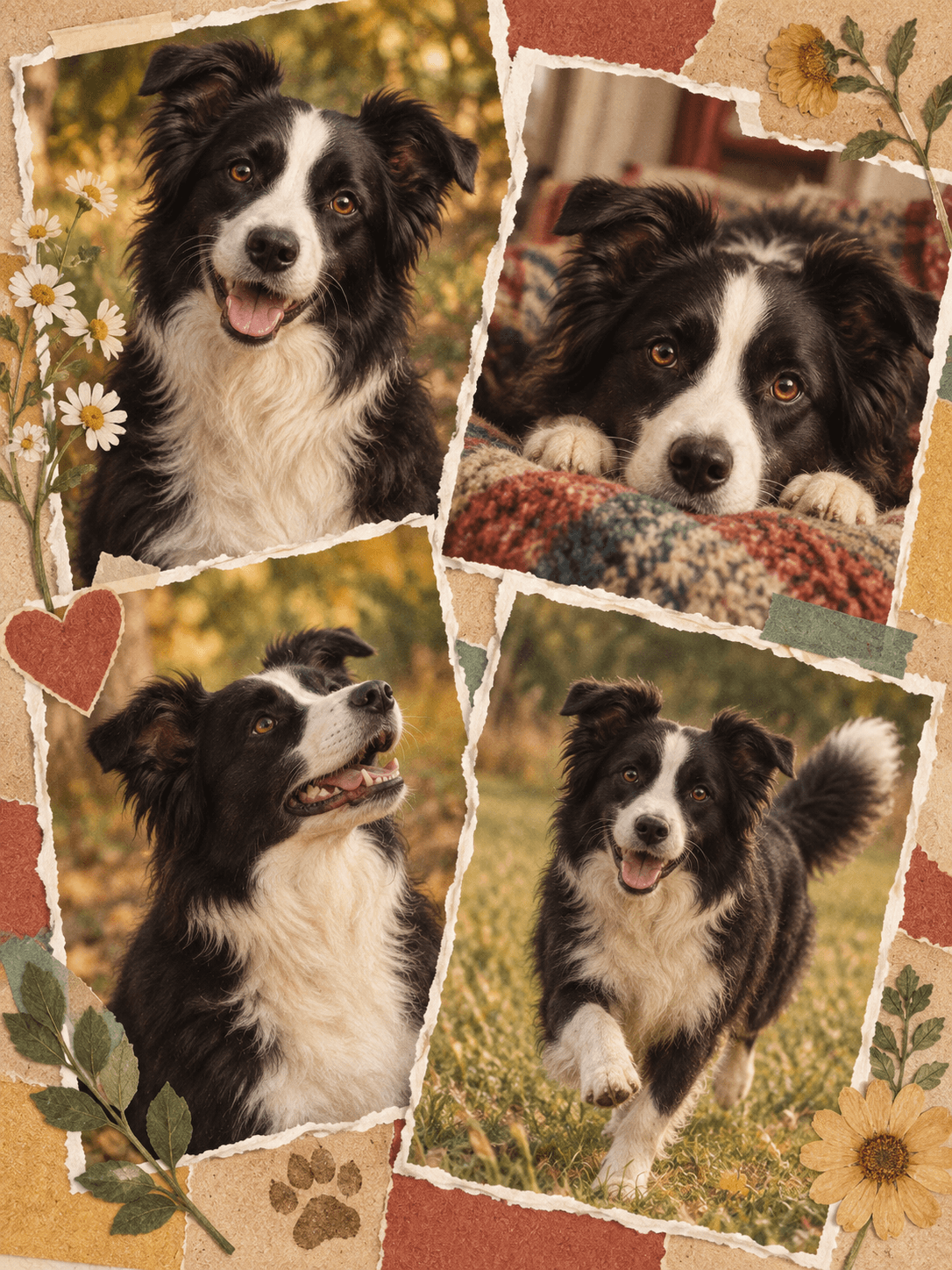
Color Story Collage
A warm, colorful torn-paper scrapbook of your pet’s little moments.
Royal Portrait
A second familiar face, reimagined as a courtly painted portrait.
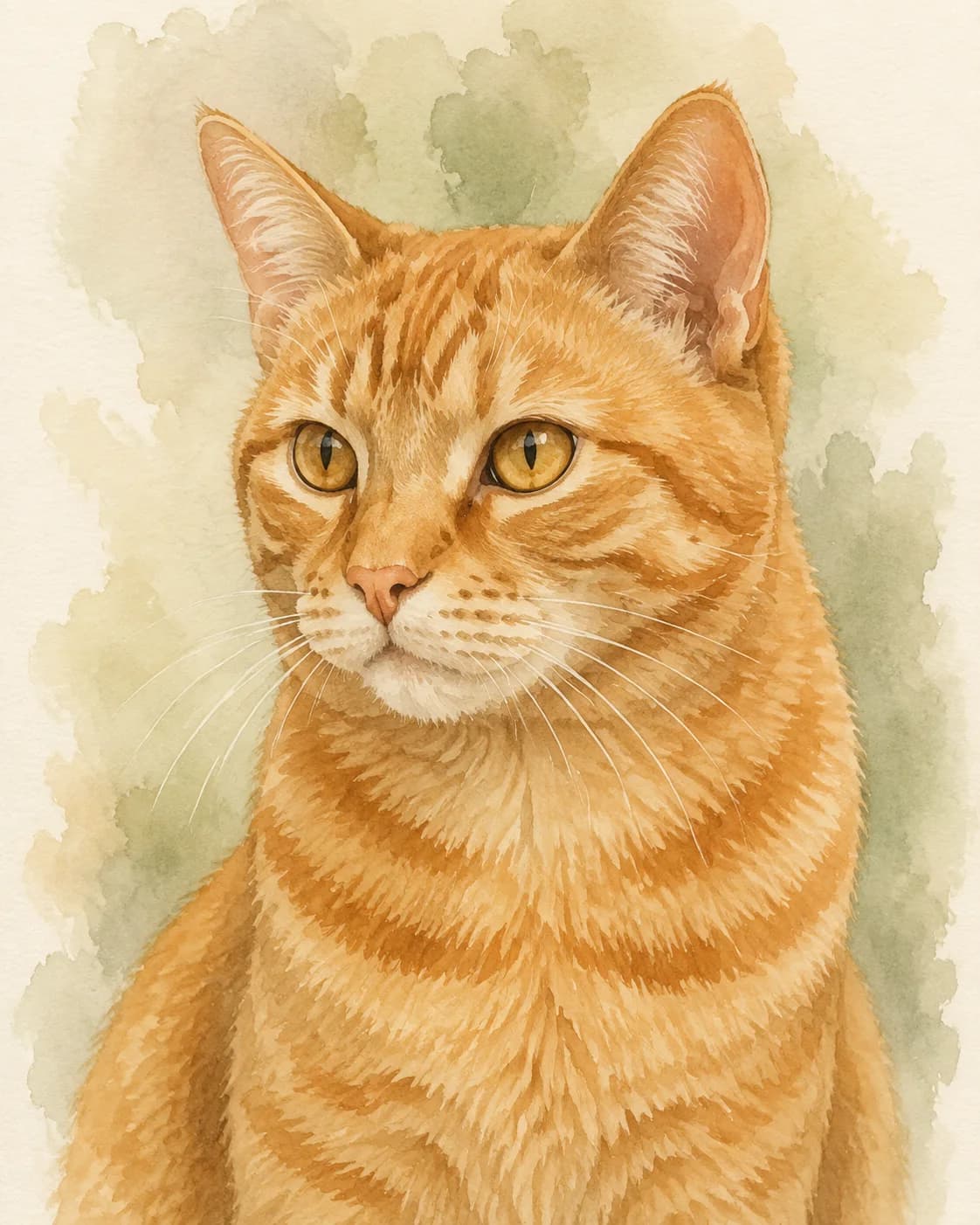
Soft Watercolor
The same airy watercolor approach, shaped around a cat’s familiar markings.
Cartoon Pop
A playful character treatment that still keeps the original personality.
Timeless Studio
A quiet studio portrait built around another distinctive face.
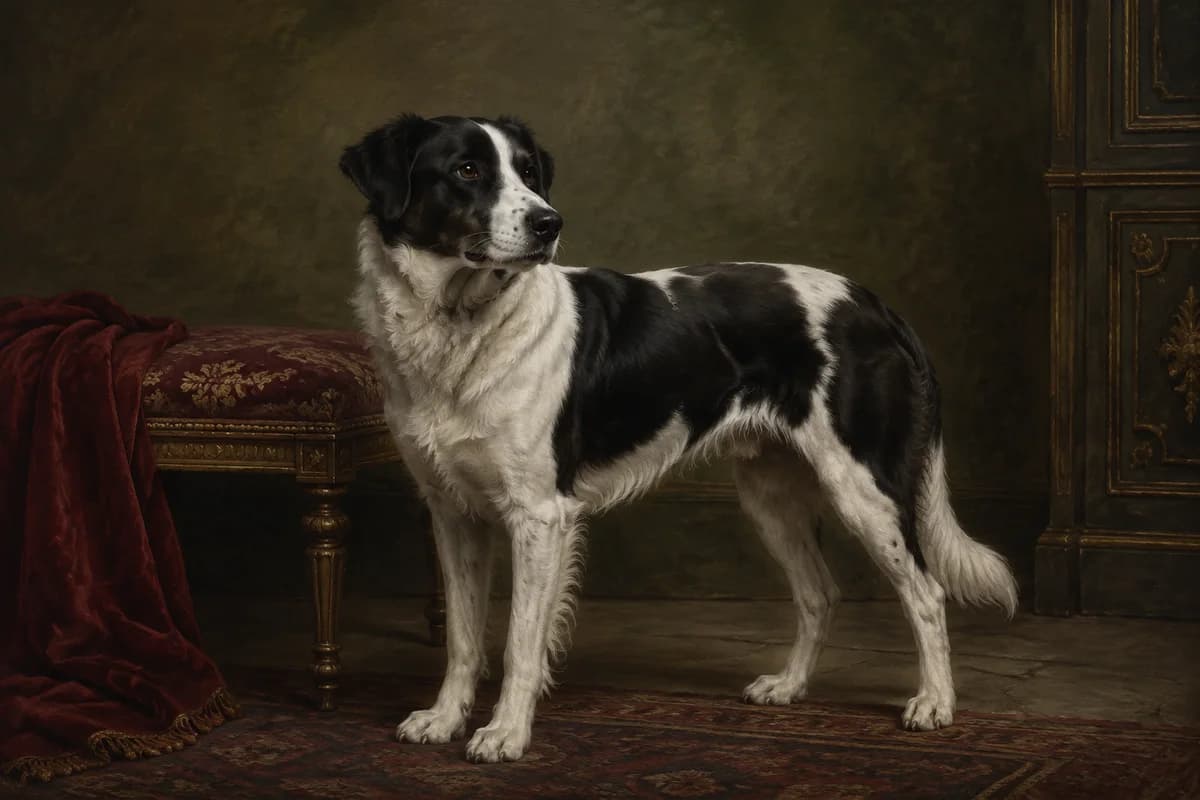
Royal Portrait
A dignified border collie, reimagined as a courtly painted portrait.
Monet Garden
A gentle garden portrait with wisteria and painterly morning light.
Portrait & Crayon
A familiar face paired with an illustrated keepsake moment.
Silly Little Hat
A familiar face in one delightfully unexpected toast-shaped hat.
Magazine Muse
An orange cat as the star of a warm retro cover.
Pastel Personality
An expressive oil-pastel close-up with cheerful color.
Hello, Big Nose
A playful wide-angle close-up that keeps the familiar face intact.
Goldfish at Sunset
A cozy golden-hour scene beside two small goldfish.
Rainy Day Story
A playful red rain cape and three tiny companions.
New York Scrapbook
Four distinct city moments in a vintage newspaper collage.
Aquarium Gaze
A curious cat watching goldfish through the waterline.
Color Story Collage
Four warm, colorful scrapbook moments of the same familiar dog.
Pastel Personality
A bold, hand-drawn oil-pastel close-up of a familiar blue-eyed cat.
✦ WHY POMLY
A small promise behind every portrait.
Simple reassurance, right after the work speaks for itself.
First portrait freeTry one portrait before signing in.
Private by defaultYour photo never joins the public gallery.
Made to feel familiarFace, coat, and markings guide the result.
15 styles includedFrom quiet watercolor to bold covers.
PET PORTRAIT FROM PHOTO GUIDELIGHT · DETAIL · ONE CLEAR FACE
HOW A PHOTO BECOMES A PORTRAIT
The photo is the reference. The style is the paintbrush.
Pomly reads the visible face first: the eyes, muzzle, ear shape, coat color, and markings that distinguish one pet from another. It then interprets those features through the preset or prompt you selected.
The portrait is a new AI image, not a traced photograph, so likeness is a goal rather than a guarantee. A clear source gives the model more useful information and gives you a better result to evaluate.
01
Read the face
Open eyes, a visible muzzle, and uncropped ears give the portrait its strongest anchors.
02
Read the coat
Soft daylight helps dark fur, stripes, patches, and eye color stay distinguishable.
03
Repaint the reference
The chosen style changes the medium and setting while the source photo guides the subject.
PET PORTRAIT PHOTO TIPS
What makes a good pet portrait photo.
A clear face matters more than professional equipment. Pomly accepts JPG, PNG, and WebP files up to 20 MB, with both dimensions at least 512 pixels.
One pet per photo
Pomly is built around one main dog or cat. Multiple faces are not supported reliably yet.
Face the camera
Keep the eyes, muzzle, and complete ear shape visible. Avoid motion blur and tight crops.
Use soft daylight
Window light keeps eye color and coat markings readable without the harsh reflections of direct flash.
Keep the original file
Use the camera original when possible. Messaging screenshots and compressed forwards discard useful facial detail.
OLD PHOTOS AND DIFFICULT SOURCES
The photo you have may still be enough.
Printed photographs
Remove the print from glass, place it flat, and photograph it straight-on in soft daylight without glare.
Scanned photographs
A 300 DPI scan is a strong starting point. Save it as JPG, PNG, or WebP and keep the original dimensions.
Screenshots and forwards
Use the original camera file when available. Messaging apps often remove fine detail around eyes and markings.
Soft or blurry favorites
A painterly preset may still produce a meaningful image, but a sharper face offers a better chance of recognition.
FORMATS, SIZES, AND CROPS
Prepare a pet portrait photo without guesswork.
Upload a JPG, PNG, or WebP file up to 20 MB. HEIC is not currently accepted. Both image dimensions must be at least 512 pixels. Pomly prepares a private working copy before generation.
Common portrait aspect ratios and suggested uses
Ratio
Useful for
Match input
Keeping the framing of the original pet photo
1:1
Square social posts, avatars, and compact frames
4:5 or 3:4
Portrait-oriented screens, cards, and prints made elsewhere
3:2 or 4:3
Classic landscape or camera-like framing
16:9
Desktop wallpaper and wide displays
TROUBLESHOOTING
If the result feels wrong, check the source first.
If the eyes, ears, or markings change, choose the sharpest photo where the pet faces the camera and the full head remains in frame. For a black cat or dark-coated dog, use a lighter background and light the face. Choosing another style is free; requesting another successful generation uses one allowance or credit.
Clear answers before you turn a familiar photo into something new.
01Do I need a professional pet photo?⌄
No. A clear, well-lit photo from a recent phone is usually enough. A visible face matters more than professional equipment.
02Which photo formats can I upload?⌄
Pomly accepts JPG, PNG, and WebP files up to 20 MB. HEIC is not currently accepted, so export it as JPG first.
03How large should the photo be?⌄
Both image dimensions must be at least 512 pixels. Use the original camera file when possible so the eyes, coat, and markings remain readable.
04How fast will the portrait be ready?⌄
Most portraits are ready to preview in about a minute, although processing time can vary with demand and provider availability.
05Can an old or blurry photo work?⌄
A scanned or slightly soft photo may work with a painterly style, but a sharp, evenly lit face gives the strongest chance of a recognizable result.
06Is it free to try?⌄
Yes. Your first portrait is free with no sign-up and includes a watermarked JPG. Sign in afterward to claim two one-time welcome portraits.
07Can I use a photo with more than one pet?⌄
Pomly is currently designed for one main dog or cat in each photo. Multiple faces are not supported reliably yet.
08What happens to the uploaded photo?⌄
Pomly’s retention schedule keeps an original upload for up to 24 hours and a finished portrait for 30 days. Production cleanup must be active and verified before live generation opens. Uploads remain private and are never added to the public gallery without separate permission.
 Pomly.io