 AI EXAMPLE
Retro Christmas Studio
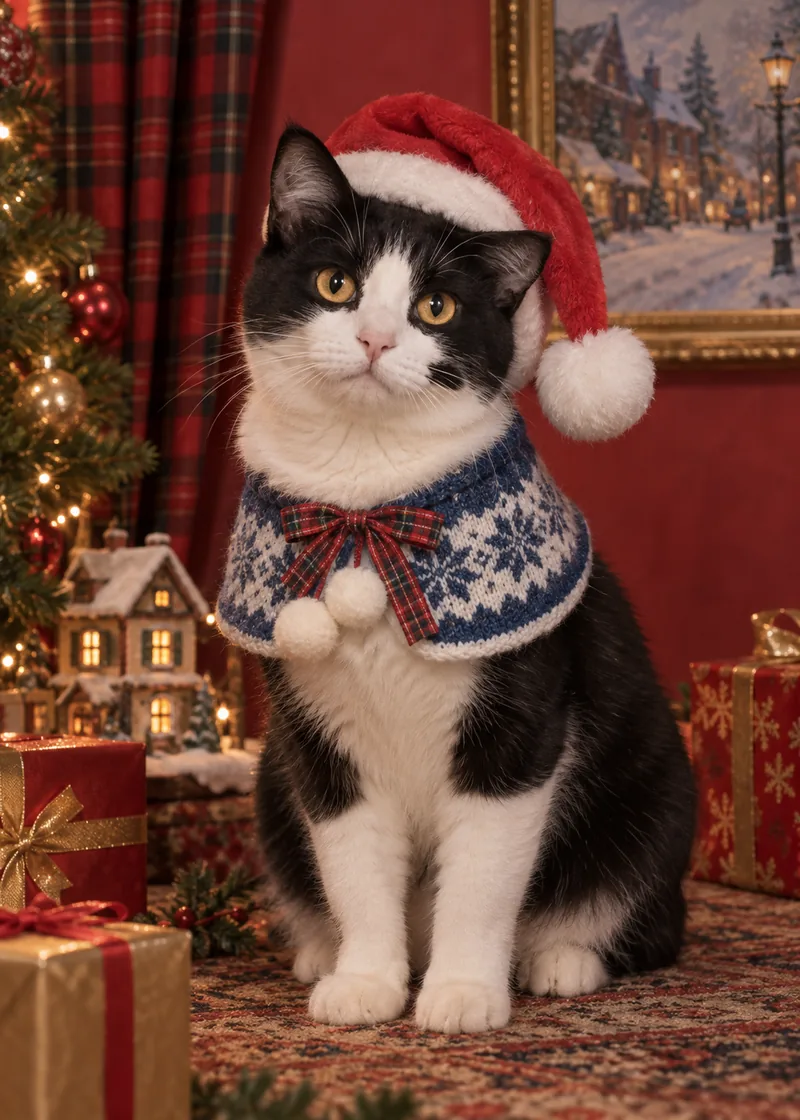
A playful vintage holiday fashion portrait with a clear classic Santa hat.
Use this style ↗ Pomly.io
A little festive mischief, a face you know. Turn your cat’s photo into a Christmas portrait, write a personal greeting and save the completed digital card.
1 free guest generation · No sign-up to try · Free results have a watermarkPreview uses your uploaded photo until the Christmas portrait is ready.
These are AI-generated examples for style reference. Your result uses your uploaded photo as the identity reference.
AI EXAMPLEA playful vintage holiday fashion portrait with a clear classic Santa hat.
Use this style ↗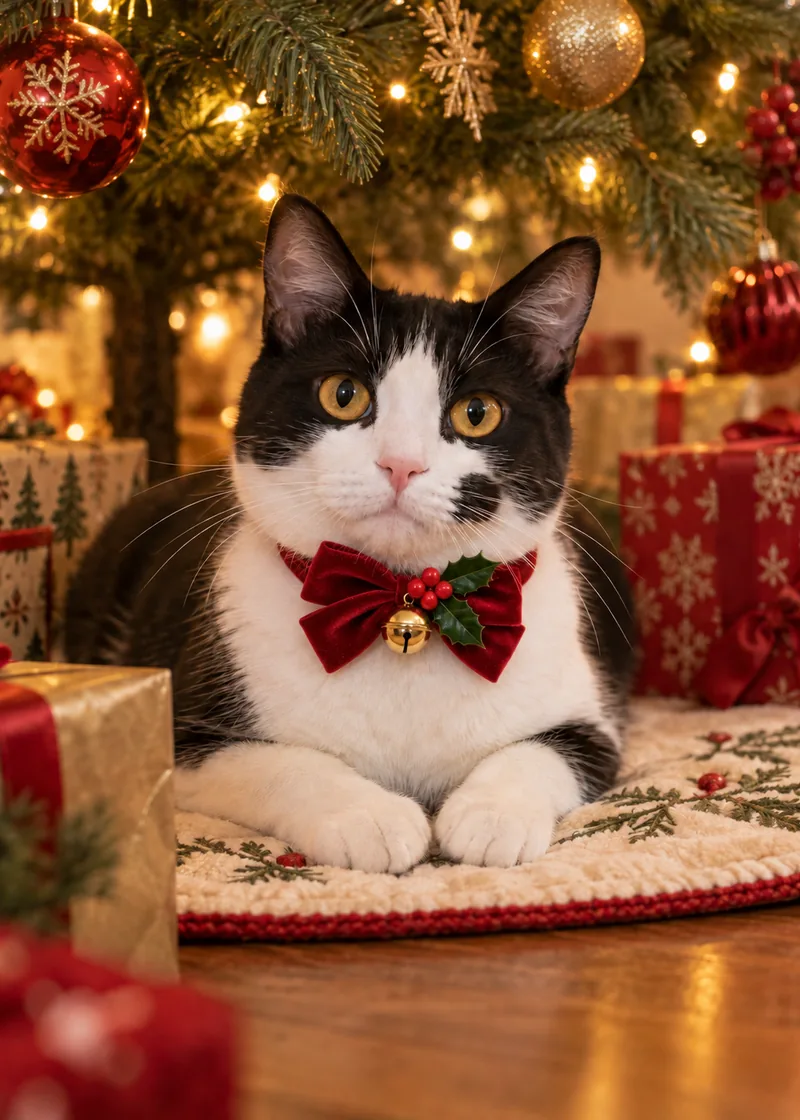 AI EXAMPLE
A warm tree-lit portrait with a red velvet bow, holly and a little gold bell.
Use this style ↗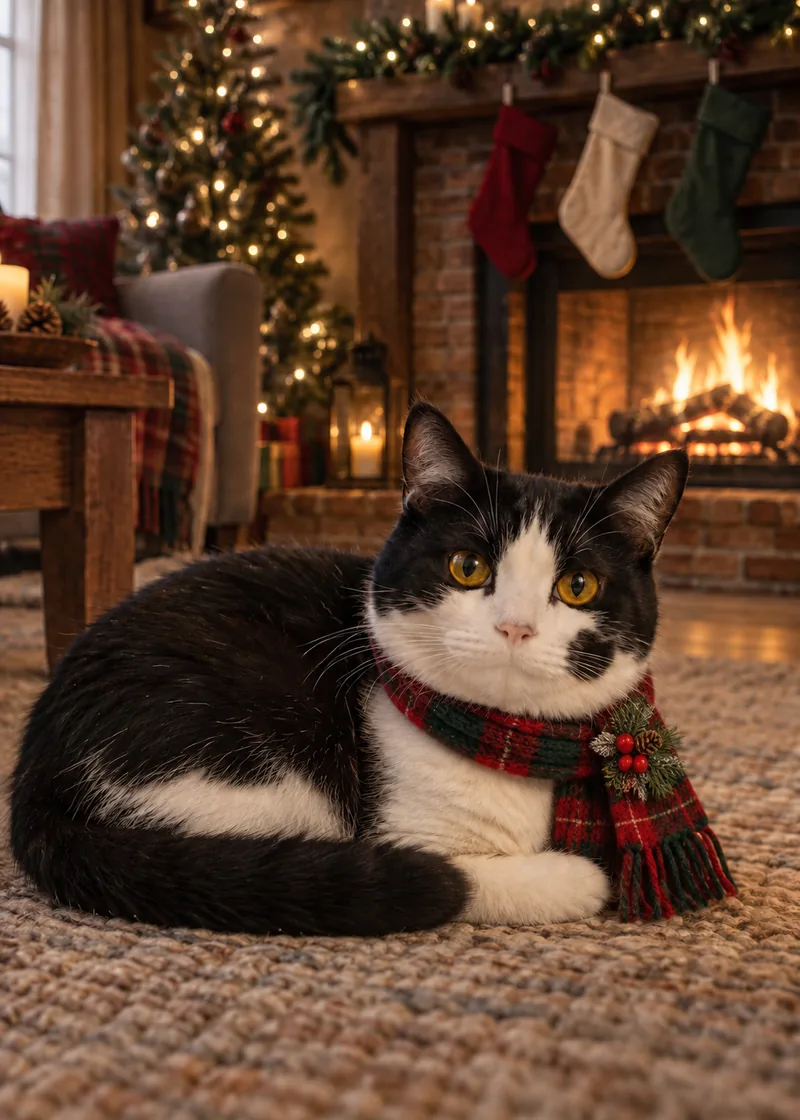 AI EXAMPLE
A fireside portrait with a red-green tartan scarf and a festive pine brooch.
Use this style ↗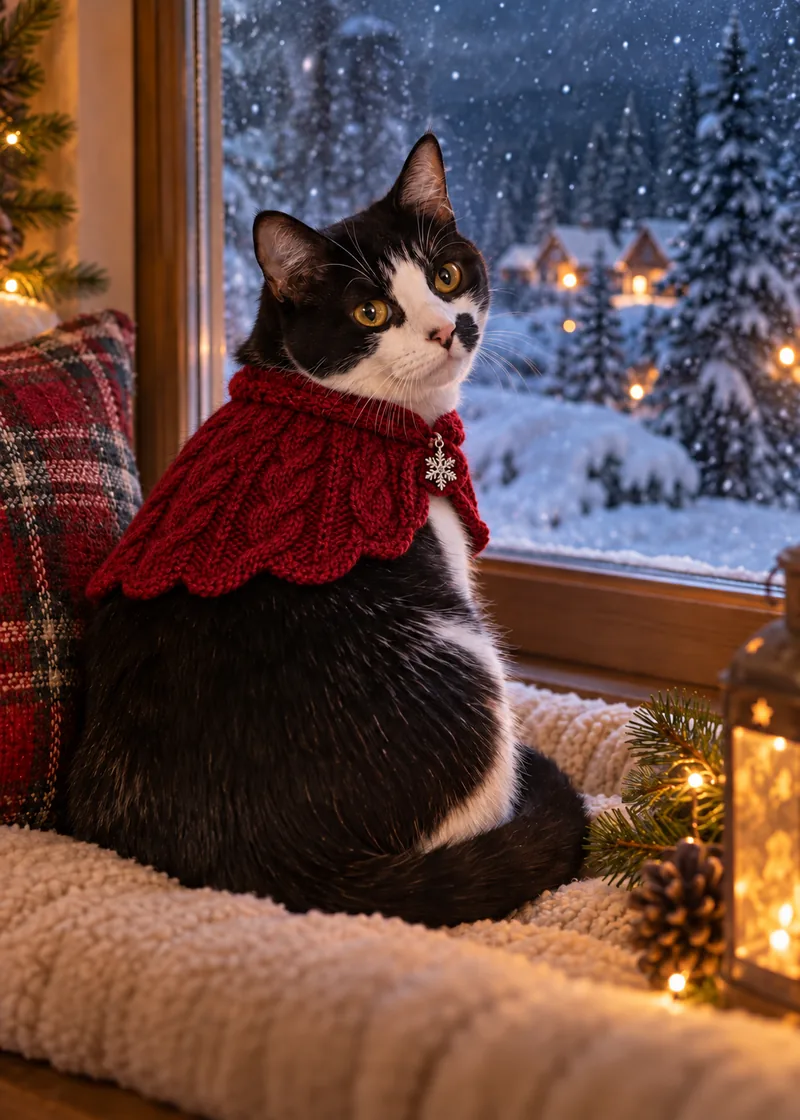 AI EXAMPLE
A snowy-window portrait with a berry-red knit cape and silver snowflake charm.
Use this style ↗Your Christmas portrait and greeting are combined in a JPG. Save the card to your device, attach it to a message, or use the share sheet where supported.
Choose a 5:7 portrait card (1400 × 1960 px) or a 7:5 postcard (2000 × 1400 px). Names, year and sign-off are optional. Text edits and re-exports do not use credits.
The source portrait is up to 1024 px on its longest edge; a larger card canvas does not add image detail. Try a small proof first. No print bleed, 300-DPI guarantee, physical cards or shipping.
A cat’s eye color, facial mask, nose color, ear tips and silhouette matter more than a generic feline look. Every Christmas prompt uses the uploaded cat photo as the sole identity reference.
Pick a sharp photo of one cat looking toward the camera, with eyes open and ear tips visible.
Choose a retro Santa portrait, a quiet spot under the tree, a cozy fireplace or a winter window scene.
Review the eyes, facial mask and whisker area. Add a sweet greeting or a feline pun, then personalize the name and year.
Export a completed JPG in the portrait or postcard layout. Save it before sharing in a message or family group chat.
Pick a line to put it straight into your card, then make it your own.
Focus on the eyes in gentle daylight. Avoid flash, which can obscure eye color with reflections or make your cat squint.
A clear front or slight three-quarter view helps preserve a tabby’s stripes, a tuxedo mask or a distinctive nose patch.
Avoid tight crops that cut off ear tips or the whisker area. A relaxed sitting pose is easier to read than a curled-up sleeping face.
Take the photo before adding decorations. There is no need to dress your cat or position them beside real candles, tinsel or a fireplace.
Start with one clear cat photo and pick a festive portrait look. After generation, add your words and choose a card layout. Download the resulting JPG with the portrait and greeting together.
Pair a festive portrait with “Official Christmas tree supervisor” or another greeting from the ideas below. You can edit the wording as often as you like without generating the image again.
Pomly uses your photo as the identity reference for eye color, nose, ears and facial markings. Small details can still change in an AI result. Check them before saving your final card.
You can upload either. Choose a photo where the face is not hidden by fluff, paws or shadows, and leave enough room for the full ear shape.
Yes. There is one free guest generation. Signing in adds two one-time welcome generations, independent of the guest allowance. Free and welcome results carry a watermark; neither allowance resets daily.
Sign in and buy the $9.90 pack of 60 successful generations. Images made with paid credits have no watermark, and purchased credits do not expire. Editing or exporting the same card does not consume more credits.
It is a JPG designed for digital sharing. You may try a small home print, but the file has no print bleed, PDF layout or guaranteed 300-DPI resolution. Check cropping and quality with your printer; physical cards are not sold or shipped here.
While the editor is open, change the greeting, name, year or sign-off and download again. Keep your original portrait so you have a local copy. The exported JPG is a flattened image, not an editable design file.
Please start with one cat. The current generation flow is not designed to preserve multiple pets reliably in the same portrait.
Wait for the status check if the connection is interrupted; the job may still be running. Confirmed failures do not cost a credit. Completed portraits are available for 30 days, so save your card locally.
Looking for a year-round keepsake? Explore cat portraits or custom pet portraits.
Making a card for another four-legged family member?
Create a dog Christmas card ↗