 AI EXAMPLE
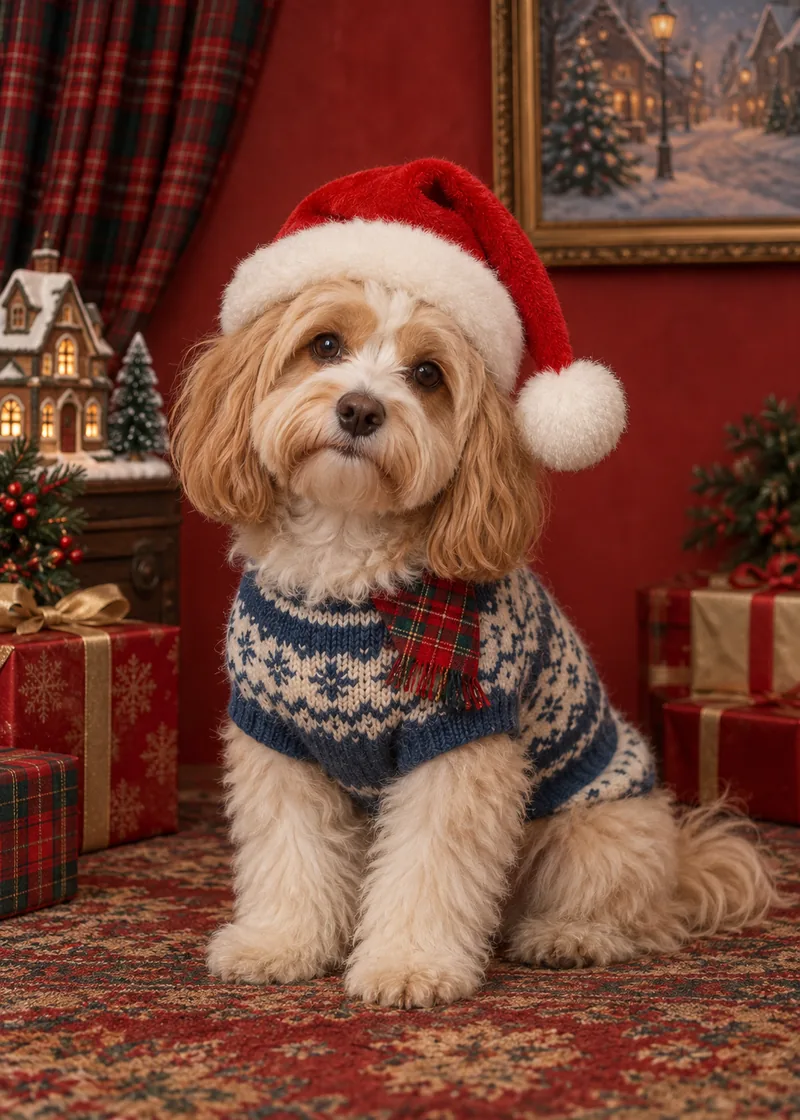
Retro Christmas Studio
A playful vintage holiday fashion portrait with a clear classic Santa hat.
Use this style ↗ Pomly.io
One familiar face. Four festive scenes. Upload your dog’s photo, make a Christmas portrait, then add your own words to a downloadable card.
1 free guest generation · No sign-up to try · Free results have a watermarkPreview uses your uploaded photo until the Christmas portrait is ready.
These are AI-generated examples for style reference. Your result uses your uploaded photo as the identity reference.
AI EXAMPLEA playful vintage holiday fashion portrait with a clear classic Santa hat.
Use this style ↗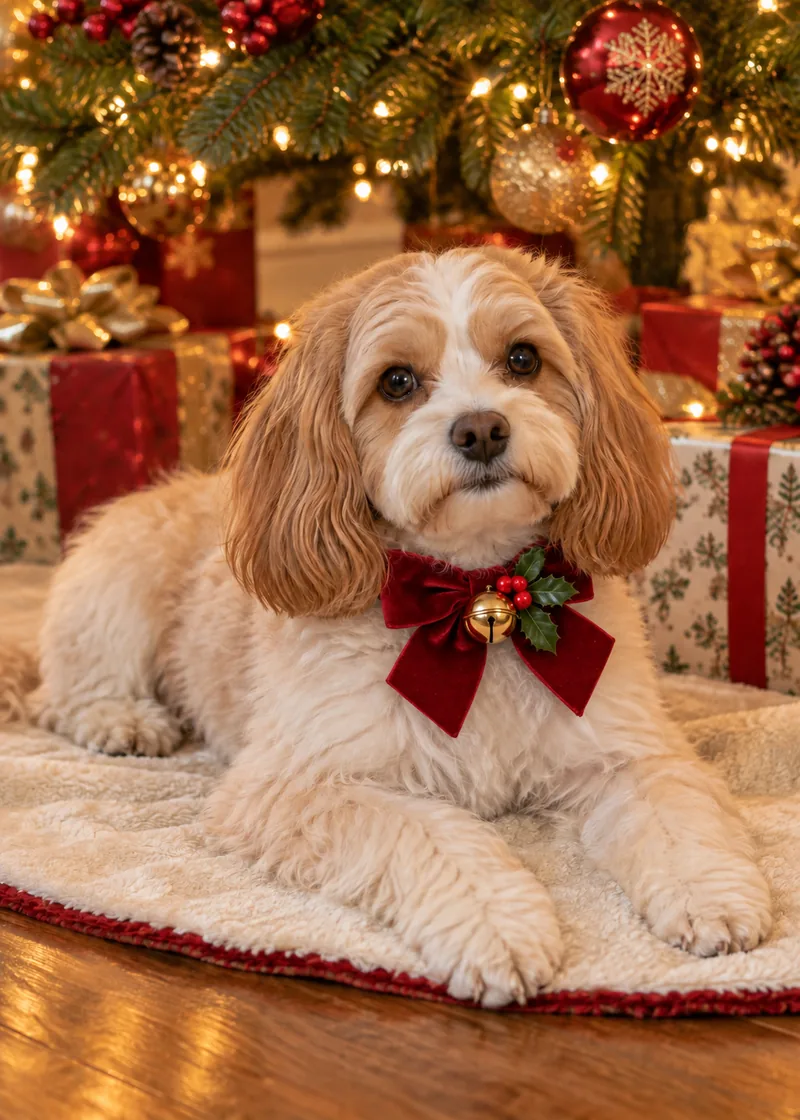 AI EXAMPLE
A warm tree-lit portrait with a red velvet bow, holly and a little gold bell.
Use this style ↗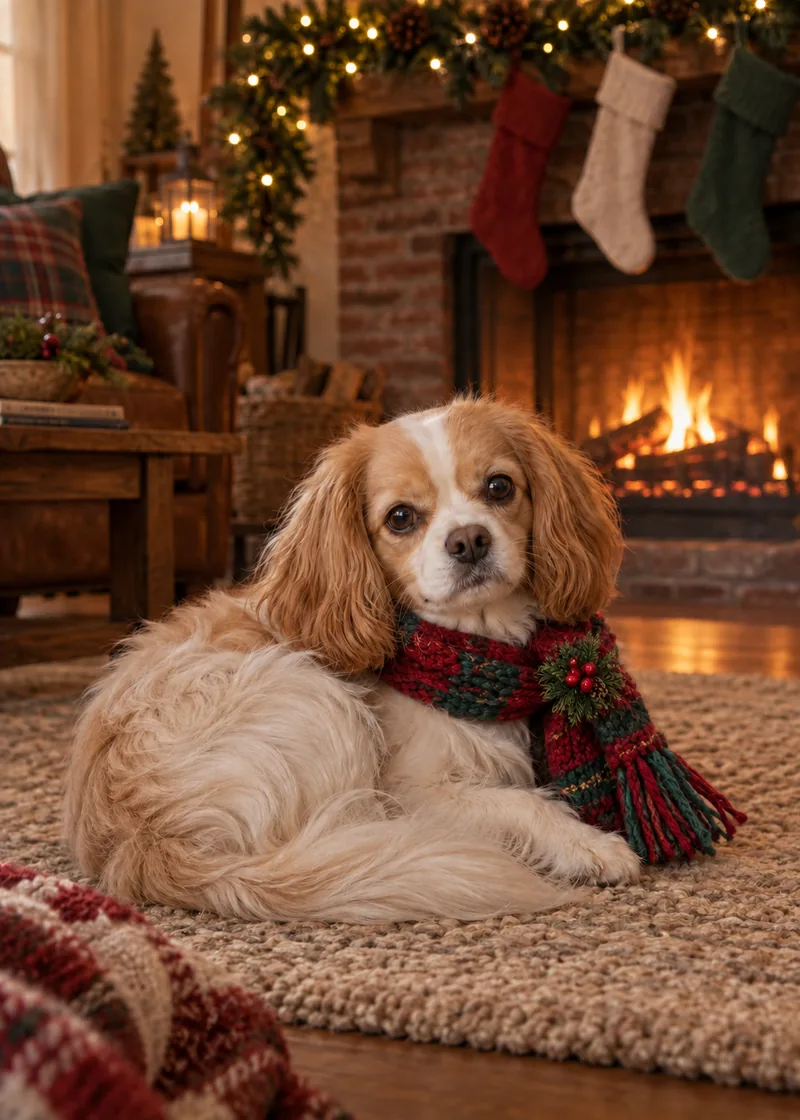 AI EXAMPLE
A fireside portrait with a red-green tartan scarf and a festive pine brooch.
Use this style ↗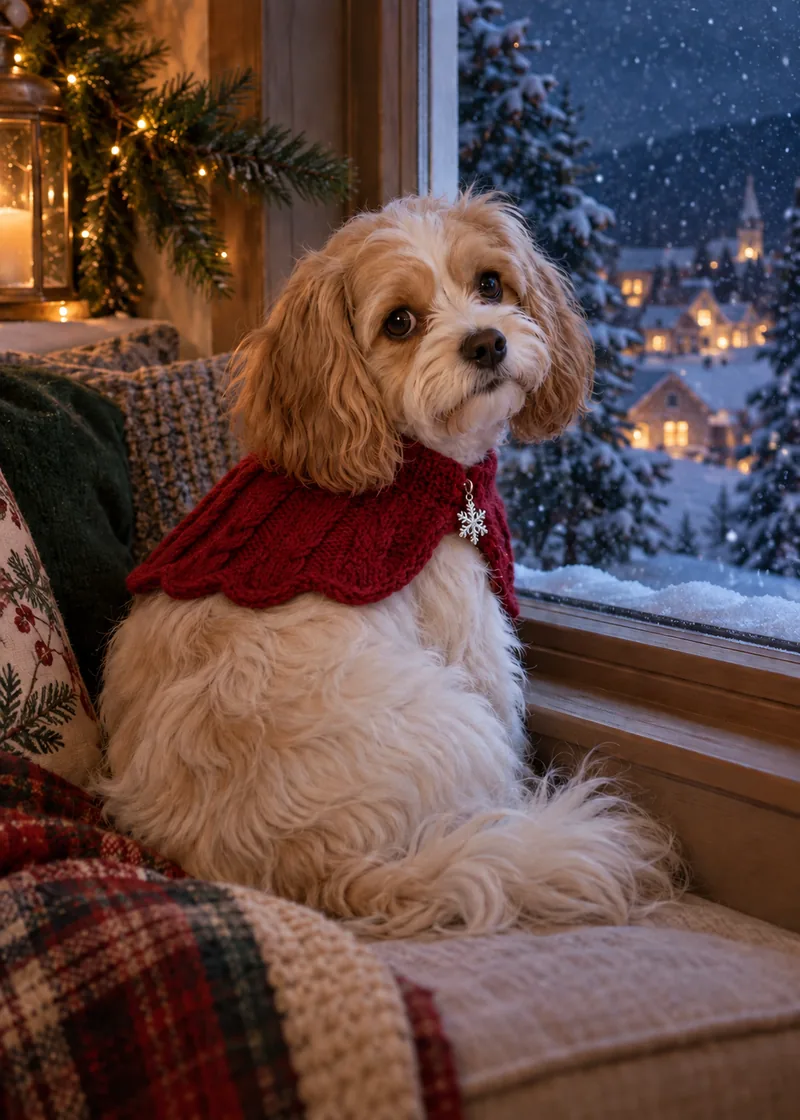 AI EXAMPLE
A snowy-window portrait with a berry-red knit cape and silver snowflake charm.
Use this style ↗Your Christmas portrait and greeting are combined in a JPG. Save the card to your device, attach it to a message, or use the share sheet where supported.
Choose a 5:7 portrait card (1400 × 1960 px) or a 7:5 postcard (2000 × 1400 px). Names, year and sign-off are optional. Text edits and re-exports do not use credits.
The source portrait is up to 1024 px on its longest edge; a larger card canvas does not add image detail. Try a small proof first. No print bleed, 300-DPI guarantee, physical cards or shipping.
A dog’s muzzle, ear set, coat pattern and familiar expression matter more than a generic breed look. Every Christmas prompt uses the uploaded dog photo as the sole identity reference.
Choose a sharp photo at your dog’s eye level, with the whole face and both ears in view.
Try a Santa hat in the retro studio, a velvet bow under the tree, a tartan scarf by the fire or a snowy window.
Check the muzzle, ears and markings in the result. Add a greeting, your dog’s name and an optional year in the card editor.
Choose a portrait or landscape layout and download the JPG. Send it to family or save a copy for your holiday album.
Pick a line to put it straight into your card, then make it your own.
A photo taken from above can exaggerate a long muzzle. Kneel down and keep the camera near your dog’s eyes.
Floppy ears, pointed ears and a tilted head all help make the portrait feel like your dog. Leave room around them.
Use soft daylight to reveal black fur, chest patches and brindle markings. Skip heavy filters and motion-blurred action shots.
You do not need to put your dog in a costume. Start with an unobstructed face; the selected look supplies the holiday styling.
Upload a clear photo of one dog, choose a Christmas style and generate the portrait. Then edit the greeting and sign-off, choose a layout and download the finished card.
Yes. Try the Retro Christmas Studio look with “Merry Woofmas!” or “Santa Paws is coming to town.” Your greeting stays editable without generating another portrait.
The photo guides the muzzle, ear shape, coat and markings. AI can still change details, so compare the finished portrait with your original before sharing it.
This tool is designed for one pet per photo. Use one dog for the most predictable result; a multi-dog composition is not currently supported.
Guests get one free generation without signing in. A signed-in account gets two separate, one-time welcome generations. Free results have a watermark; these allowances do not refresh daily.
Pomly offers a $9.90 pack of 60 successful generations. Purchased credits do not expire and paid-credit results have no watermark. Sign in to purchase; changing card text or exporting does not use another generation.
The download is a digital JPG, not a print-ready PDF. The portrait layout has a 5:7 ratio, but no bleed or guaranteed 300-DPI print quality. Test one small print and check your printer’s crop before making copies. Pomly does not print or ship cards.
Yes. Use the optional name and year fields alongside your greeting and sign-off. These are added to the card, not drawn into the AI portrait.
Download the JPG and attach it to your message. On supported devices, Share card opens the device share sheet; otherwise it downloads the file for you.
A confirmed failed generation does not use a credit. An interrupted request may still be processing; check its progress before retrying. Download your finished portrait within 30 days and keep a local copy of your card.
Looking for a year-round keepsake? Explore dog portraits or custom pet portraits.
Making a card for another four-legged family member?
Create a cat Christmas card ↗